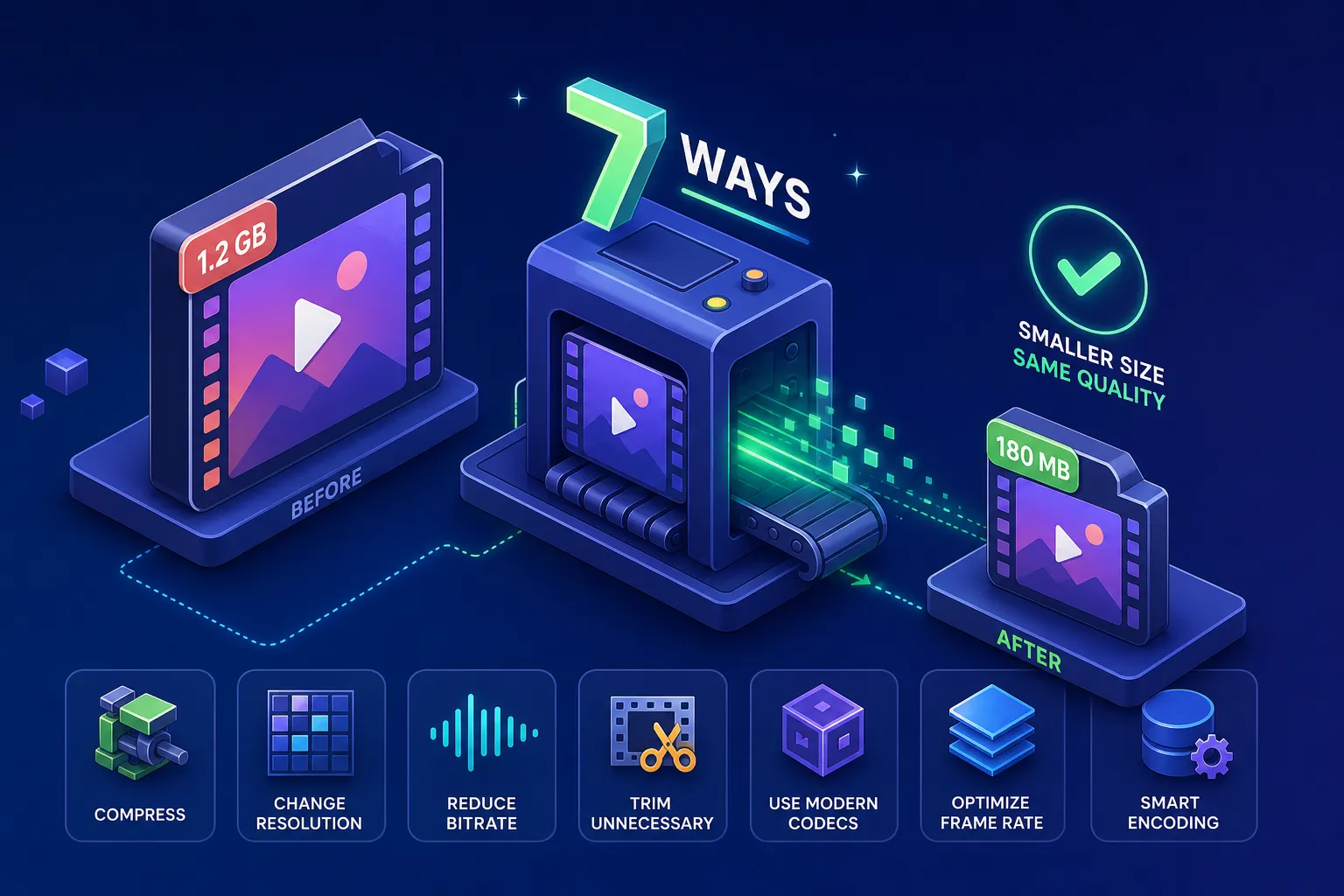
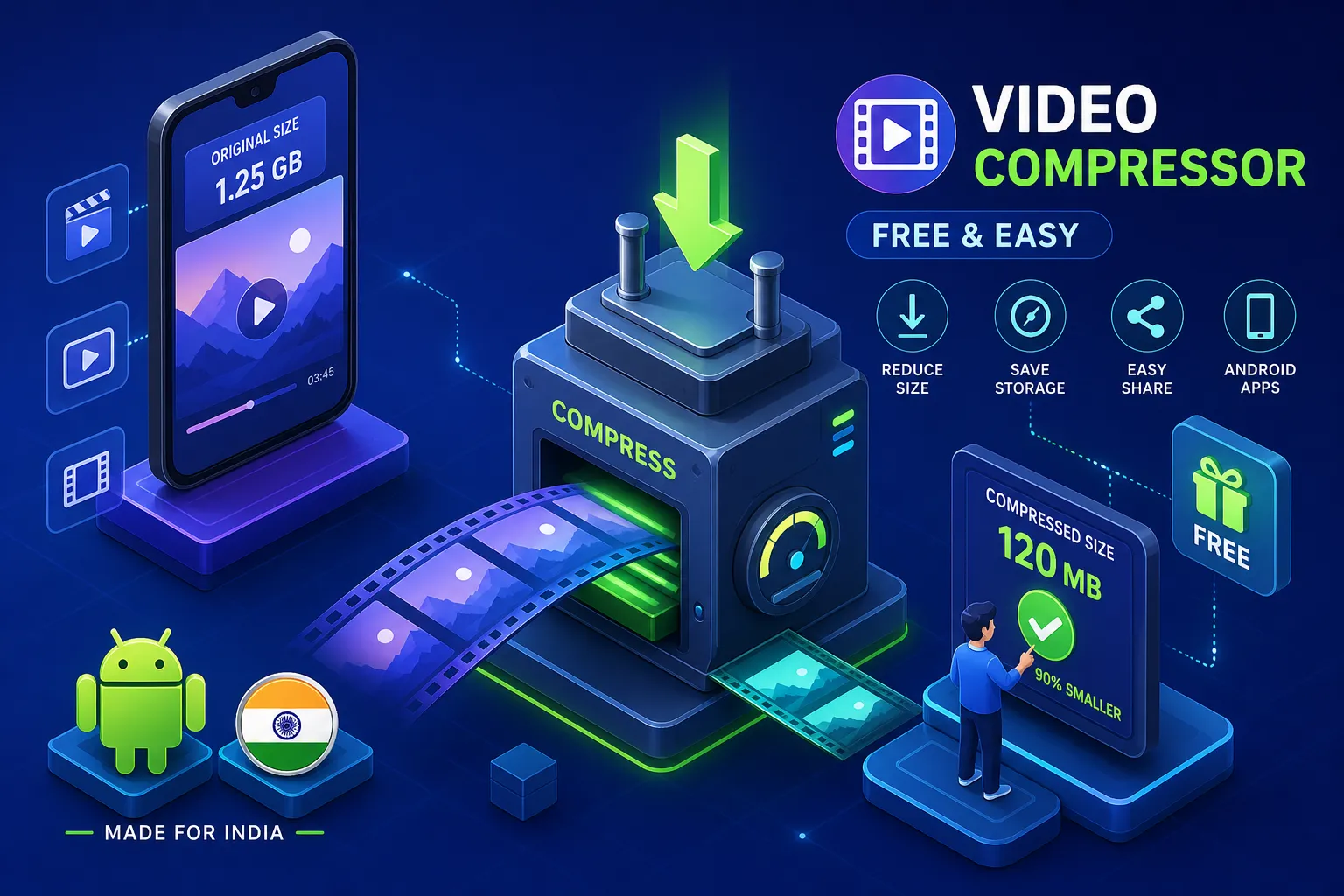
- The best free video compressor for Android in India 2026 depends on usage — batch vs occasional, privacy vs raw power.
- Panda & Inverse.AI lead on 4K + batch; YouCut & VidCompact lead on watermark-free exports.
- FastSaveMedia runs in-browser, processes on-device, and consumes no data during compression — ideal on 1.5–2 GB daily plans.
- Target ~85–90 MB at 720p H.264 to clear WhatsApp’s 100 MB media limit without visible quality loss.
- H.265 saves ~50% size vs H.264 but not every Android device decodes it smoothly — default to H.264 for WhatsApp shares.
You’ve just recorded a stunning 4K video at a cousin’s wedding. The colours are perfect, the moment is irreplaceable, and the file is 1.2 GB. WhatsApp won’t send it as media beyond 100 MB, your daily data pack is already half gone, and your mid-range Android phone is throwing storage warnings. Many Indian users face exactly this situation every week, which is why finding the best free video compressor for Android in India 2026 is more than a casual download decision.
The options available in 2026 range from capable offline apps on the Play Store to browser-based tools that compress your video without touching a remote server. Each approach involves genuine trade-offs around data consumption, privacy, watermarking, and device compatibility. This article gives you a tested, honest breakdown of seven options so you can make the right choice for your situation. If you’re a daily WhatsApp user or a content creator managing a batch of raw clips, the right pick is different, and so it is for anyone who doesn’t want personal footage uploaded to a third-party server.
One of those options, FastSaveMedia, takes a fundamentally different approach from the typical app. We’ll cover exactly how it works and who it suits best, alongside the most capable dedicated Android apps available right now.
What to check before you pick any Android video compressor
Most roundups list apps by Play Store rating and move on. That approach misses the criteria that actually matter for Indian Android users, where data plan limits, device age, and rising privacy awareness under India’s Digital Personal Data Protection Act (DPDPA) all shape what a “good” compressor means in practice.
Offline access, data usage and device compatibility
Offline compression matters most when your data pack runs out mid-task, something that happens frequently on the 1.5 GB or 2 GB daily plans common across tier-2 and tier-3 cities. App-based compressors work fully offline after a one-time installation, which is their key structural advantage. Browser-based tools do require an internet connection to load initially, but certain tools, including FastSaveMedia’s video compressor, are designed so that compression itself happens locally on the device. That means no file data travels over the network during the actual processing, though you should check any tool’s documentation to confirm how its processing works.
Android version requirements vary between apps. Older devices running Android 8 or 9 may not support hardware codecs such as H.265/HEVC that newer apps rely on for fast compression, because hardware decode support for those codecs was not standard on the lower-end SoCs common in that generation. Check the Play Store’s compatibility details before downloading if you’re on a device that’s more than three years old.
Watermarks, ads and what “free” actually means
The free-tier trap is real and frustratingly common in this category. Several apps that appear free on the Play Store add a visible watermark to every export, making the compressed file unusable for professional or social media purposes without paying for a subscription. Others restrict batch processing, cap output resolution, or bury the actual compression quality behind an upgrade prompt. We’ll name names in the free-tier section below, so keep reading before you download.
4K support, bitrate control and batch mode
Even if you don’t need 4K output, 4K input support matters because most modern Android cameras default to 4K recording. An app that can’t process a 4K source file is simply not fit for purpose in 2026. The core mechanism behind file size reduction is the video bitrate reducer, the setting that controls the data rate per second of video. When you select “high,” “medium,” or “low” quality in any compressor, that is the parameter you are adjusting. Batch mode is the differentiator for content creators: processing 15 raw clips one by one is genuinely painful, and the apps that handle batches in the background while you continue using your phone are worth knowing about.
If you also need to change aspect ratio for social platforms, a simple cropper that resizes to common formats helps before you compress. Try a quick online option like Crop Video Online Free, Resize to 9:16, 1:1, 4:5 & 16:9 | FastSaveMedia to convert footage to the right frame before reducing bitrate.
Best free video compressor for Android in India 2026, app picks
Panda Video Compress and Convert: the top-rated pick for raw capability
Panda Video Compress and Convert holds a strong rating with over 600,000 reviews and 10 million-plus downloads on Google Play, making it among the most reviewed dedicated video compressors in this category. Its batch compression mode processes multiple videos simultaneously on the free tier, it supports hardware codec acceleration for 4K UHD footage, and it works entirely offline after installation. For raw compression capability on an Android device, it combines breadth of features with significant user validation. Find Panda on Google Play if you want to check compatibility and current permissions before you install.
Two limitations are worth knowing before you download. First, Panda deletes the original file after compression by default, which can catch users off guard if they haven’t backed up the source. Second, the free tier adds a visible watermark to exported videos. If a clean, watermark-free export matters to you, either upgrade to the paid tier or consider an alternative from this list.
YouCut and VidCompact: for manual control over quality
YouCut and VidCompact serve a similar need: granular control over resolution, bitrate, and frame rate, rather than relying on an automated “recommended settings” mode. YouCut suits users who want to fine-tune compression settings carefully, particularly for short-form social media clips where visual quality at small file sizes is critical. VidCompact is the better choice when you need to compress a full batch with consistent output settings applied across every clip, for example, a series of Instagram Reels shot at the same location.
Neither app adds watermarks on their free tiers, which puts them ahead of Panda for users who need clean exports without paying. Both show interstitial ads between compression jobs, which is mildly disruptive but not a deal-breaker for occasional use.
Inverse.AI Video Converter: batch processing with background compression
Inverse.AI Video Converter is the most capable option for users who need a compressor that genuinely runs in the background while they continue using their phone. It supports offline operation, 4K video input and output, multiple codec options including H.265, and background compression, meaning you can queue up a batch of clips and set your phone aside while it processes. This is the pick for content creators who regularly deal with multiple raw video files and can’t afford to sit through compression one clip at a time.
The free tier restricts certain codec options and some export settings. This becomes relevant if you specifically need H.265 output for maximum compression efficiency; for general use at H.264, the free tier handles the task without a watermark.
FastSaveMedia: the browser-based option for privacy-first Android users
How it works directly in your Android browser
FastSaveMedia’s video compressor runs entirely inside your mobile browser, with no app installation and no account registration required. You open the site on Chrome or any Android browser, select a video from your phone’s gallery, set your compression preferences, and the processing takes place on the device itself. According to FastSaveMedia’s design, no file leaves your phone during compression. This is a technically meaningful distinction: unlike cloud-based compressors that upload your footage to a remote server and stream the output back, FastSaveMedia is built around local processing using your device’s own resources.
Why the no-upload approach matters for Indian users in 2026
Consider the data arithmetic. Uploading a 300 MB video clip to a cloud compressor on a 1.5 GB daily data plan consumes roughly 300 MB of your allowance before the compressed file even downloads back to your device, effectively wiping out a fifth of your day’s data on a single task. A tool that eliminates that round trip means the only data transfer is loading the tool itself, which is a fraction of that cost. For users in cities where daily data packs between 1 GB and 2 GB are the norm, this is not a minor convenience; it is a material saving.
The privacy angle is increasingly relevant in 2026, particularly after India’s DPDPA raised public awareness about where personal data goes. Personal videos, family footage, and work recordings contain sensitive content and metadata that users have genuine reasons to keep off third-party servers. A client-side architecture means there is no server collecting your data, because your files never reach one.
Where it fits versus dedicated Android apps
FastSaveMedia is not a replacement for Panda or Inverse.AI when you need to batch-compress 20 raw clips at once, or regularly process 4K footage in the background while working on other tasks. For high-volume, background-running batch workflows, a dedicated app remains the right tool. For compressing one or two videos occasionally, especially when privacy matters, when you’d rather not grant permanent camera roll permissions to another app, or when you’re on a tight data plan, FastSaveMedia is a practical alternative. It exports without a watermark, requires no signup, and consumes no data during the compression itself.
| Tool | Watermark on free | Ads | 4K input | Runs offline |
|---|---|---|---|---|
| Panda Video Compress | Yes | Some | Yes | Yes |
| YouCut | No | Interstitial | Yes | Yes |
| VidCompact | No | Interstitial | Yes | Yes |
| Inverse.AI | No (H.264) | Minimal | Yes | Yes |
| FastSaveMedia (browser) | No | No | Yes* | On-device processing |
Free-tier reality check: watermarks, ads and hidden paywalls
Apps with genuinely no watermark on free exports
YouCut, VidCompact, and Inverse.AI (at H.264 output) all export without watermarks on their free tiers. This is one area where free Android video compressors generally outperform free AI video tools, which almost universally watermark on free tiers. FastSaveMedia also exports without any watermark, consistent with its positioning as a permanently free tool with no paid upgrade tier.
Where paywalls and ads actually show up
Panda’s free tier caps batch processing and adds a watermark to exports. Interstitial ads appear between compression jobs in both YouCut and VidCompact on their free tiers, adding a few seconds of friction per task. Inverse.AI gates certain codec options and advanced export settings behind its paid plan. FastSaveMedia has none of these restrictions: no ad interruptions, no batch limits, no codec paywalls, and no account requirement, though you should verify current terms on the FastSaveMedia website, as free-tier conditions can change.
Real compression numbers: how much will these tools actually shrink your video?
What to expect at 4K, 1080p and 720p with recommended settings
The figures below are illustrative benchmarks based on typical source and target bitrates rather than lab-verified data, and results will vary depending on source footage and device. At 4K, compressing from a 40 Mbps source to a 12.5 Mbps target delivers roughly 69% file size reduction. At 1080p, recommended settings typically achieve around 20% reduction, which has diminishing returns unless you drop the output to 720p, where reduction reaches approximately 33%. The reason 4K footage sees the largest percentage reduction is that the higher source bitrate gives far more headroom to compress against.
In practical WhatsApp terms: a 300 MB video that fails to send as media becomes an 85, 90 MB file that sends instantly. WhatsApp’s media limit for Android is 100 MB at 720p, so hitting that threshold is the real target for most Indian users, not achieving the highest possible compression ratio. If you need to bypass the limit or send long videos via WhatsApp, see tips on how to send large videos on WhatsApp without losing quality.
| Source | Target | Approx. reduction | Best for |
|---|---|---|---|
| 4K @ 40 Mbps | 4K @ 12.5 Mbps | ~69% | Archival & YouTube |
| 1080p (recommended) | 1080p (medium) | ~20% | Instagram Reels |
| 1080p | 720p H.264 | ~33%+ | WhatsApp (<100 MB) |
The codec question: H.264 versus H.265 on Android
Apps like Inverse.AI and Panda support H.265 (HEVC), which delivers roughly 50% better compression efficiency than H.264 at the same visual quality. This is significant for users who want maximum size reduction without visible quality degradation. The practical caveat is that not all Android devices can hardware-decode H.265 smoothly, which matters if the recipient of your compressed video is on an older phone. For WhatsApp sharing to a general audience, H.264 remains the safer output choice; for personal archiving or sharing within a known device ecosystem, H.265 is worth using. For deeper technical guidance on encoder settings, bitrates and container choices, consult a concise video encoding best practices guide.
How to choose the best free video compressor for Android in India 2026
For WhatsApp sharing and quick social media exports
If you send videos on WhatsApp daily and want a reliable offline app with strong 4K support and batch capability, install Panda and upgrade to remove the watermark if clean exports matter to you. If you compress videos a few times a week and want no data consumed during compression and no permanent app permissions granted to your camera roll, use FastSaveMedia directly in Chrome. It loads, compresses, and saves the file to your gallery without sending anything to a remote server.
For batch compression and content creator workflows
Inverse.AI is the clear choice for content creators who need to compress multiple raw clips in the background while editing other footage on the same device. VidCompact suits creators who need consistent output settings across a full batch, particularly when the output resolution and bitrate need to be identical across every clip in a series. Both run offline, both handle 4K input, and both give you meaningful control over the output parameters. Creators who also plan workflows and scripts may find the Free AI Content Idea & Script Generator for Instagram, TikTok & YouTube | FastSaveMedia useful for planning uploads and edit sequences before batch compression.
For privacy-first and data-light compression
FastSaveMedia is the straightforward recommendation here. Anyone concerned about personal video privacy, operating on a tight daily data plan in a tier-2 or tier-3 city, or unwilling to create an account to compress a single file will find it the most practical option in 2026. It processes everything locally, costs nothing, and requires no account or app installation.
7 Free Android Video Compressors Compared (India, 2026)
| Tool | Type | Best for | Watermark | Data-light? |
|---|---|---|---|---|
| Panda Video Compress | Android app | 4K + batch power | Yes (free) | Offline |
| YouCut | Android app | Manual quality control | No | Offline |
| VidCompact | Android app | Consistent batch settings | No | Offline |
| Inverse.AI | Android app | Background batch, H.265 | No (H.264) | Offline |
| FastSaveMedia | In-browser | Privacy + no data cost | No | On-device |
| VEED (cloud) | Cloud web | Desktop workflow | Varies | Uploads file |
| WhatsApp built-in | Native | Emergency shrink | No | On-device |
The decision comes down to your usage pattern
The best free video compressor for Android in India 2026 is not a single app. The right choice depends on how often you compress video and what your data plan and privacy preferences allow. For regular, high-volume batch workflows, install Panda or Inverse.AI. Both are capable, offline-ready, and handle 4K without drama.
For occasional compression where privacy and data conservation matter, open FastSaveMedia in your Android browser and run the compression directly on your device. Nothing to download, no account to create, no data consumed during processing, and no watermark on the output. Try it on one video first, compressing a file without uploading it is a noticeably different experience from cloud-based tools. If you are open to cloud editors as an alternative, lightweight Android compressors such as VEED’s Android video compressor are available, but remember that cloud-based services may upload your footage unless they state otherwise.
Quick Pick Checklist
- Need 4K + batch power: Panda or Inverse.AI
- Need clean, watermark-free exports: YouCut, VidCompact or FastSaveMedia
- Tight on daily data: FastSaveMedia (no upload, on-device processing)
- WhatsApp under 100 MB: target 720p H.264 at medium bitrate (~85–90 MB)
- Older Android phone: stick to H.264 output for smooth playback
Compress a video right now — no app, no signup, nothing leaves your phone.
Try FastSaveMedia’s Free Video CompressorFrequently Asked Questions
What is the best free video compressor for Android in India in 2026?
There is no single best app — the right pick depends on usage. For high-volume offline batch compression choose Panda Video Compress and Convert or Inverse.AI Video Converter. For clean, watermark-free exports without an account choose YouCut or VidCompact. For privacy-first, data-light compression that runs entirely on your device with no upload, use FastSaveMedia's in-browser video compressor.
Which free video compressor for Android does not add a watermark?
YouCut, VidCompact and Inverse.AI (at H.264 output) export without a watermark on their free tiers. FastSaveMedia's browser-based compressor also exports without any watermark and requires no account or app installation.
How can I compress a video for WhatsApp on Android without losing quality?
Target roughly 85–90 MB at 720p H.264 to stay under WhatsApp's 100 MB media limit while keeping visible quality intact. Use Panda, YouCut or FastSaveMedia's in-browser compressor and pick the '720p / medium bitrate' preset instead of the lowest setting — that hits the WhatsApp limit without the grainy look of over-compression.
Is it safe to upload personal videos to online video compressors?
Cloud-based compressors upload your file to a remote server for processing, which raises privacy concerns under India's DPDPA. In-browser tools that process locally on your device — such as FastSaveMedia's video compressor — avoid this because the file never leaves your phone during compression.
H.264 vs H.265 on Android — which should I use in 2026?
H.265 (HEVC) delivers roughly 50% better compression efficiency than H.264 at the same visual quality, but not every Android device can hardware-decode it smoothly. For WhatsApp sharing to a general audience use H.264 for compatibility; for personal archiving or sharing within a known device group, H.265 is worth using.
How much data does an online video compressor use in India?
A cloud compressor uploads your source file and downloads the compressed result — a 300 MB clip can consume roughly 300 MB of your daily data pack before you even receive the output. An in-browser tool such as FastSaveMedia only downloads the page itself; the compression happens on-device with no further data cost.
Which free Android video compressor supports 4K and batch mode?
Panda Video Compress and Convert supports 4K UHD input with hardware codec acceleration and batch compression on the free tier (with a watermark). Inverse.AI Video Converter supports 4K input/output plus true background batch processing so you can queue clips and keep using your phone.