Brightness 100%
Timer Mode

Set a timer for fullscreen display. Useful for timed screen tests and ambient lighting sessions.

Green Screen background

px
×
px
#00FF00
Custom Color
Opens one color window per detected screen. Drag & fullscreen each.
Free & Browser-Based

Free Online Screen Savers – No Download Required

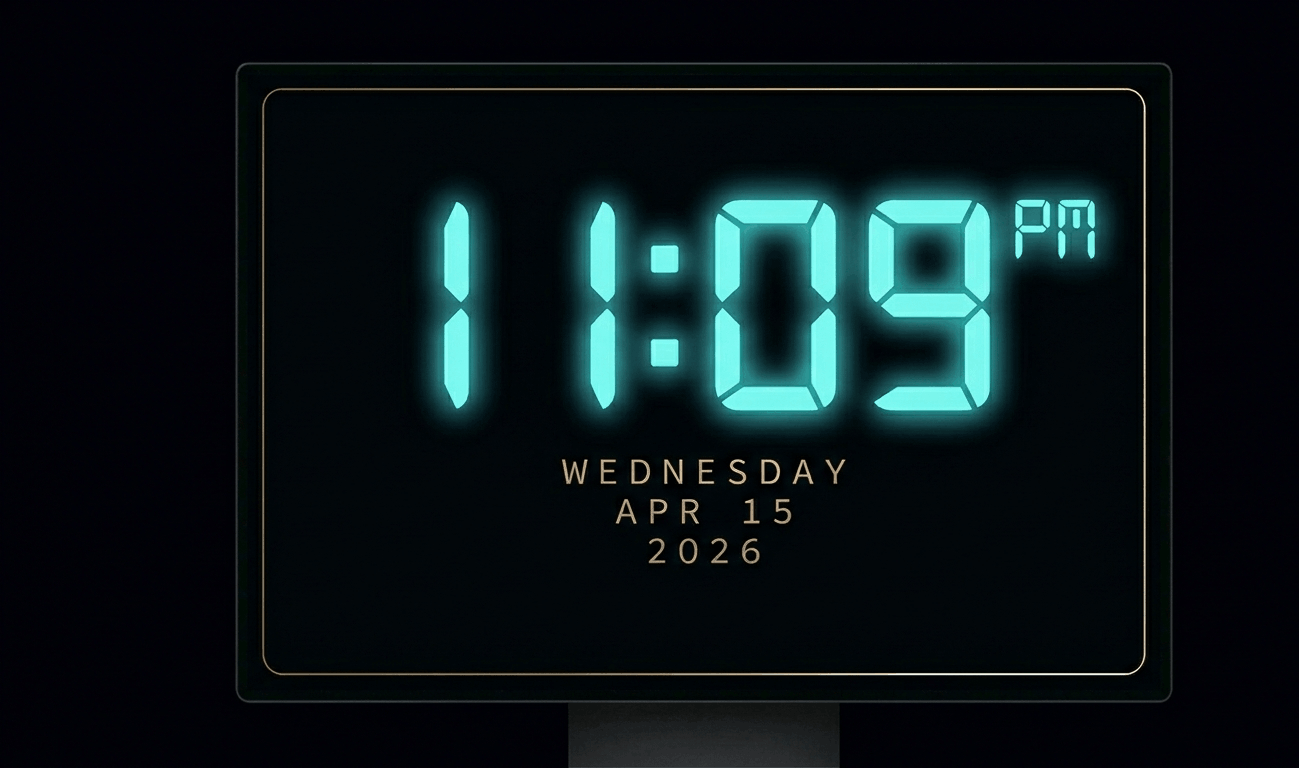
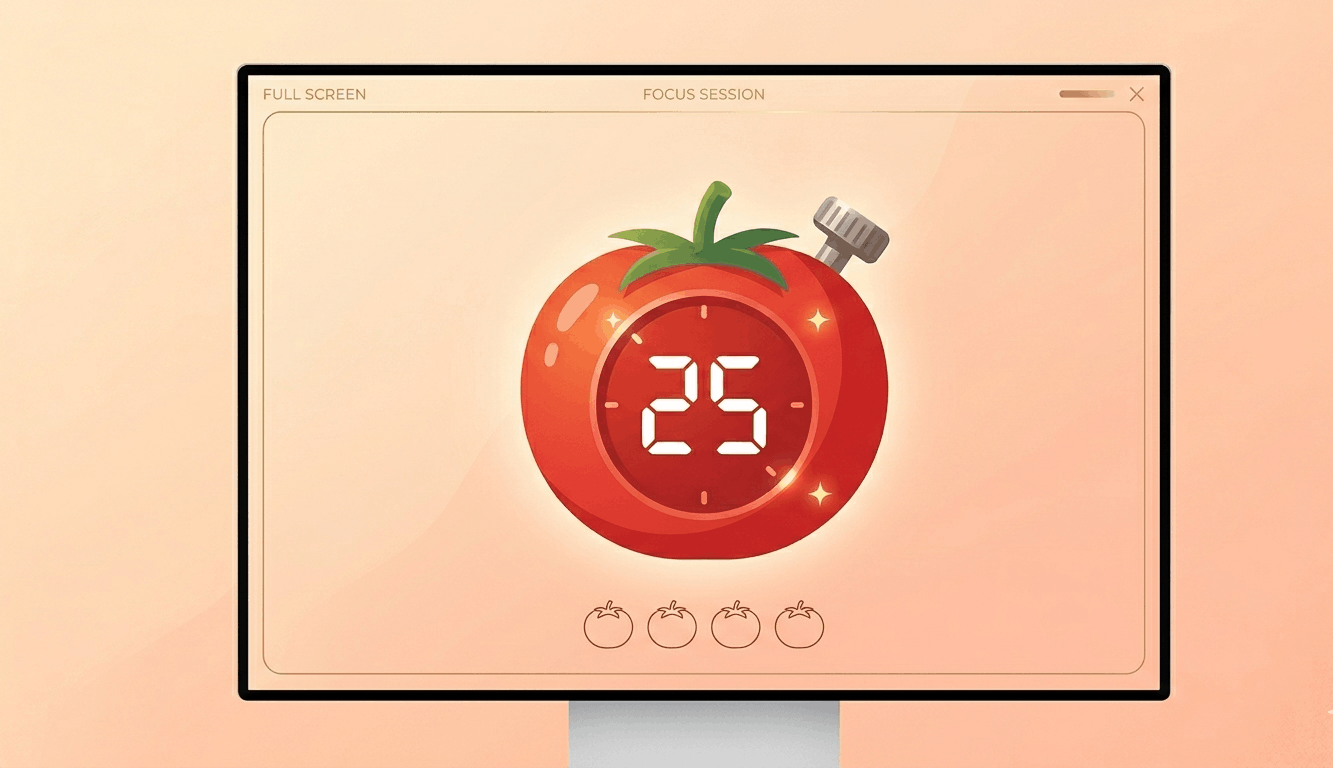
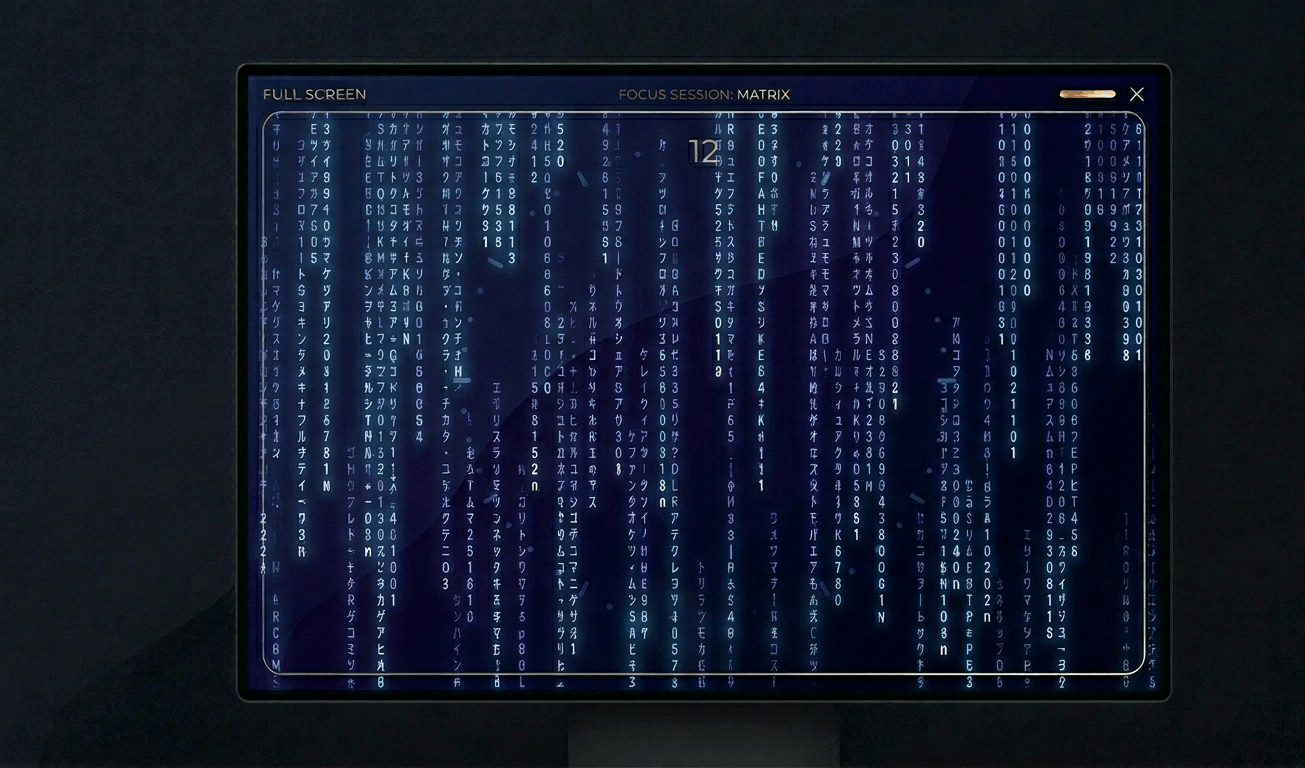
Transform your display with beautiful, interactive screensavers that run right in your browser. Choose from digital clocks, productivity timers, ambient animations, and mesmerizing visual effects — perfect for idle screens, desk displays, presentations, and relaxation.

Free Prank Tool

Fake Update Screens – Free Online Prank Tools

Realistic fullscreen prank screens — BSOD, Windows updates, Ubuntu upgrades, iOS updates, and hacker terminals. Launch any screen fullscreen and watch your friends panic. Press ESC to exit anytime.

Screen Testing Tools

Auto Color Cycle

Rapidly cycle through colors to help fix stuck pixels. Run for 20–30 minutes for best results.

OLED Burn-in Test

Display a moving pattern to detect and reduce OLED burn-in artifacts on your screen.

Gradient Smoothness Test

Display smooth gradients to check for color banding and bit-depth issues on your monitor.

Checkerboard Pattern Test

Display pixel-level checkerboard patterns to test monitor sharpness and pixel response.

Pixel Response Time Test

Flash rapid black/white transitions to evaluate pixel response time and ghosting.

Viewing Angle Test

Display color bands to help evaluate your monitor's viewing angle consistency.

Gray Uniformity Test

Display 50% gray to reveal backlight hotspots, clouding, and brightness non-uniformity.

Color Accuracy Checker

Display reference color swatches to compare against known standards for calibration checks.

Multi-Monitor Detection

Detect connected displays and open fullscreen color on all screens simultaneously.

Drag each window to a different monitor, then click Go Fullscreen inside it.
Detected Screens
Click "Refresh" to detect…

About Green Screen

A green screen serves dual purposes: display testing and content creation. For pixel testing, a pure green screen isolates the green sub-pixel channel, revealing defects specific to the green component. Since the human eye is most sensitive to green light, green sub-pixel defects can be particularly noticeable in everyday use.\n\nFor content creators, a fullscreen green display turns any monitor into an improvised chroma key background. While not as effective as a physical green screen fabric (due to screen glare and limited size), it can work for headshot-style recordings, quick social media clips, or prototyping chroma key setups before investing in professional equipment.\n\nGreen is also the dominant color in most display technologies. LCD panels have more green sub-pixels than red or blue in certain arrangements (like PenTile), making green screen testing especially important for smartphones and tablets.\n\nFor ambient lighting, green provides a calming, nature-inspired atmosphere. Studies suggest exposure to green light can reduce stress and improve mood, making it suitable for relaxation spaces.

Frequently Asked Questions – Green Screen

For quick video calls or social media content, a fullscreen green display can work as a basic chroma key background. For professional work, a physical green screen provides better results due to even lighting.

The human eye is most sensitive to green wavelengths. Green sub-pixel defects are more noticeable in daily use, so testing with a pure green screen helps catch issues early.

This is pure green at #00FF00, which is the standard sRGB green used in display testing and chroma key applications.

Research suggests green light exposure may reduce stress and anxiety. A green screen can provide calming ambient lighting for meditation or relaxation spaces.