Trusted by 500K+ Users Worldwide

Instagram Video Downloader – Fast & Free HD Downloads

Download Instagram Reels, Videos, Stories, Photos & IGTV in HD quality. Paste any Instagram URL and save instantly — 100% free, Original quality downloads, no registration required. If you're facing issues, read our guide on why Instagram videos fail to download .

Advertisement
15M+
Downloads
500K+
Happy Users
4.9★
User Rating
99.9%
Uptime

Why Choose Our Instagram Downloader?

The most powerful, fast & secure way to download Instagram videos, reels, stories & photos in original HD quality.

Lightning Fast Downloads

Advanced processing engine delivers instant Instagram video downloads in seconds.

100% Private & Secure

We never store your downloads or personal data. SSL encrypted for your safety.

Original HD Quality

Download Instagram videos in their original resolution without any compression.

Unlimited & Free Forever

No login, no subscriptions, no download limits. Completely free Instagram saver.

How to Download Instagram Videos

Save Instagram reels, stories, photos & videos in 3 simple steps. Works on Android, iPhone & Desktop.
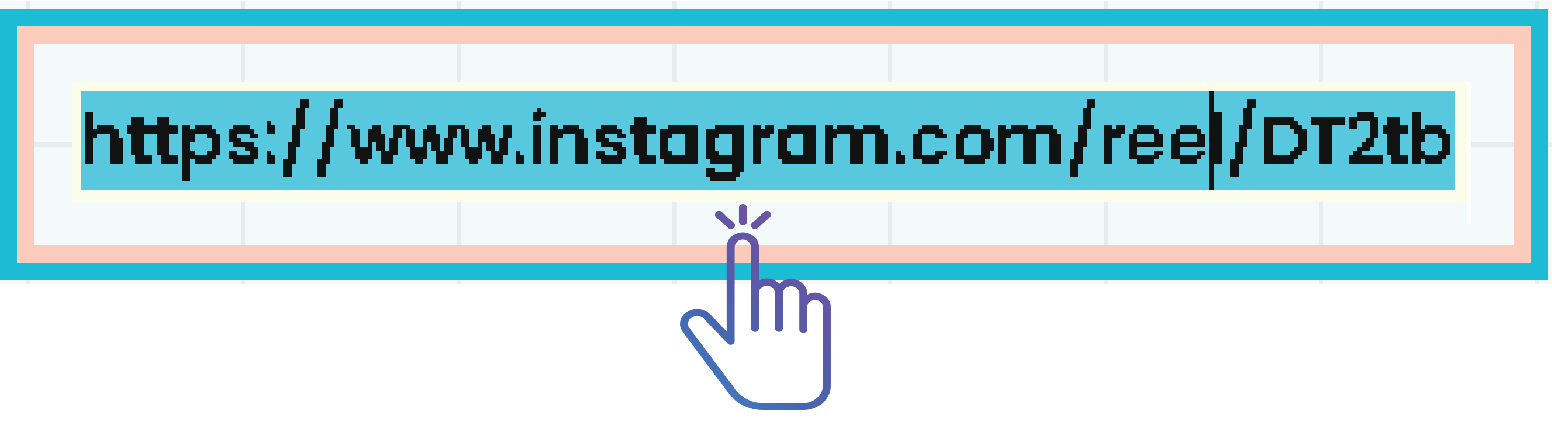
Copy Instagram video link from app

Step 1: Copy the Link

Open Instagram app, find your video/reel/story, tap the ⋯ menu and select "Copy Link".
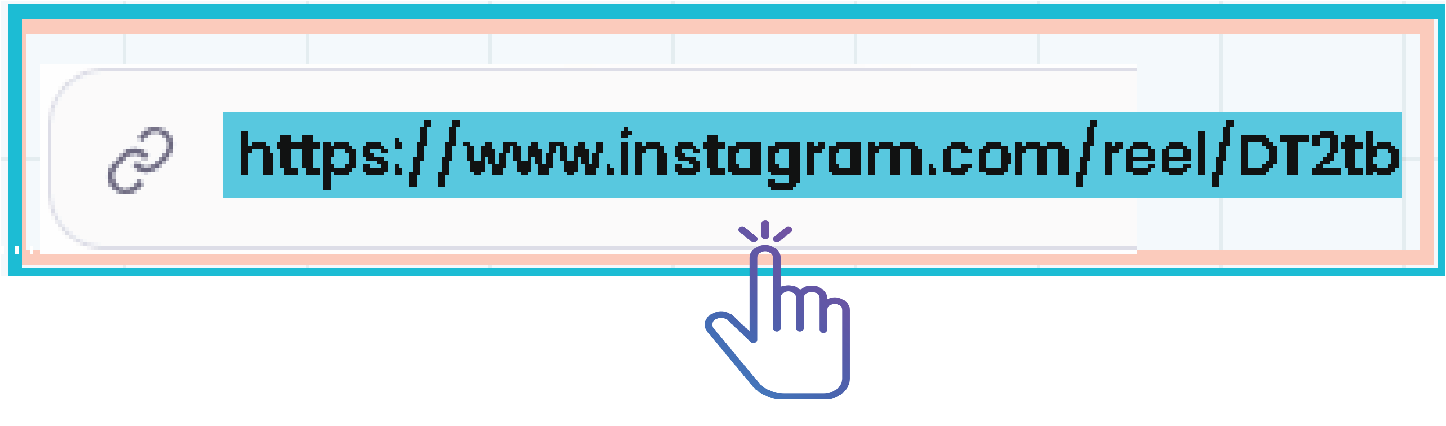
Paste Instagram URL into downloader

Step 2: Paste & Process

Paste the Instagram URL into our downloader above and click the "Download HD" button.

Save Instagram video to device

Step 3: Save to Device

Choose your preferred quality and save the video directly to your phone, tablet or computer.

Advertisement

Latest Instagram Tips & Troubleshooting Guides

Download All Instagram Content

Our tool supports all types of Instagram media – videos, reels, stories, photos, IGTV, and profile pictures.

Instagram Videos

Download any Instagram video post in high quality. Save videos directly from public posts using a link. Fast, free, and works on all devices.

Instagram Reels

Download trending Instagram Reels in HD format. Save reels instantly for offline viewing and personal use. No login required.

Instagram Stories

Download Instagram stories before they disappear. Save story videos and photos in original quality. No app required, simple and secure.

Instagram Photos

Download Instagram photos in full resolution. Save single posts or carousel images easily. Keep original quality without compression.

IGTV Videos

Download long-form IGTV videos effortlessly. Save high-quality IGTV content for offline access. Supports fast and reliable downloads.

Profile Pictures

Download Instagram profile pictures in full size. View and save profile photos in HD quality. No login needed, instant access.

The Complete 2025 Guide to Downloading Instagram Videos, Reels & Stories

Welcome to the most comprehensive Instagram downloader guide on the internet. At fastsavemedia.com, we've built a powerful all-in-one tool that enables you to save any media from Instagram. Whether you need an Instagram video downloader for offline viewing, an Instagram reel downloader to capture viral trends, or a reliable way to archive stories, photos, and IGTV content, you're in the right place.

Helpful Instagram Guides & Tutorials

Why You Need an Instagram Video Downloader in 2025

Instagram is the world's leading platform for visual content, with over 2 billion monthly active users sharing videos, reels, stories, and photos daily. However, the platform does not provide a built-in download option. Many users also experience issues like Instagram videos not downloading , which can usually be fixed with a few simple steps. This creates a clear need for a reliable third-party tool like our Instagram Video Downloader .

  • Digital Archiving & Memory Keeping: Save precious moments from weddings, birthdays, travel adventures, or family milestones before Instagram stories disappear after 24 hours. Create a personal digital archive of your favorite content.
  • Content Creation & Research: Marketers, influencers, and content creators use our IG video downloader to analyze trends, create compilations, or reference competitor strategies (always with proper attribution).
  • Offline Entertainment: Download Instagram reels and videos for offline viewing during flights, commutes, or areas with poor internet connectivity. Perfect for workout tutorials, recipes, and educational content.
  • Backup Your Own Content: Instagram isn't a backup service. Protect your original videos and photos by downloading them in original quality using our tool before any account issues occur.
  • Educational Purposes: Teachers, students, and researchers can save educational content, tutorials, and informative reels for study purposes.
Advertisement

Complete Tutorials: Download Every Type of Instagram Content

Our platform is designed for maximum simplicity. Let's walk through detailed instructions for downloading each content type.

How to Download Instagram Reels (IG Reels Downloader)

Instagram Reels are short-form videos that have taken the platform by storm. Our Instagram reel downloader makes saving them effortless:

  1. Open Instagram & Find Your Reel: Launch the Instagram app on your phone or visit instagram.com on your browser. Navigate to the Reel you want to download.
  2. Copy the Reel Link: Tap the three-dot menu (⋯) at the bottom-right corner of the Reel. Select "Copy Link" from the options.
  3. Paste & Download: Return to Fastsavemedia.com, paste the link into our input field, and click "Download HD". Our tool instantly processes the video in highest available quality.
  4. Save to Your Device: Click the download button to save the reel directly to your phone gallery or computer.

How to Download Instagram Videos (Feed Videos & IGTV)

For standard video posts in your feed or longer IGTV content, the process is equally simple:

  1. Locate the Video Post: Find the video in your Instagram feed, on a profile, or via the Explore page.
  2. Copy the Post URL: Tap the three-dot menu (⋯) above the post and select "Copy Link".
  3. Download with Fastsavemedia.com: Paste the URL into our Instagram video downloader, click download, and save the file to your device.

How to Download Instagram Photos & Carousels

Don't let Instagram's compression affect your photos. Our Instagram photo downloader saves images in their original, crisp resolution:

  1. Find the Photo or Carousel Post: Navigate to the image or carousel (multiple images/videos) you want to save.
  2. Copy the Link: Use the three-dot menu (⋯) to copy the post link.
  3. Download All Images: When you paste a carousel link, our tool intelligently displays all images and videos from that post, allowing you to download them individually or as a batch.

How to Download Instagram Stories & Highlights

Stories disappear after 24 hours, but you can save them permanently with our Instagram story downloader:

  1. Navigate to the User's Profile: Open the Instagram profile of the user whose public story or highlight you want to save.
  2. Copy the Profile URL: Tap the three-dot menu (⋯) on their profile and select "Copy Profile URL".
  3. Fetch Stories & Highlights: Paste the profile URL into our downloader. We'll retrieve all currently active stories and public highlights from that user for easy downloading.
Advertisement

Device-Specific Download Instructions

Download Instagram Videos on Android

Using our Instagram downloader for Android is seamless. Open Chrome or your preferred browser, visit Fastsavemedia.com, and follow the steps above. Downloads save to your "Downloads" folder, accessible via File Manager, and automatically appear in your Gallery app.

Download Instagram Videos on iPhone & iPad (iOS)

Due to Apple's security policies, saving files on iOS requires a specific approach. After getting the download link from our site, tap and hold on the download button, then choose "Download Linked File". The video saves to the "Downloads" folder in your Files app. From there, you can move it to your Photos app by opening the file and tapping the Share icon → Save Video.

Download Instagram Videos on Desktop (Windows, Mac, Linux)

Desktop downloading is the most straightforward method. Open your favorite browser (Chrome, Firefox, Safari, Edge), visit fastsavemedia.com, paste your Instagram link, and right-click the download button to "Save Link As..." to choose your save location.

Troubleshooting Common Issues

  • "Invalid Link" Error: Ensure the link was copied correctly and the Instagram account is public. Private account content cannot be downloaded.
  • Download Doesn't Start: Try clearing your browser cache, disabling ad blockers, or using a different browser.
  • Video Plays Instead of Downloading: Right-click on the video player and select "Save video as..." to download the file.
  • Low Quality Download: Some older posts may have limited quality options. Our tool always fetches the highest available resolution.

Legal & Ethical Considerations

It's crucial to use our Instagram video saver responsibly and ethically:

  • Respect Copyright: Every photo and video on Instagram is copyrighted by its creator. Downloading is intended for personal, offline viewing only (fair use).
  • Never Re-upload Without Permission: Do not redistribute, re-upload, or use others' content commercially without explicit written consent.
  • Always Credit Creators: If you have permission to repost, always tag and credit the original creator in your caption.
  • Privacy Matters: Only download content from public accounts. Respect others' privacy settings.
  • Terms of Service: Users are responsible for complying with Instagram’s terms of service and local copyright laws.

Why Fastsavemedia.com is the Best Instagram Downloader

  • No Registration Required: Start downloading immediately without creating accounts or providing personal information.
  • Original quality downloads: Content is delivered in its original available quality without modification.
  • Universal Compatibility: Works on all devices — Android, iPhone, iPad, Windows, Mac, and Linux.
  • Supports All Content Types: Videos, Reels, Stories, Highlights, Photos, Carousels, and IGTV.
  • Fast & Reliable: Advanced servers ensure quick processing and consistent availability.
  • SSL Encrypted: Your connection and data are protected with industry-standard encryption.
  • Completely Free: No hidden costs, no premium tiers, no download limits.

For detailed troubleshooting, read our complete guide on Instagram Video Not Downloading Issues .

Conclusion

In a crowded market of slow, ad-filled, and unreliable tools, fastsavemedia.com stands apart as the premier Instagram video downloader. We're committed to providing a clean, fast, and secure service that respects your privacy while delivering the best possible experience.

👉 Bookmark this page now! Start downloading your favorite Instagram videos, reels, and stories today. Paste your first link above and experience the difference!


FastSaveMedia is an independent service and is not affiliated with, endorsed by, or connected to Instagram or Meta Platforms, Inc. This tool is intended for downloading publicly available content for personal use only. Users are responsible for ensuring they have the legal right to download and use any content.

Learn More About Instagram

Explore expert tutorials, troubleshooting guides, and platform insights in our Instagram Blog.

Frequently Asked Questions

Everything you need to know about downloading Instagram videos, reels, and stories.

Yes, absolutely! Our Instagram video downloader is 100% free with no hidden costs, no premium tiers, and no download limits. You can download unlimited videos, reels, stories, and photos without paying anything.

No installation required! Our Instagram downloader is entirely web-based and works directly in your browser on any device — Android phones, iPhones, tablets, Windows, Mac, and Linux computers.

No, we respect user privacy. Our tool can only access and download content from public Instagram accounts. If an account is set to private, you won't be able to download their content.

We deliver content in its original available quality without adding branding or modifications.

Absolutely! We use SSL encryption to secure your connection. We don't store your download history, personal data, or require any login credentials. Your privacy and security are our top priorities.

Our tool supports all public Instagram content: Videos, Reels, Stories, Highlights, Photos, Carousel posts (multiple images/videos), and IGTV videos. Simply paste the link and we'll handle the rest!