Lysstyrke 100%
Timertilstand

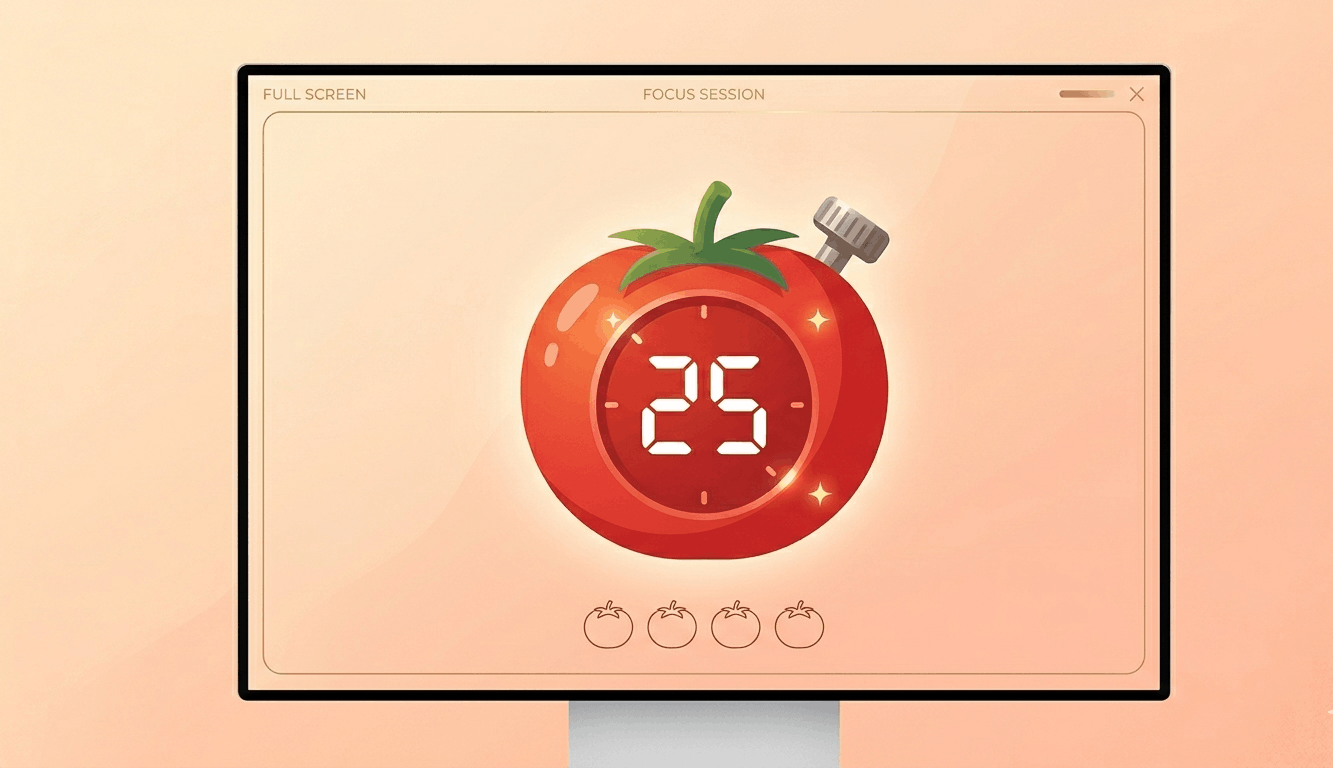
Indstil timer til fuldskærmsvisning.

Blå skærm baggrund

px
×
px
#0000FF
Brugerdefineret farve
Opens one color window per detected screen. Drag & fullscreen each.
Free & Browser-Based

Free Online Screen Savers – No Download Required

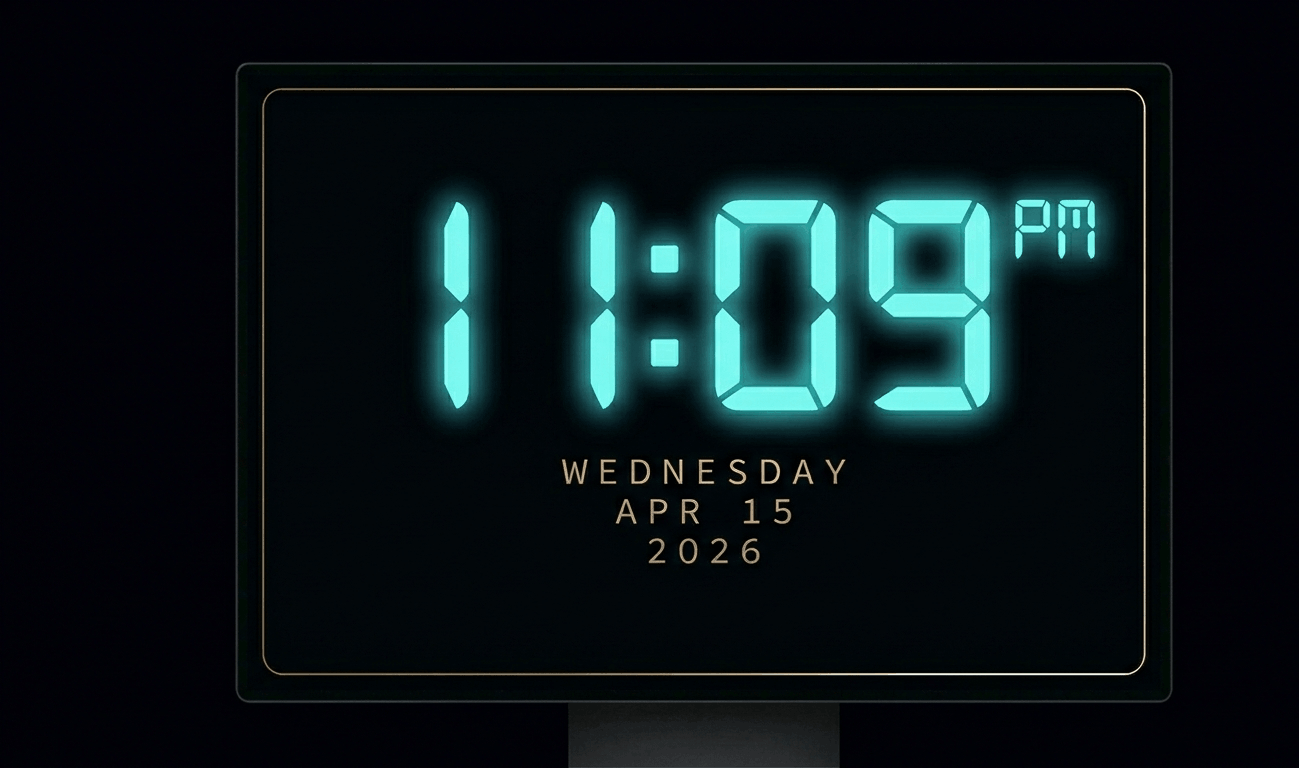
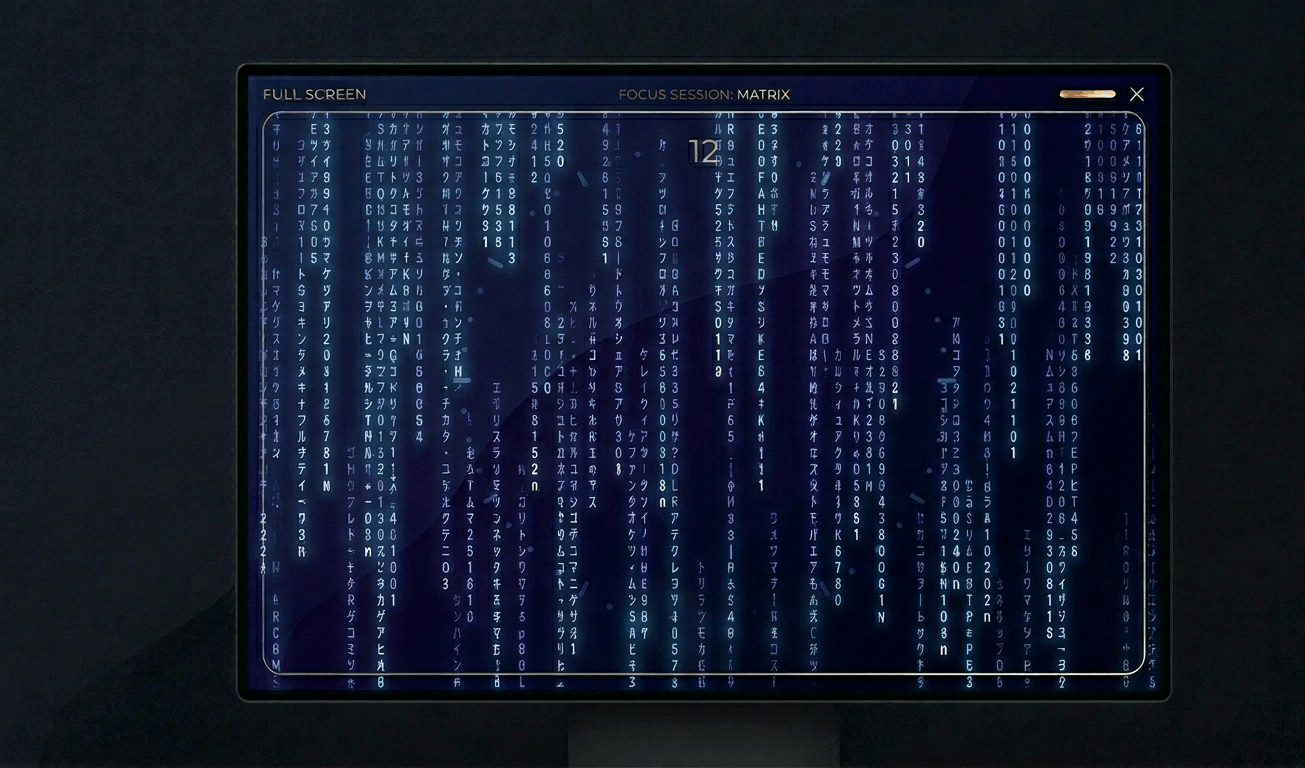
Transform your display with beautiful, interactive screensavers that run right in your browser. Choose from digital clocks, productivity timers, ambient animations, and mesmerizing visual effects — perfect for idle screens, desk displays, presentations, and relaxation.

Free Prank Tool

Fake Update Screens – Free Online Prank Tools

Realistic fullscreen prank screens — BSOD, Windows updates, Ubuntu upgrades, iOS updates, and hacker terminals. Launch any screen fullscreen and watch your friends panic. Press ESC to exit anytime.

Skærmtestværktøjer

Automatisk farvecyklus

Skift hurtigt mellem farver for at reparere fastlåste pixels. Kør i 20-30 minutter.

OLED-indbrændingstest

Vis bevægeligt mønster for at opdage OLED-indbrænding.

Gradienttest

Bløde gradienter til at kontrollere farvebånd og bitdybde.

Skakbrættest

Skakbrætmønstre til at teste skarphed og pixelrespons.

Pixelresponstidtest

Hurtige sort/hvid-overgange for at vurdere ghosting.

Betragtningsvinkeltest

Farvebånd for at vurdere betragtningsvinkelkonsistens.

Grå ensartethedstest

50% grå for at afsløre baggrundslysdefekter.

Farvenøjagtighedskontrol

Referencefarver til kalibreringsverifikation.

Multi-skærmdetektering

Opdag tilsluttede skærme og åbn fuldskærmsfarve på alle.

Drag each window to a different monitor, then click Go Fullscreen inside it.
Detected Screens
Click "Refresh" to detect…

Om Blå skærm

A blue screen isolates the blue sub-pixel channel for precise display testing. Blue sub-pixels are typically the smallest and dimmest in most LCD panel technologies, making them the most common source of sub-pixel defects. Testing with pure blue can reveal issues that other colors miss.\n\nBlue light is also important to understand for eye health. Extended exposure to blue light from screens can contribute to digital eye strain and may affect sleep patterns by suppressing melatonin. Testing your monitor's blue output can help you calibrate night mode or blue light filter settings.\n\nFor creative professionals, a blue screen provides cool-toned ambient lighting for photography and video production. It creates a calm, professional atmosphere often used in corporate video backgrounds and product photography.\n\nDisplay calibration experts use blue screens as part of color accuracy testing, comparing the displayed blue against reference values to verify proper color rendering across the sRGB and Adobe RGB color spaces.

Ofte stillede spørgsmål – Blå skærm

Blue sub-pixels are typically smaller and require more power in LCD panels. This makes them more prone to failure compared to red and green sub-pixels.

All screens emit blue light. This tool displays pure blue to test your display. For daily use, enable your OS night mode to reduce blue light in the evening.

Yes. Display calibration involves checking pure red, green, and blue channels. This blue screen helps verify your monitor's blue accuracy against reference values.

Pure sRGB blue (#0000FF) corresponds to approximately 450-490nm wavelength, which is in the blue portion of the visible spectrum.