Tetapkan pemasa untuk paparan skrin penuh.
Transform your display with beautiful, interactive screensavers that run right in your browser. Choose from digital clocks, productivity timers, ambient animations, and mesmerizing visual effects — perfect for idle screens, desk displays, presentations, and relaxation.
Fullscreen screensavers • Animated backgrounds • No installation • Works on Windows, Mac, Linux, Chromebook & mobile
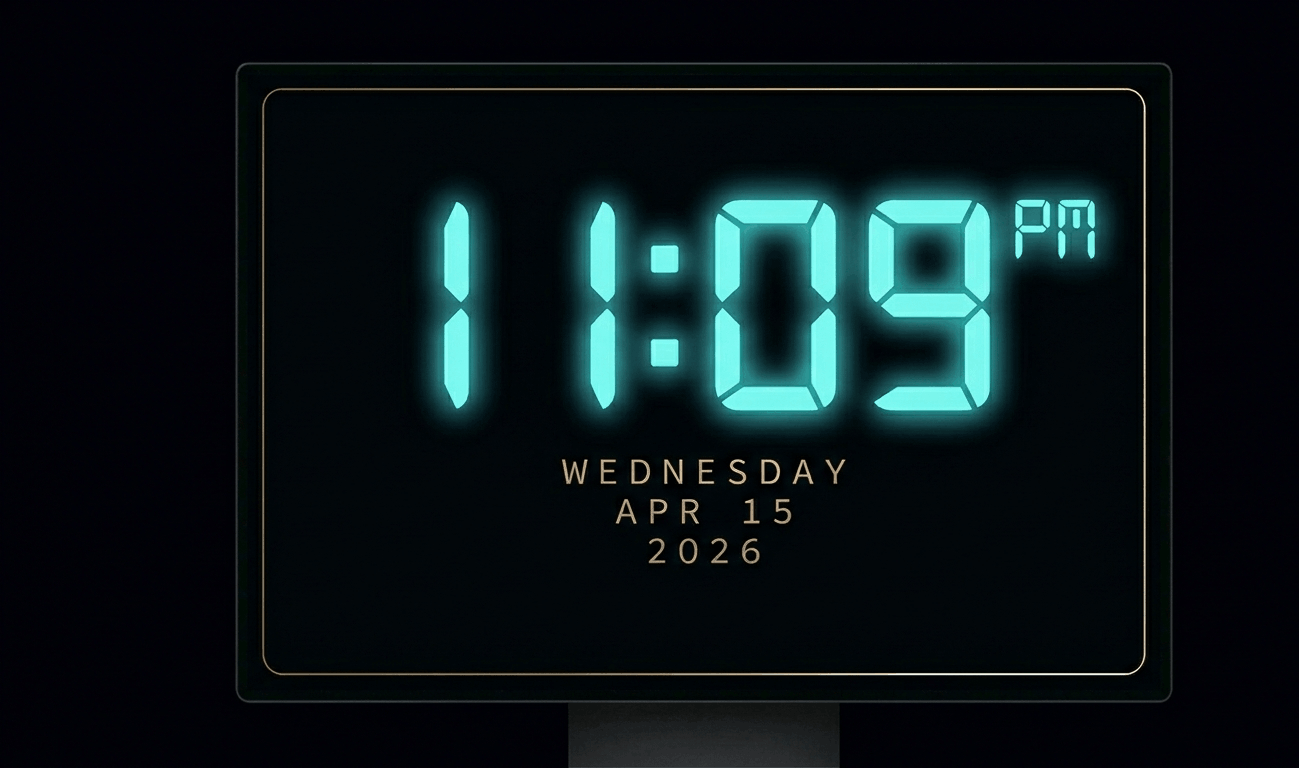
Beautiful digital clock screensaver with 10 color themes, 4 fonts, glow effects, and Wake Lock API. Runs fullscreen in y
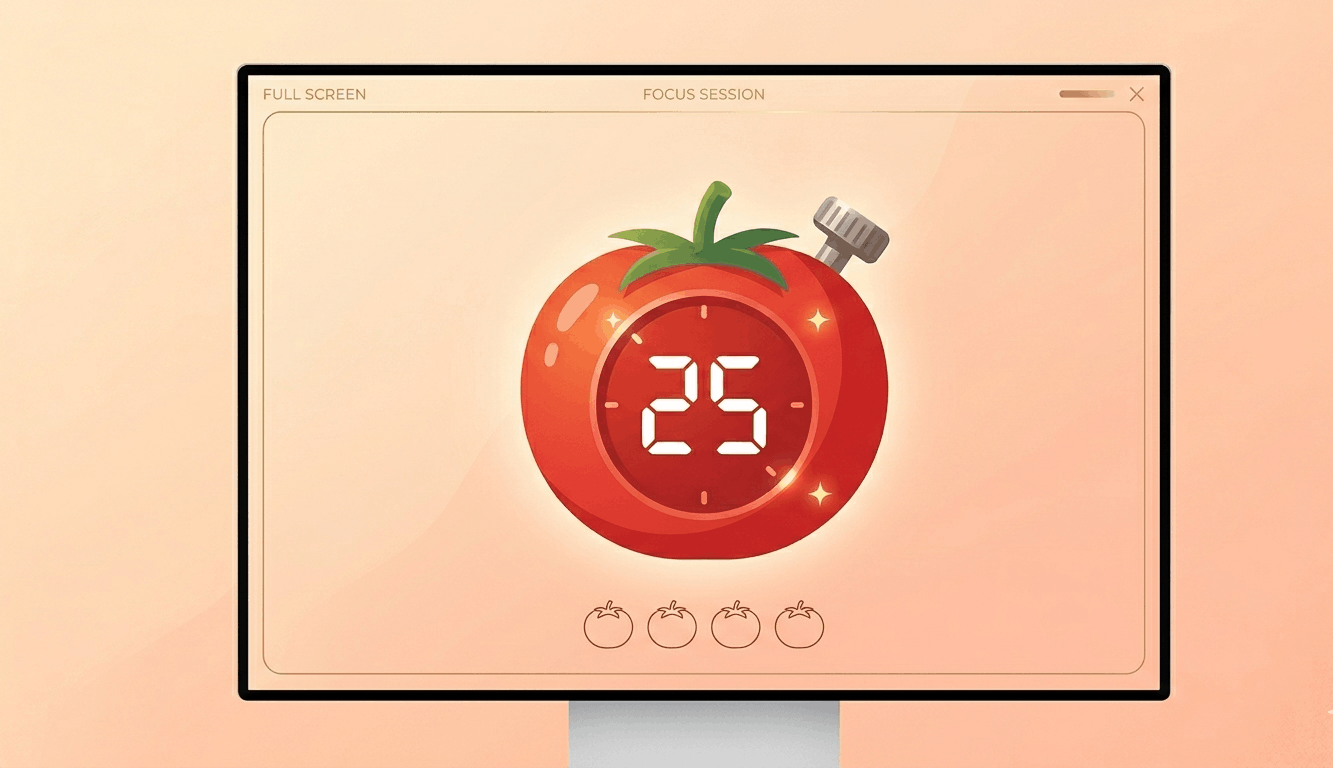
Free Pomodoro timer with customizable durations, sound alerts, progress ring animation, and session tracking. Boost your
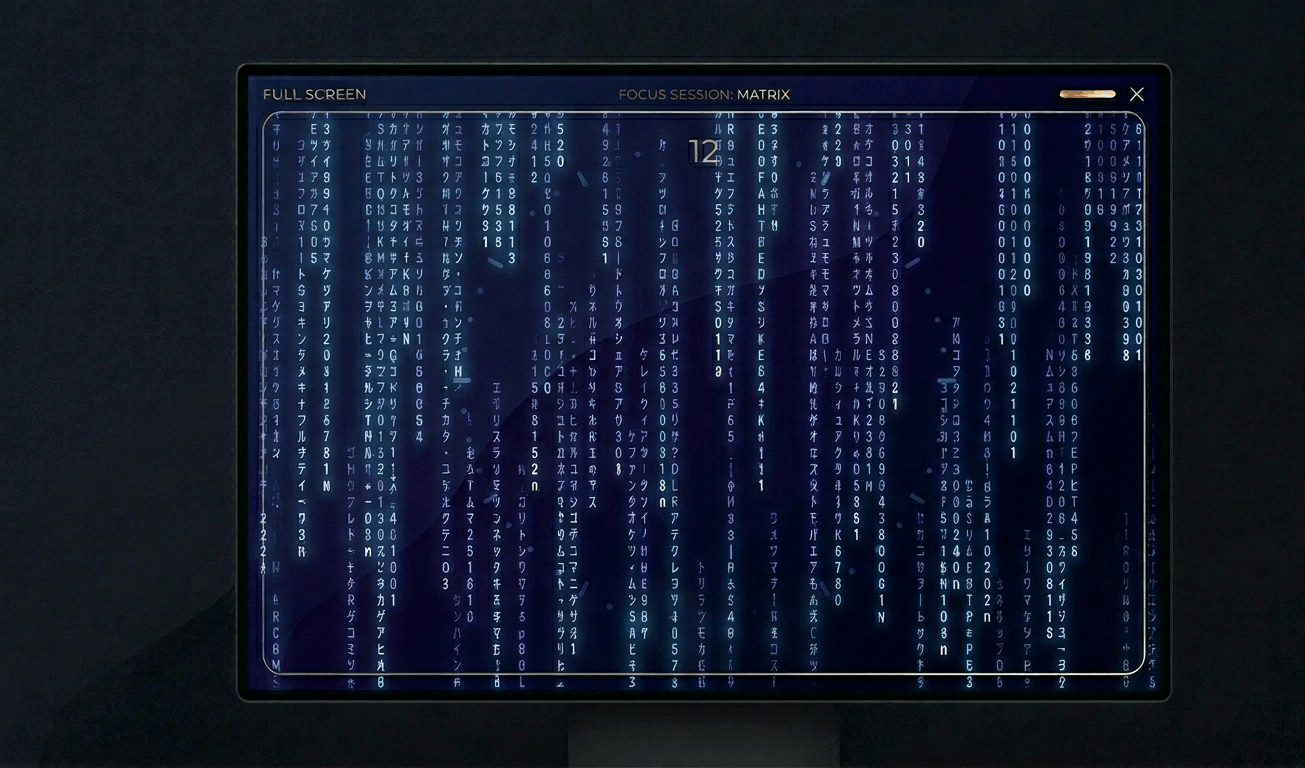
Classic Matrix-style green falling code screensaver with customizable speed, density, colors, and character sets (Kataka
Relaxing rain on window screensaver with realistic raindrops, lightning flashes, thunder sound, and fog effect. Perfect

Hypnotic 3D starfield screensaver with warp speed control, nebula colors, and shooting stars. Travel through space in yo
Display custom text fullscreen with animations. Choose bounce, scroll, fade, or float effects. Customizable font size, c
Realistic fullscreen prank screens — BSOD, Windows updates, Ubuntu upgrades, iOS updates, and hacker terminals. Launch any screen fullscreen and watch your friends panic. Press ESC to exit anytime.
Fake update screens • BSOD prank • Windows update prank • Hacker screen • Ubuntu update • iOS update • Fullscreen prank tools
Generate a realistic Windows Blue Screen of Death (BSOD) with authentic error codes, QR code, and CRITICAL_PROCESS_DIED
Simulate a realistic Windows 10 update screen with customizable timing, non-linear progress, and authentic blue interfac
Simulate a realistic Windows 11 update with circular progress ring, dark interface, and Windows logo. Free fullscreen pr
Simulate a realistic Ubuntu Linux system upgrade with terminal output, real package names, and progress tracking. Free f
Simulate a realistic iOS software update with Apple logo, circular progress bar, and phase-based status messages. Free f
Display a dramatic hacker terminal with auto-typing exploit commands, Matrix rain background, and CRT scanline effects.
Kitaran warna dengan pantas untuk membaiki piksel tersekat. Jalankan 20-30 minit.
Papar corak bergerak untuk mengesan burn-in OLED.
Gradien halus untuk menyemak jalur warna dan kedalaman bit.
Corak papan dam untuk menguji ketajaman dan respons piksel.
Peralihan hitam/putih pantas untuk menilai ghosting.
Jalur warna untuk menilai ketekalan sudut pandangan.
Kelabu 50% untuk mendedahkan hotspot cahaya latar.
Warna rujukan untuk pengesahan penentukuran.
Kesan skrin yang disambung dan buka warna skrin penuh pada semua.
A green screen serves dual purposes: display testing and content creation. For pixel testing, a pure green screen isolates the green sub-pixel channel, revealing defects specific to the green component. Since the human eye is most sensitive to green light, green sub-pixel defects can be particularly noticeable in everyday use.\n\nFor content creators, a fullscreen green display turns any monitor into an improvised chroma key background. While not as effective as a physical green screen fabric (due to screen glare and limited size), it can work for headshot-style recordings, quick social media clips, or prototyping chroma key setups before investing in professional equipment.\n\nGreen is also the dominant color in most display technologies. LCD panels have more green sub-pixels than red or blue in certain arrangements (like PenTile), making green screen testing especially important for smartphones and tablets.\n\nFor ambient lighting, green provides a calming, nature-inspired atmosphere. Studies suggest exposure to green light can reduce stress and improve mood, making it suitable for relaxation spaces.
For quick video calls or social media content, a fullscreen green display can work as a basic chroma key background. For professional work, a physical green screen provides better results due to even lighting.
The human eye is most sensitive to green wavelengths. Green sub-pixel defects are more noticeable in daily use, so testing with a pure green screen helps catch issues early.
This is pure green at #00FF00, which is the standard sRGB green used in display testing and chroma key applications.
Research suggests green light exposure may reduce stress and anxiety. A green screen can provide calming ambient lighting for meditation or relaxation spaces.