Set a timer for fullscreen display. Useful for timed screen tests and ambient lighting sessions.
Transform your display with beautiful, interactive screensavers that run right in your browser. Choose from digital clocks, productivity timers, ambient animations, and mesmerizing visual effects — perfect for idle screens, desk displays, presentations, and relaxation.
Fullscreen screensavers • Animated backgrounds • No installation • Works on Windows, Mac, Linux, Chromebook & mobile
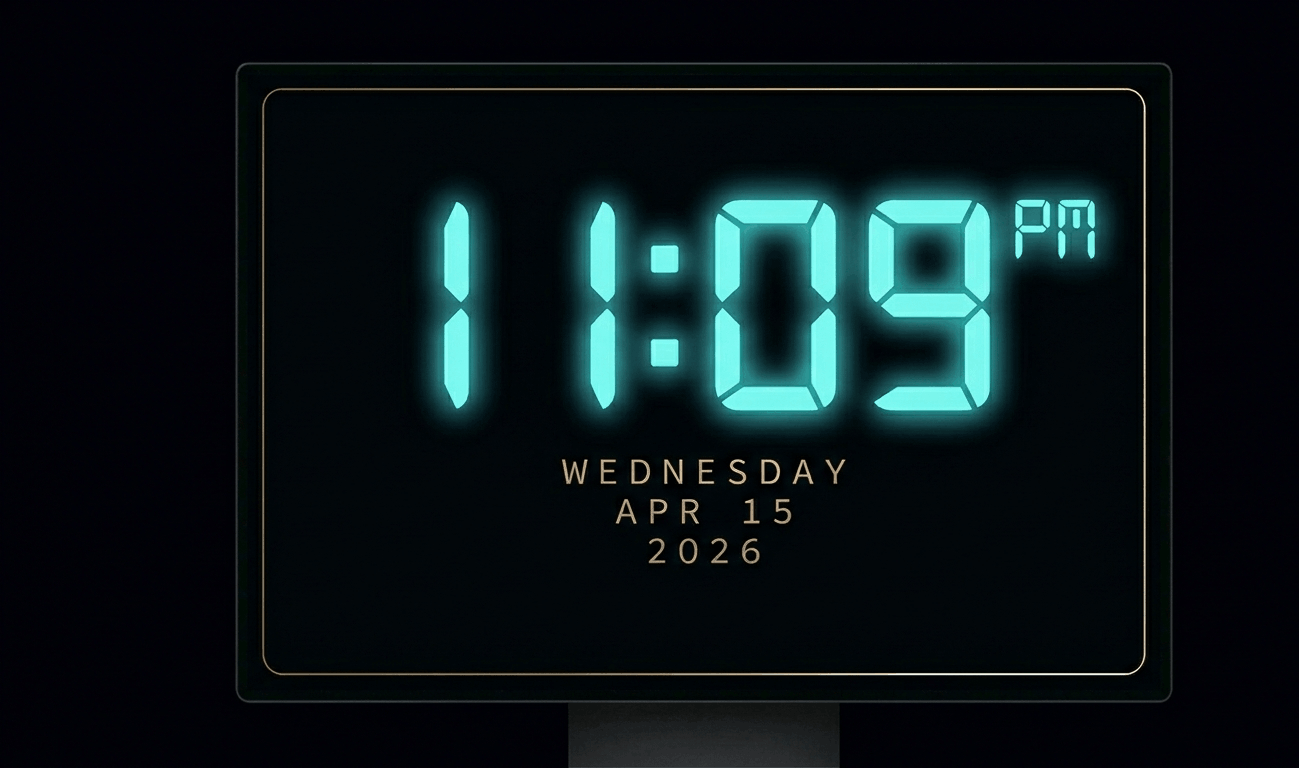
Beautiful digital clock screensaver with 10 color themes, 4 fonts, glow effects, and Wake Lock API. Runs fullscreen in y
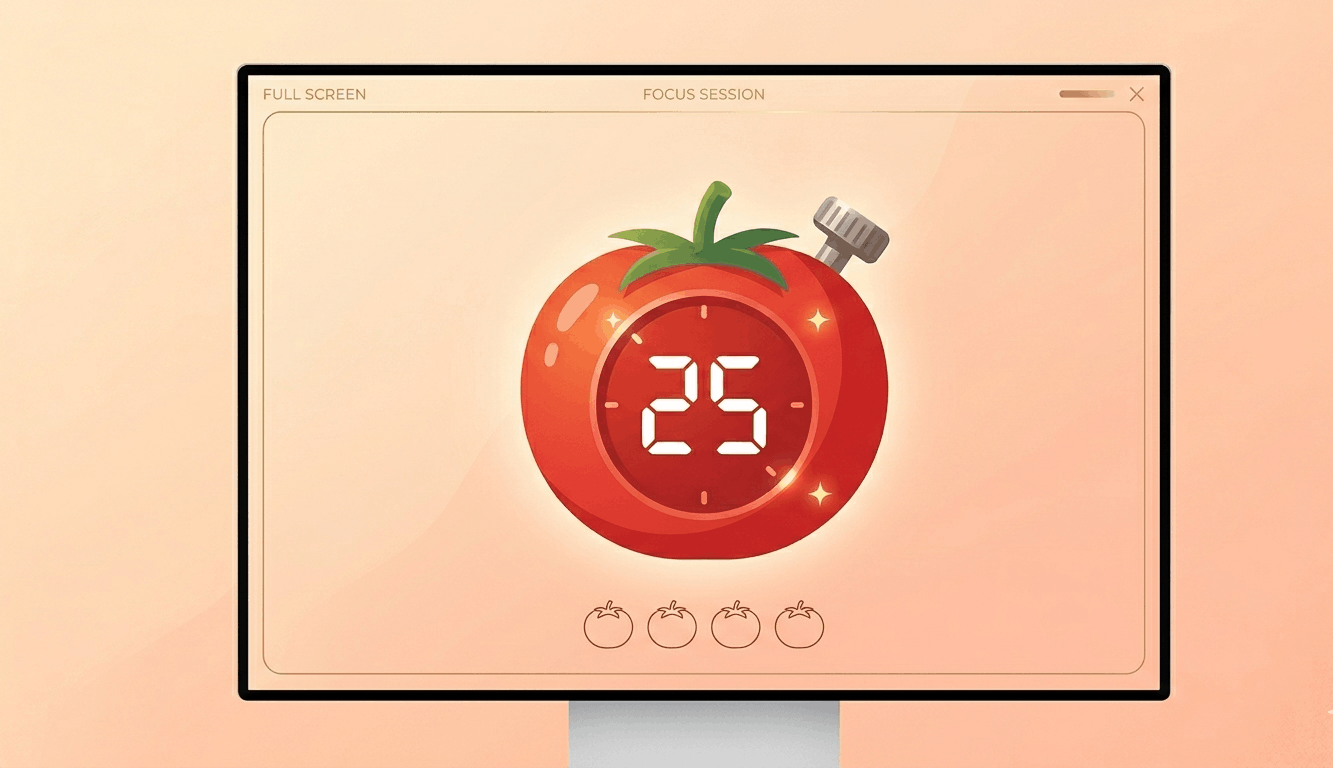
Free Pomodoro timer with customizable durations, sound alerts, progress ring animation, and session tracking. Boost your
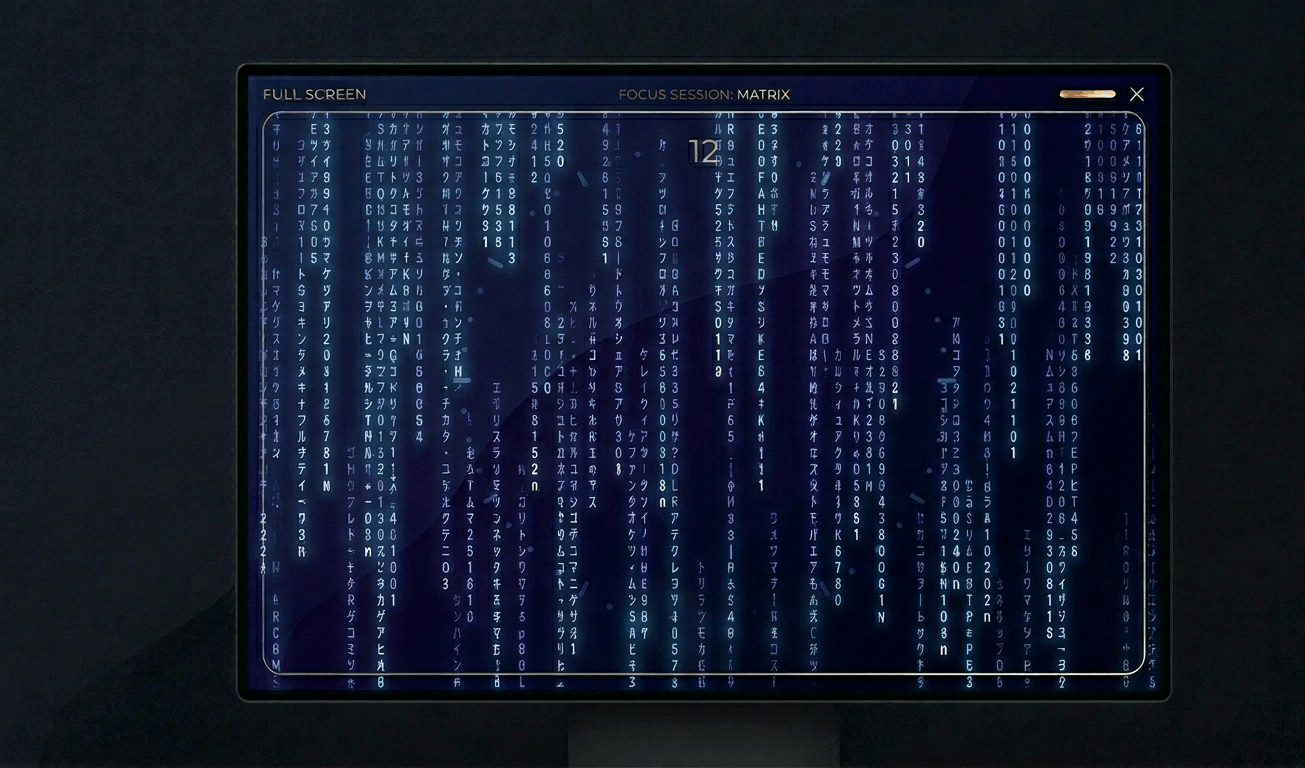
Classic Matrix-style green falling code screensaver with customizable speed, density, colors, and character sets (Kataka
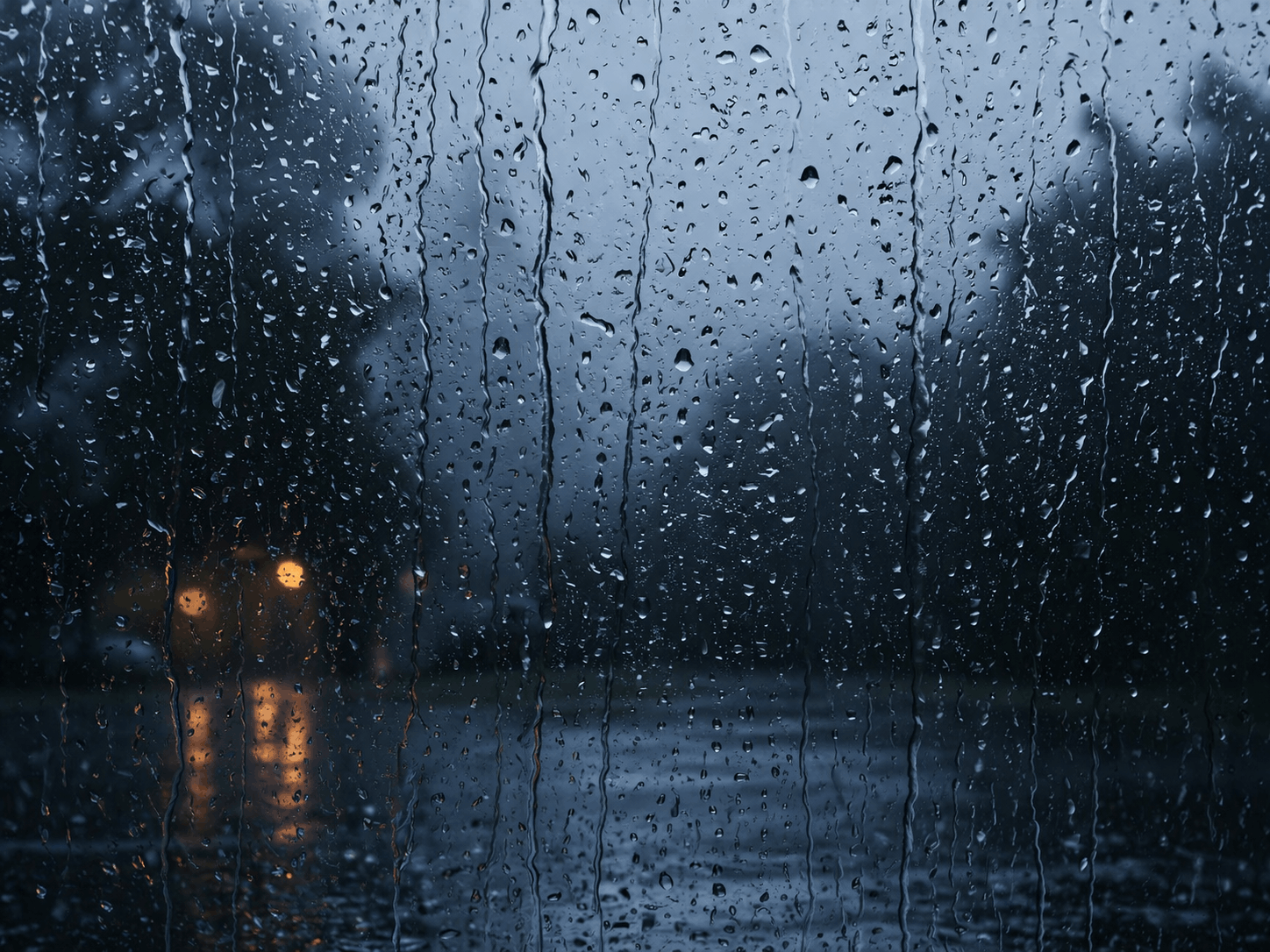
Relaxing rain on window screensaver with realistic raindrops, lightning flashes, thunder sound, and fog effect. Perfect
Hypnotic 3D starfield screensaver with warp speed control, nebula colors, and shooting stars. Travel through space in yo
Display custom text fullscreen with animations. Choose bounce, scroll, fade, or float effects. Customizable font size, c
Realistic fullscreen prank screens — BSOD, Windows updates, Ubuntu upgrades, iOS updates, and hacker terminals. Launch any screen fullscreen and watch your friends panic. Press ESC to exit anytime.
Fake update screens • BSOD prank • Windows update prank • Hacker screen • Ubuntu update • iOS update • Fullscreen prank tools
Generate a realistic Windows Blue Screen of Death (BSOD) with authentic error codes, QR code, and CRITICAL_PROCESS_DIED
Simulate a realistic Windows 10 update screen with customizable timing, non-linear progress, and authentic blue interfac
Simulate a realistic Windows 11 update with circular progress ring, dark interface, and Windows logo. Free fullscreen pr
Simulate a realistic Ubuntu Linux system upgrade with terminal output, real package names, and progress tracking. Free f
Simulate a realistic iOS software update with Apple logo, circular progress bar, and phase-based status messages. Free f
Display a dramatic hacker terminal with auto-typing exploit commands, Matrix rain background, and CRT scanline effects.
Rapidly cycle through colors to help fix stuck pixels. Run for 20–30 minutes for best results.
Display a moving pattern to detect and reduce OLED burn-in artifacts on your screen.
Display smooth gradients to check for color banding and bit-depth issues on your monitor.
Display pixel-level checkerboard patterns to test monitor sharpness and pixel response.
Flash rapid black/white transitions to evaluate pixel response time and ghosting.
Display color bands to help evaluate your monitor's viewing angle consistency.
Display 50% gray to reveal backlight hotspots, clouding, and brightness non-uniformity.
Display reference color swatches to compare against known standards for calibration checks.
Detect connected displays and open fullscreen color on all screens simultaneously.
<p>绿色屏幕工具将显示器填充为纯绿色。绿色是视频制作中最常用的色键背景颜色。对于小规模项目,您可以将显示器用作绿幕。</p><p>在子像素测试中绿色背景很重要。人眼对绿色调最敏感,因此绿色子像素问题对图像质量影响最大。在全绿屏幕上可以轻松检测到这些问题。</p><p>绿色被认为是人眼最舒适的颜色之一。与自然界中的绿色植物相关联,它具有镇静和放松的效果。在紧张工作间隙短暂观看绿色屏幕可以减轻眼睛疲劳。</p><p>绿色背景对创意项目也很有用。在产品摄影、社交媒体内容制作或简单的视频编辑中,可以将绿色屏幕用作背景。</p>
小规模项目可以。您可以使用显示器作为绿色背景创建简单的色键效果。但专业制作使用物理绿幕更好。
绿色与人类肤色距离最远,数字传感器在绿色通道中捕获的信息最多。因此可以实现干净的分离效果。
是的,研究表明绿色是最令人放松的颜色之一。短时间观看绿色屏幕可以减轻眼睛疲劳。
人眼对绿色调最敏感。绿色子像素故障对图像质量影响最大,因此此测试特别重要。
显示器光线不足以促进植物生长。植物进行光合作用需要特定波长的强光。植物生长灯更为合适。