Set a timer for fullscreen display. Useful for timed screen tests and ambient lighting sessions.
Transform your display with beautiful, interactive screensavers that run right in your browser. Choose from digital clocks, productivity timers, ambient animations, and mesmerizing visual effects — perfect for idle screens, desk displays, presentations, and relaxation.
Fullscreen screensavers • Animated backgrounds • No installation • Works on Windows, Mac, Linux, Chromebook & mobile
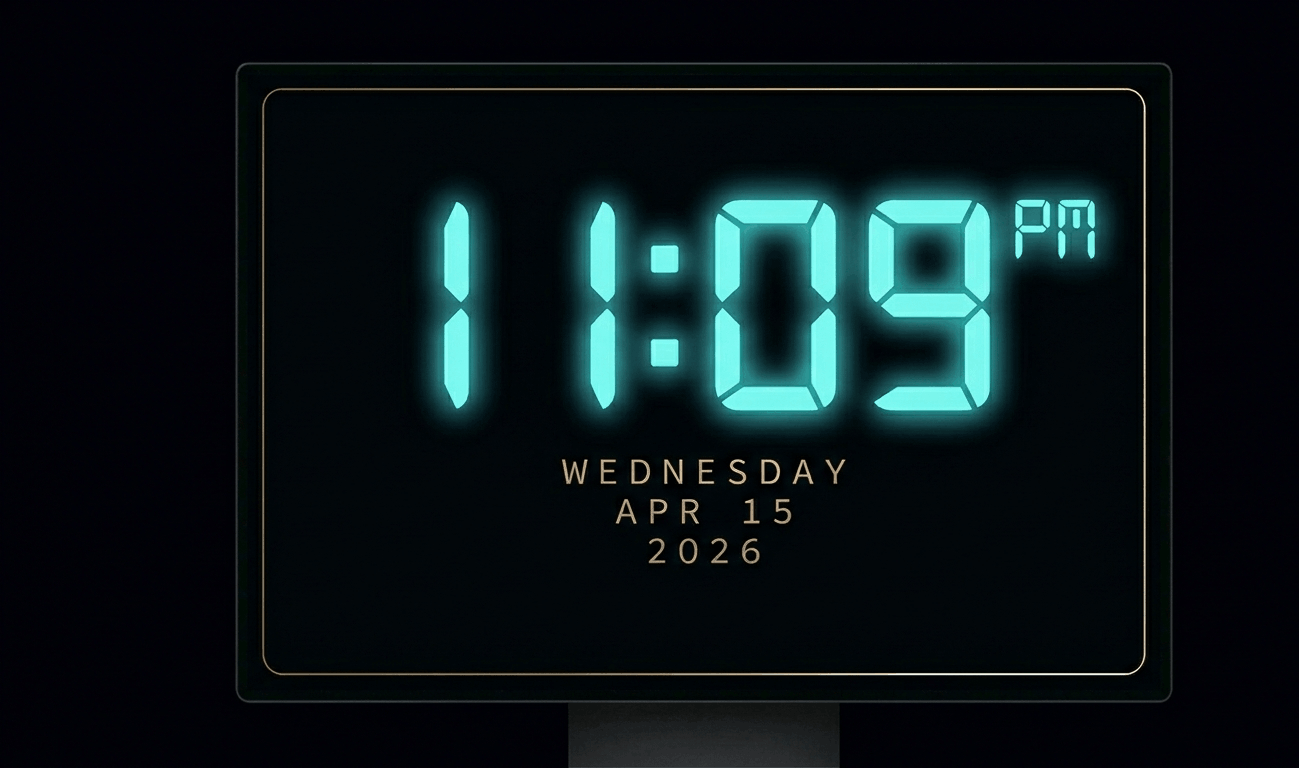
Beautiful digital clock screensaver with 10 color themes, 4 fonts, glow effects, and Wake Lock API. Runs fullscreen in y
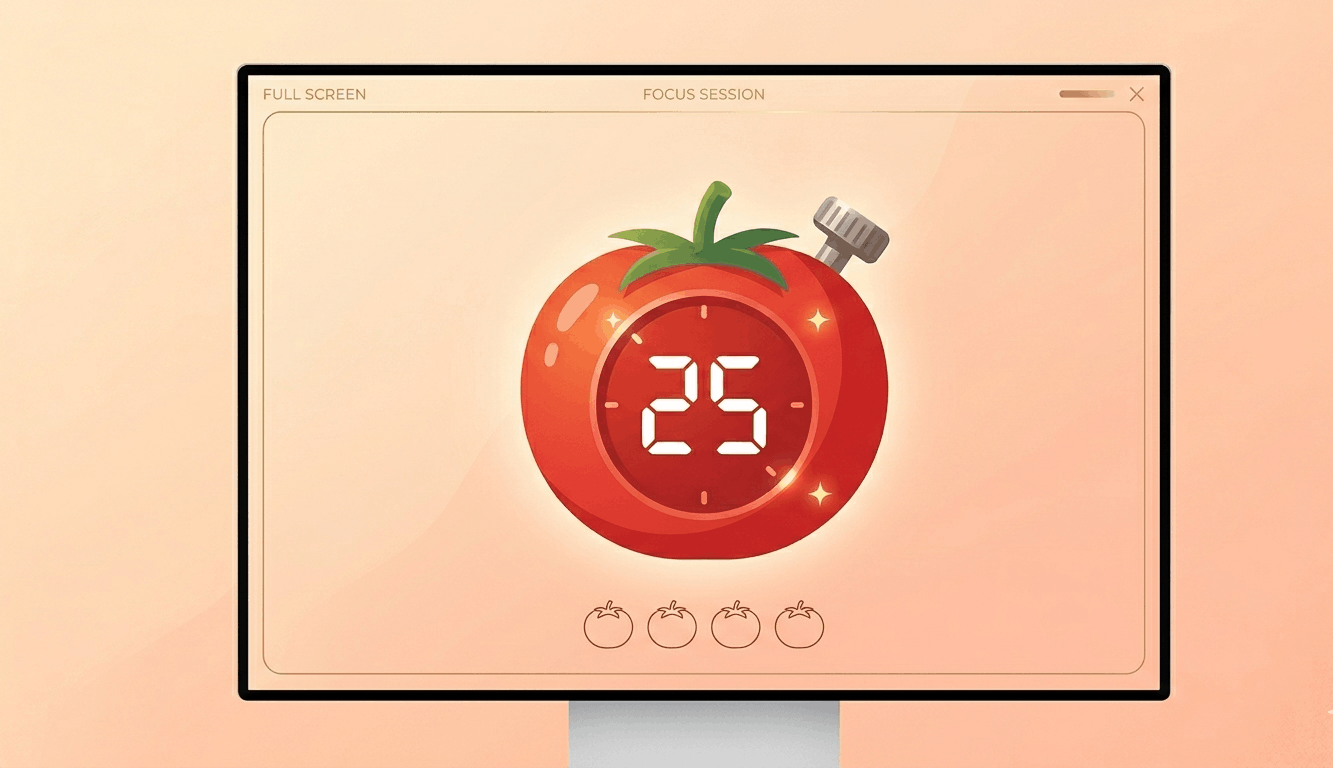
Free Pomodoro timer with customizable durations, sound alerts, progress ring animation, and session tracking. Boost your
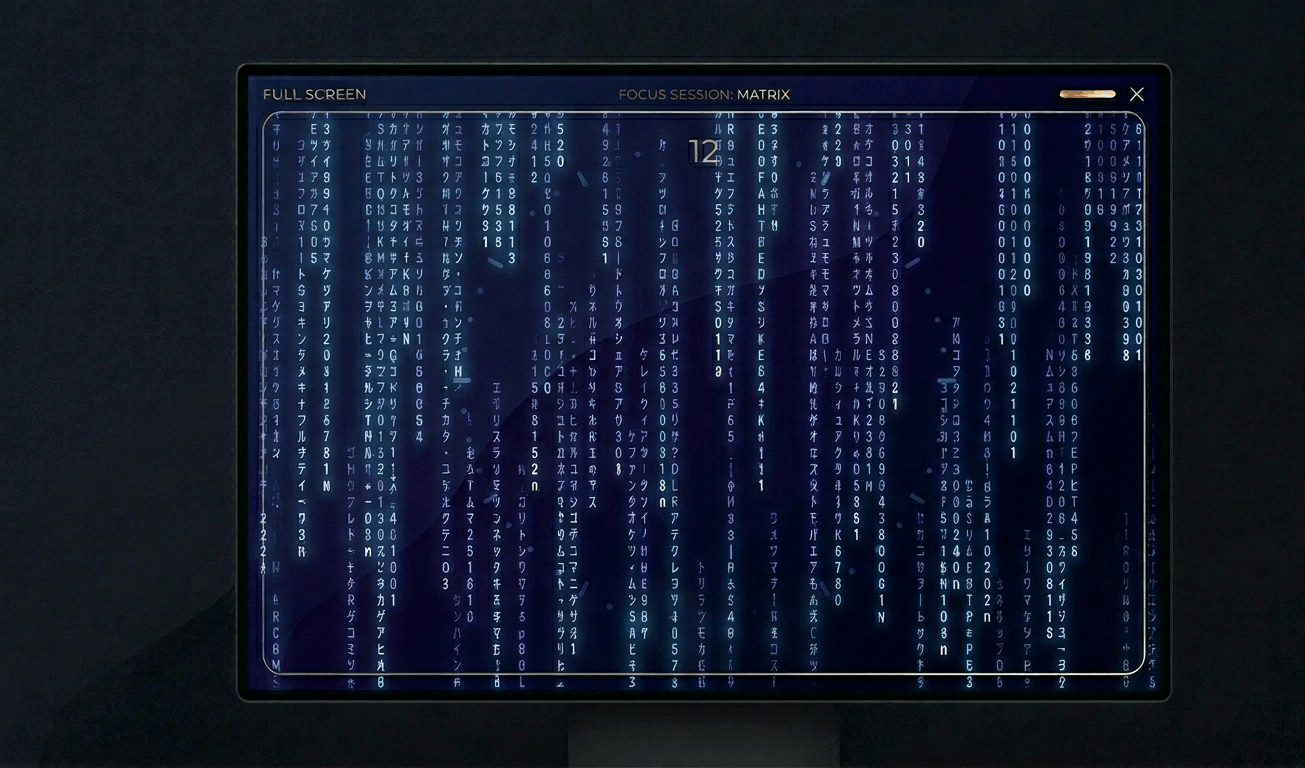
Classic Matrix-style green falling code screensaver with customizable speed, density, colors, and character sets (Kataka
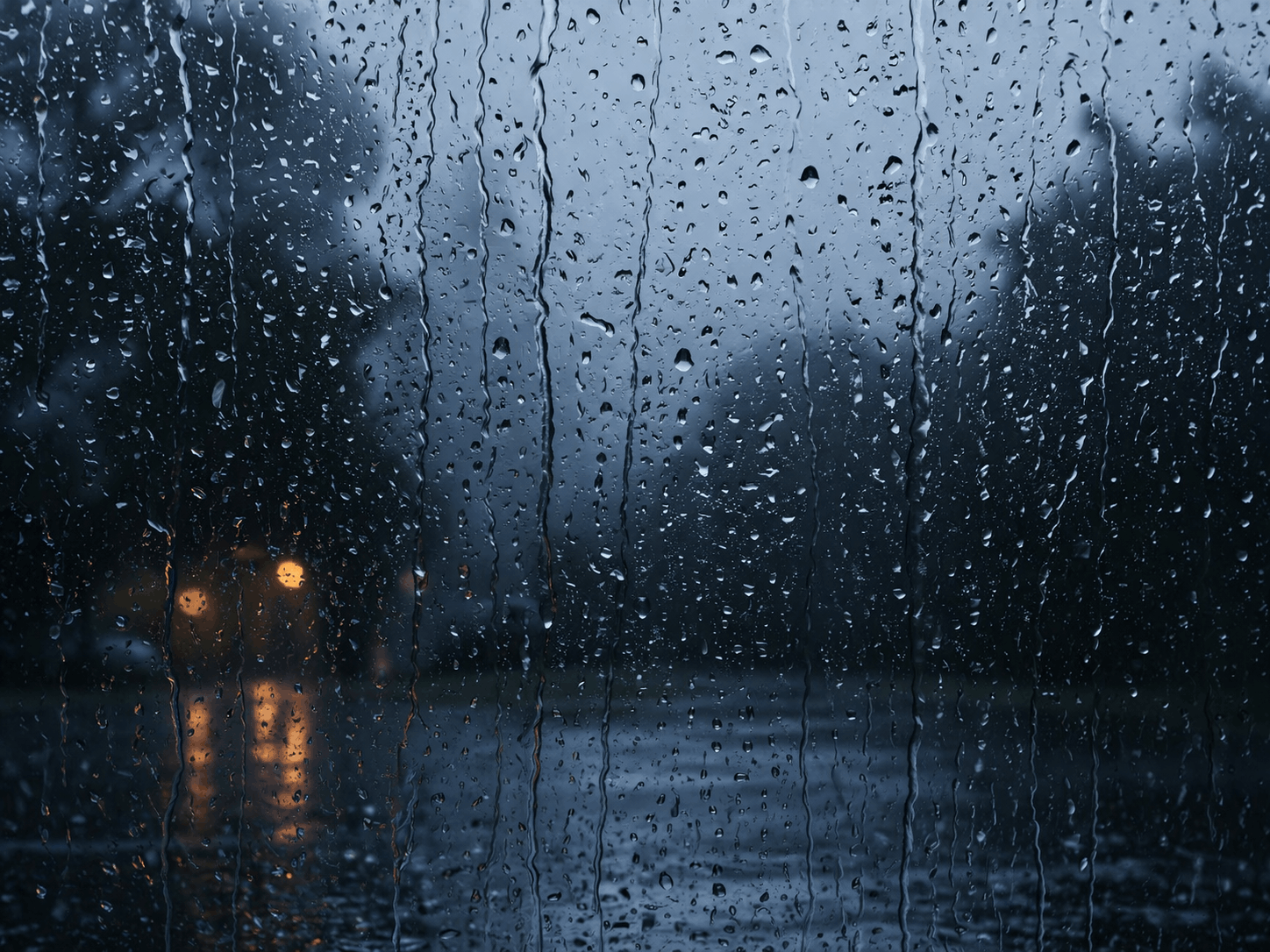
Relaxing rain on window screensaver with realistic raindrops, lightning flashes, thunder sound, and fog effect. Perfect
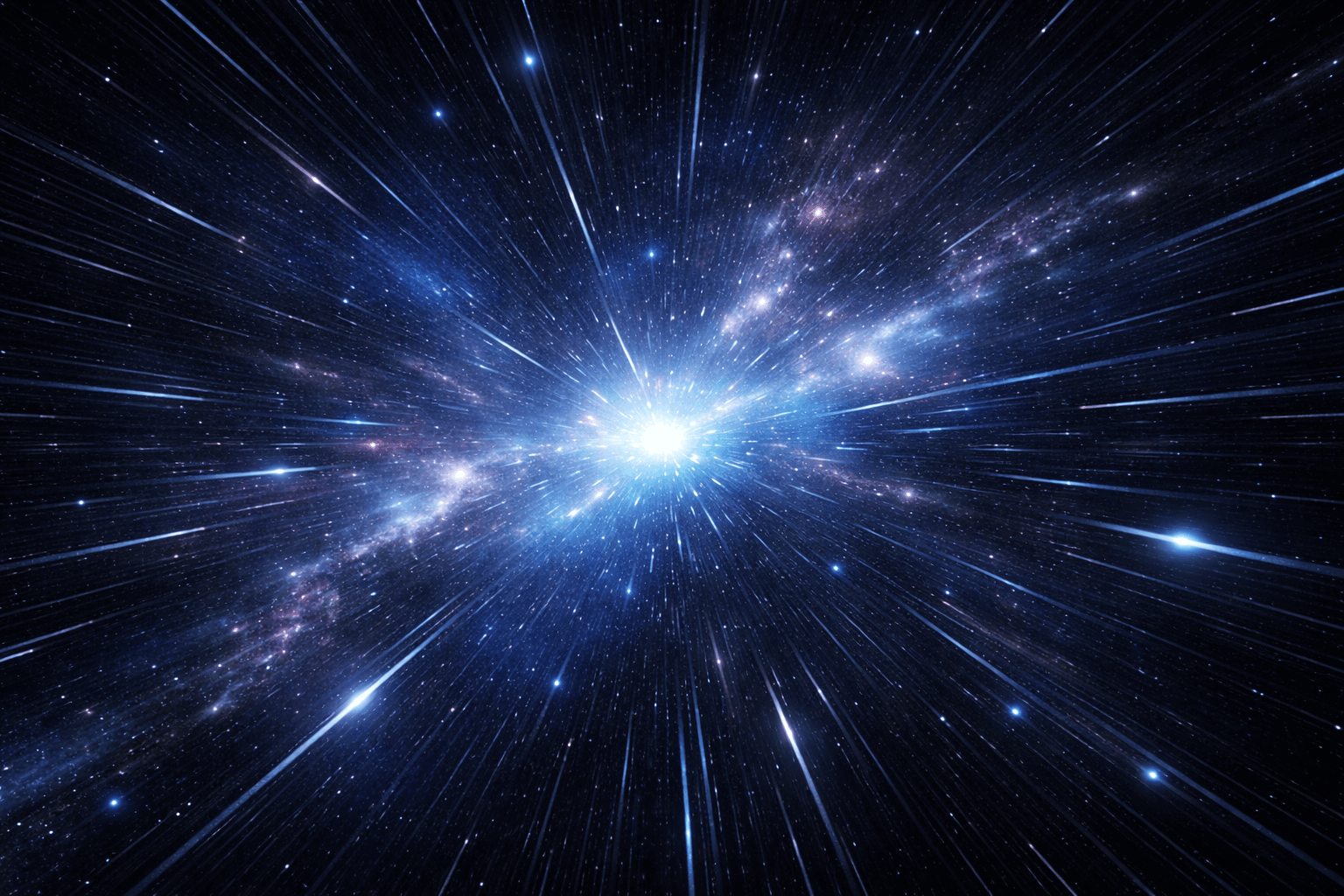
Hypnotic 3D starfield screensaver with warp speed control, nebula colors, and shooting stars. Travel through space in yo
Display custom text fullscreen with animations. Choose bounce, scroll, fade, or float effects. Customizable font size, c
Realistic fullscreen prank screens — BSOD, Windows updates, Ubuntu upgrades, iOS updates, and hacker terminals. Launch any screen fullscreen and watch your friends panic. Press ESC to exit anytime.
Fake update screens • BSOD prank • Windows update prank • Hacker screen • Ubuntu update • iOS update • Fullscreen prank tools
Generate a realistic Windows Blue Screen of Death (BSOD) with authentic error codes, QR code, and CRITICAL_PROCESS_DIED
Simulate a realistic Windows 10 update screen with customizable timing, non-linear progress, and authentic blue interfac
Simulate a realistic Windows 11 update with circular progress ring, dark interface, and Windows logo. Free fullscreen pr
Simulate a realistic Ubuntu Linux system upgrade with terminal output, real package names, and progress tracking. Free f
Simulate a realistic iOS software update with Apple logo, circular progress bar, and phase-based status messages. Free f
Display a dramatic hacker terminal with auto-typing exploit commands, Matrix rain background, and CRT scanline effects.
Rapidly cycle through colors to help fix stuck pixels. Run for 20–30 minutes for best results.
Display a moving pattern to detect and reduce OLED burn-in artifacts on your screen.
Display smooth gradients to check for color banding and bit-depth issues on your monitor.
Display pixel-level checkerboard patterns to test monitor sharpness and pixel response.
Flash rapid black/white transitions to evaluate pixel response time and ghosting.
Display color bands to help evaluate your monitor's viewing angle consistency.
Display 50% gray to reveal backlight hotspots, clouding, and brightness non-uniformity.
Display reference color swatches to compare against known standards for calibration checks.
Detect connected displays and open fullscreen color on all screens simultaneously.
Cyan combines green and blue at full intensity, creating a cool, refreshing display. It's widely used in display testing to verify green-blue sub-pixel coordination.\n\nCyan ambient lighting evokes ocean and sky tones, creating a serene, open atmosphere popular in modern interior design and content creation backgrounds.
Cyan (#00FFFF) tests the coordination between green and blue sub-pixels. It can reveal tinting issues and color balance problems.
In web colors, cyan and aqua are identical (#00FFFF). The terms are used interchangeably.