ตั้งเวลาสำหรับการแสดงเต็มหน้าจอ
Transform your display with beautiful, interactive screensavers that run right in your browser. Choose from digital clocks, productivity timers, ambient animations, and mesmerizing visual effects — perfect for idle screens, desk displays, presentations, and relaxation.
Fullscreen screensavers • Animated backgrounds • No installation • Works on Windows, Mac, Linux, Chromebook & mobile
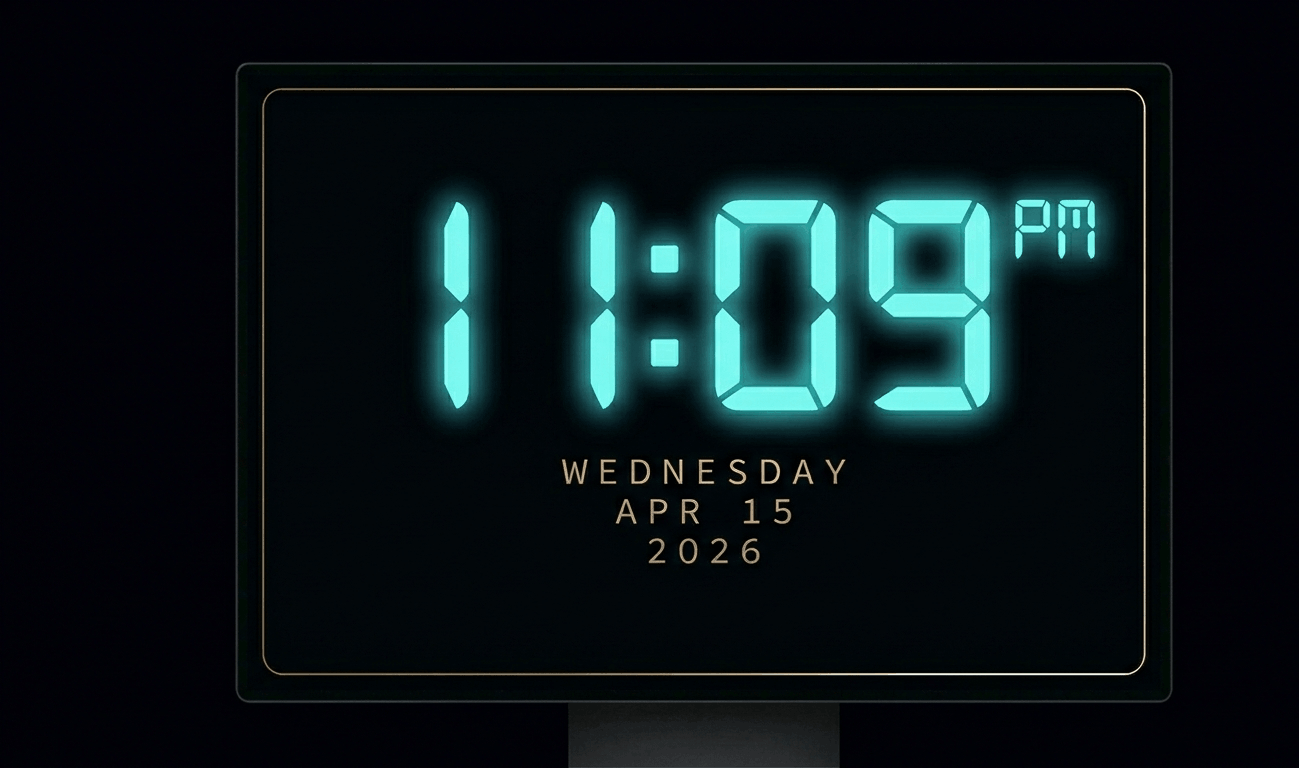
Beautiful digital clock screensaver with 10 color themes, 4 fonts, glow effects, and Wake Lock API. Runs fullscreen in y
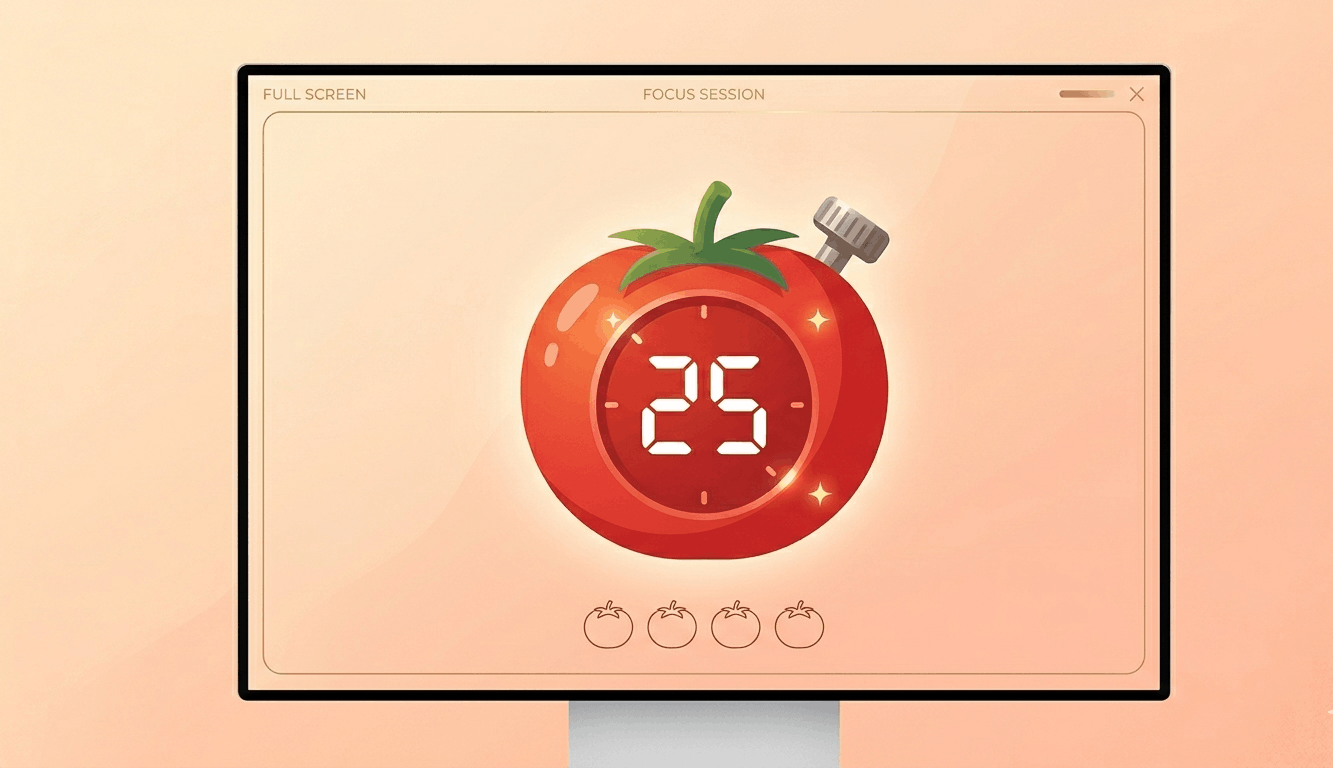
Free Pomodoro timer with customizable durations, sound alerts, progress ring animation, and session tracking. Boost your
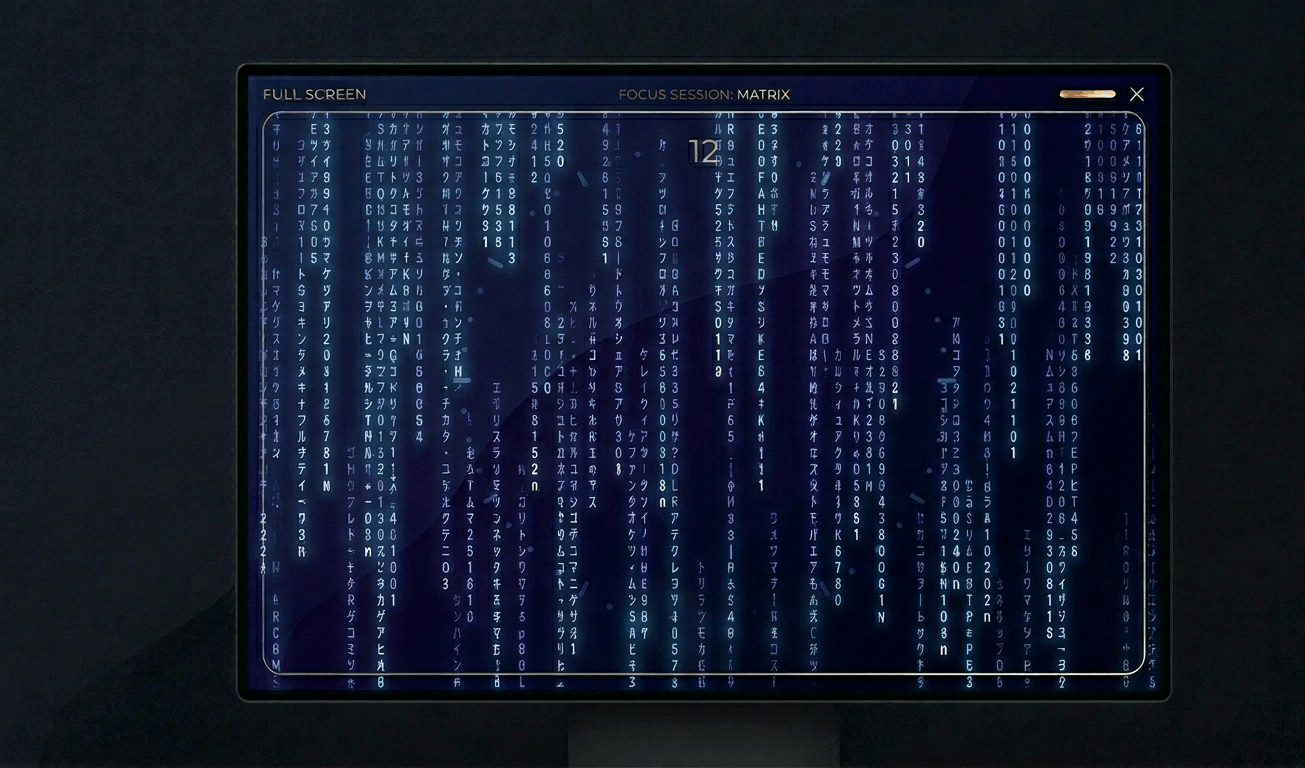
Classic Matrix-style green falling code screensaver with customizable speed, density, colors, and character sets (Kataka
Relaxing rain on window screensaver with realistic raindrops, lightning flashes, thunder sound, and fog effect. Perfect

Hypnotic 3D starfield screensaver with warp speed control, nebula colors, and shooting stars. Travel through space in yo
Display custom text fullscreen with animations. Choose bounce, scroll, fade, or float effects. Customizable font size, c
Realistic fullscreen prank screens — BSOD, Windows updates, Ubuntu upgrades, iOS updates, and hacker terminals. Launch any screen fullscreen and watch your friends panic. Press ESC to exit anytime.
Fake update screens • BSOD prank • Windows update prank • Hacker screen • Ubuntu update • iOS update • Fullscreen prank tools
Generate a realistic Windows Blue Screen of Death (BSOD) with authentic error codes, QR code, and CRITICAL_PROCESS_DIED
Simulate a realistic Windows 10 update screen with customizable timing, non-linear progress, and authentic blue interfac
Simulate a realistic Windows 11 update with circular progress ring, dark interface, and Windows logo. Free fullscreen pr
Simulate a realistic Ubuntu Linux system upgrade with terminal output, real package names, and progress tracking. Free f
Simulate a realistic iOS software update with Apple logo, circular progress bar, and phase-based status messages. Free f
Display a dramatic hacker terminal with auto-typing exploit commands, Matrix rain background, and CRT scanline effects.
วนสีอย่างรวดเร็วเพื่อซ่อมพิกเซลที่ค้าง เปิดทิ้งไว้ 20-30 นาที
แสดงรูปแบบเคลื่อนไหวเพื่อตรวจจับ OLED burn-in
การไล่สีที่ราบรื่นเพื่อตรวจสอบปัญหาแถบสีและความลึกบิต
รูปแบบกระดานหมากรุกเพื่อทดสอบความคมชัดและการตอบสนองพิกเซล
การสลับขาวดำอย่างรวดเร็วเพื่อประเมินภาพหลอน
แถบสีเพื่อประเมินความสม่ำเสมอของมุมมอง
สีเทา 50% เพื่อเปิดเผยจุดร้อนของแบ็คไลท์
สีอ้างอิงสำหรับการตรวจสอบการสอบเทียบ
ตรวจจับจอที่เชื่อมต่อและเปิดสีเต็มหน้าจอบนทุกจอ
Warm white (#FFF5E1) provides softer, more comfortable illumination than pure white. Its slight yellow-orange tint reduces blue light content, making it gentler on the eyes for extended use.\n\nThis tone is ideal for evening ambient lighting, reading backgrounds, and testing how your display handles near-white warm tones — important for photo editing and design work.
Warm white (#FFF5E1) has a slight yellow-orange tint, reducing blue light compared to pure white (#FFFFFF). It's easier on the eyes for extended viewing.
Yes. The reduced blue light content in warm white is less likely to disrupt melatonin production and circadian rhythms.