Встановіть таймер для повноекранного відображення.
Transform your display with beautiful, interactive screensavers that run right in your browser. Choose from digital clocks, productivity timers, ambient animations, and mesmerizing visual effects — perfect for idle screens, desk displays, presentations, and relaxation.
Fullscreen screensavers • Animated backgrounds • No installation • Works on Windows, Mac, Linux, Chromebook & mobile
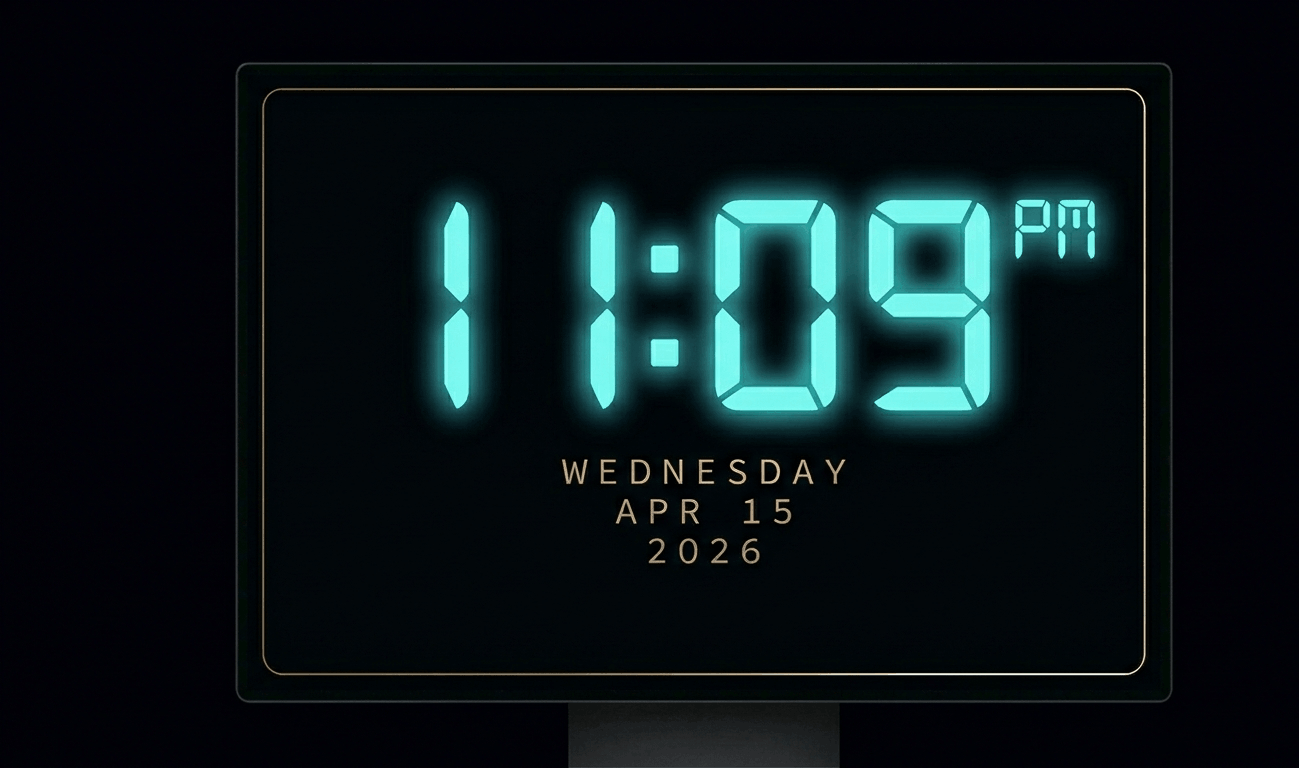
Beautiful digital clock screensaver with 10 color themes, 4 fonts, glow effects, and Wake Lock API. Runs fullscreen in y
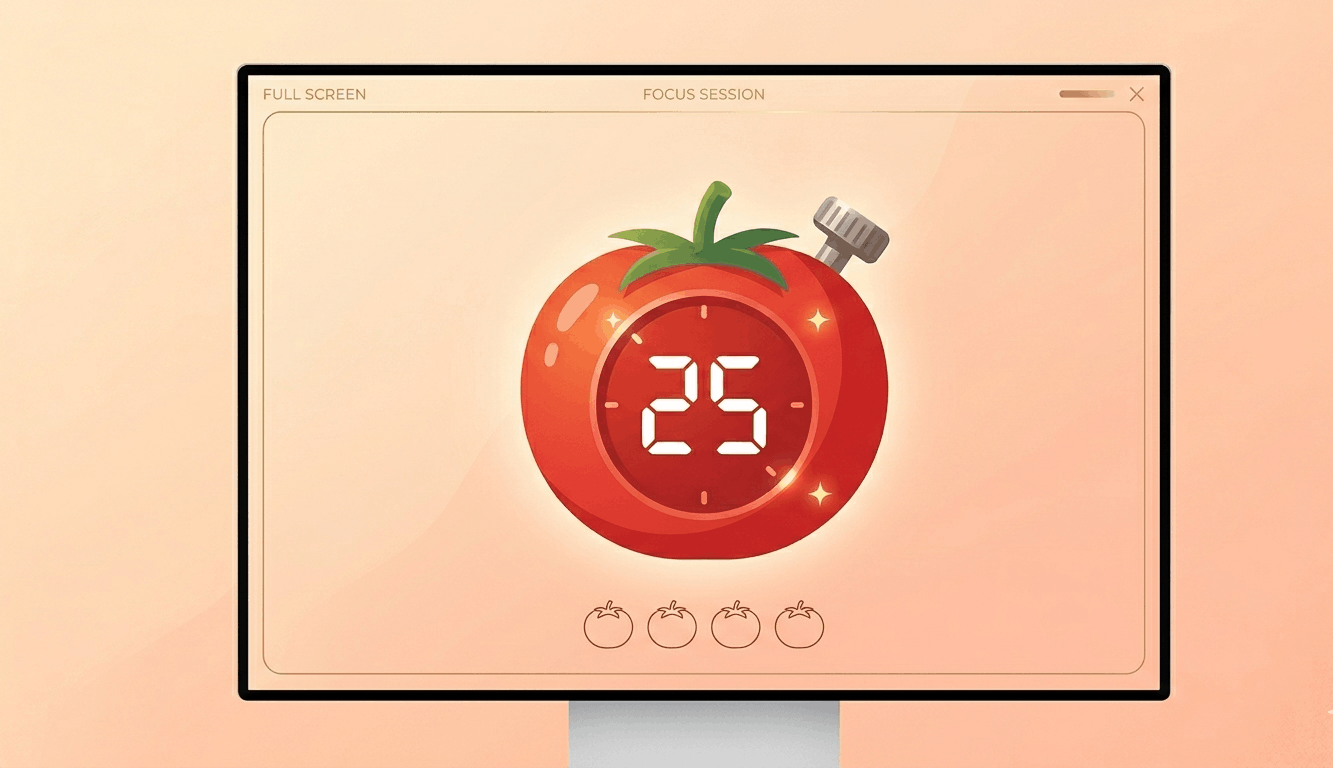
Free Pomodoro timer with customizable durations, sound alerts, progress ring animation, and session tracking. Boost your
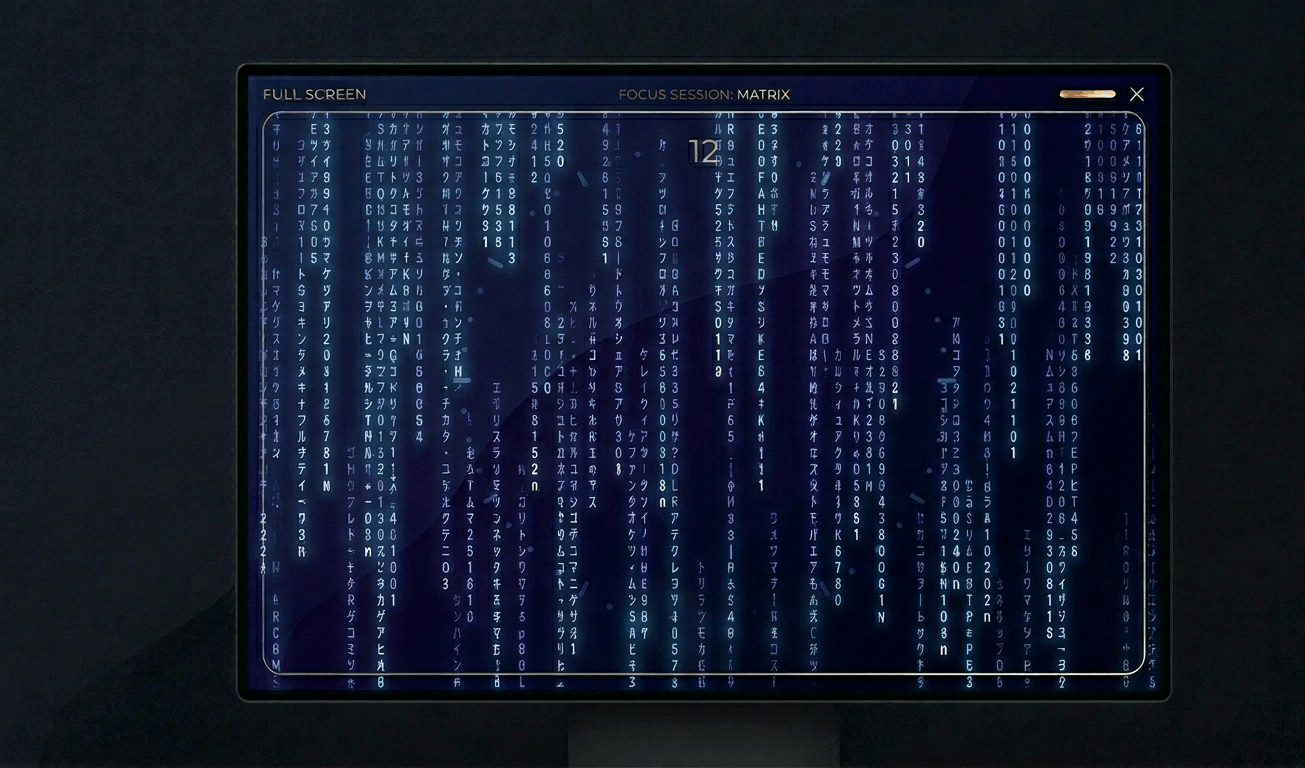
Classic Matrix-style green falling code screensaver with customizable speed, density, colors, and character sets (Kataka
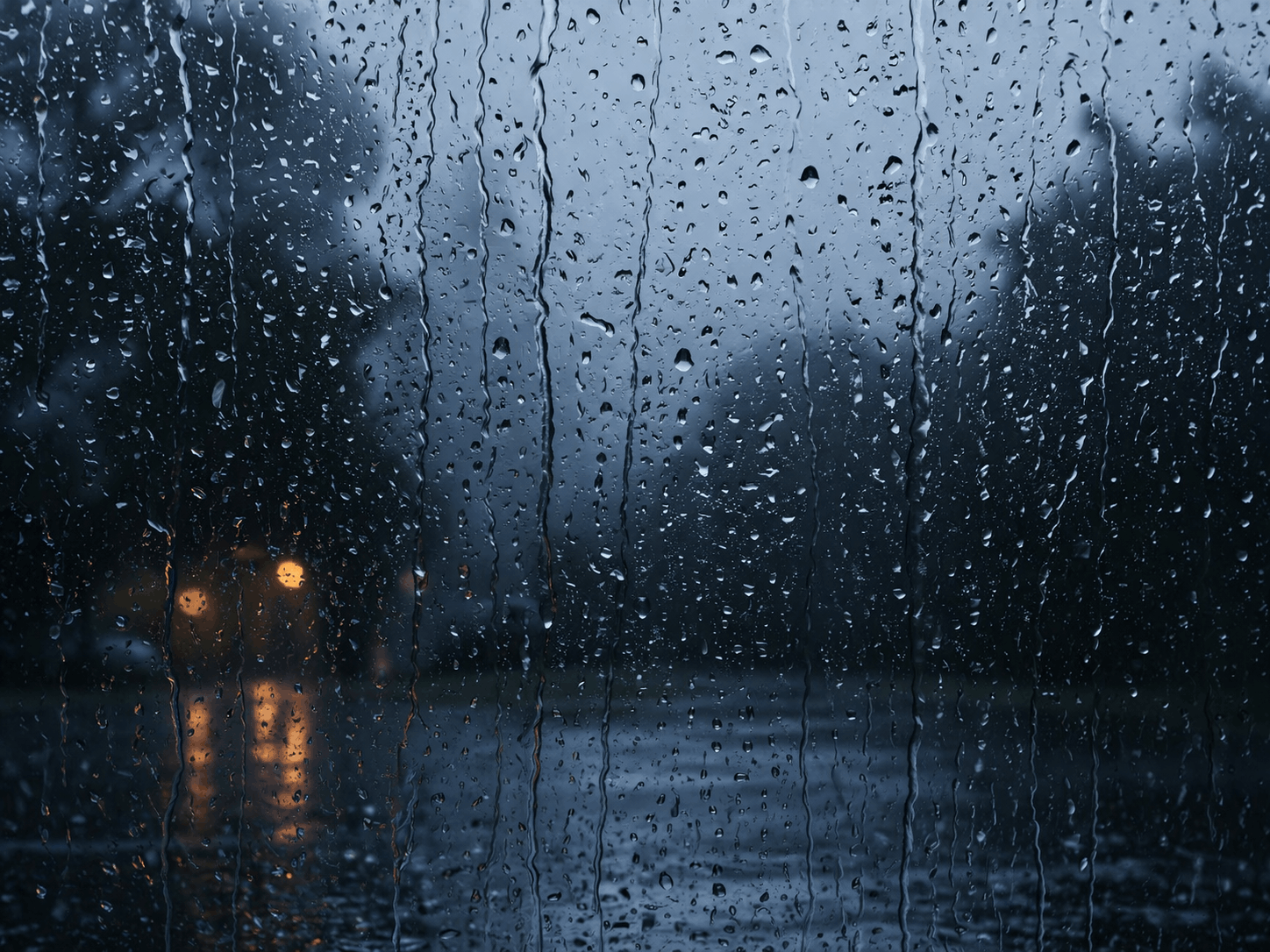
Relaxing rain on window screensaver with realistic raindrops, lightning flashes, thunder sound, and fog effect. Perfect

Hypnotic 3D starfield screensaver with warp speed control, nebula colors, and shooting stars. Travel through space in yo
Display custom text fullscreen with animations. Choose bounce, scroll, fade, or float effects. Customizable font size, c
Realistic fullscreen prank screens — BSOD, Windows updates, Ubuntu upgrades, iOS updates, and hacker terminals. Launch any screen fullscreen and watch your friends panic. Press ESC to exit anytime.
Fake update screens • BSOD prank • Windows update prank • Hacker screen • Ubuntu update • iOS update • Fullscreen prank tools
Generate a realistic Windows Blue Screen of Death (BSOD) with authentic error codes, QR code, and CRITICAL_PROCESS_DIED
Simulate a realistic Windows 10 update screen with customizable timing, non-linear progress, and authentic blue interfac
Simulate a realistic Windows 11 update with circular progress ring, dark interface, and Windows logo. Free fullscreen pr
Simulate a realistic Ubuntu Linux system upgrade with terminal output, real package names, and progress tracking. Free f
Simulate a realistic iOS software update with Apple logo, circular progress bar, and phase-based status messages. Free f
Display a dramatic hacker terminal with auto-typing exploit commands, Matrix rain background, and CRT scanline effects.
Швидко циклюйте кольори для виправлення застряглих пікселів. Запускайте на 20-30 хвилин.
Показати рухомий візерунок для виявлення вигоряння OLED.
Плавні градієнти для перевірки смуг кольорів та глибини кольору.
Шахові візерунки для тестування чіткості та відгуку пікселів.
Швидкі чорно-білі переходи для оцінки залишкових зображень.
Кольорові смуги для оцінки постійності кута огляду.
50% сірого для виявлення гарячих точок підсвічування.
Еталонні кольори для перевірки калібрування.
Виявіть підключені дисплеї та відкрийте повноекранний колір на всіх.
A yellow screen combines red and green sub-pixels at full intensity, making it excellent for testing sub-pixel coordination. If your display shows inconsistent yellow with tints of green or red in certain areas, it indicates calibration issues or aging sub-pixels.\n\nYellow light provides warm, inviting ambient lighting similar to candlelight or sunset tones. It's popular for creating cozy atmospheres in living spaces and is less disruptive to circadian rhythms than blue or white light.
Yellow requires both red and green sub-pixels at full brightness with blue off. It tests sub-pixel coordination and can reveal calibration issues.
Yellow light contains less blue wavelength, which can reduce eye strain during evening use compared to pure white light.