Atur timer untuk tampilan layar penuh.
Transform your display with beautiful, interactive screensavers that run right in your browser. Choose from digital clocks, productivity timers, ambient animations, and mesmerizing visual effects — perfect for idle screens, desk displays, presentations, and relaxation.
Fullscreen screensavers • Animated backgrounds • No installation • Works on Windows, Mac, Linux, Chromebook & mobile
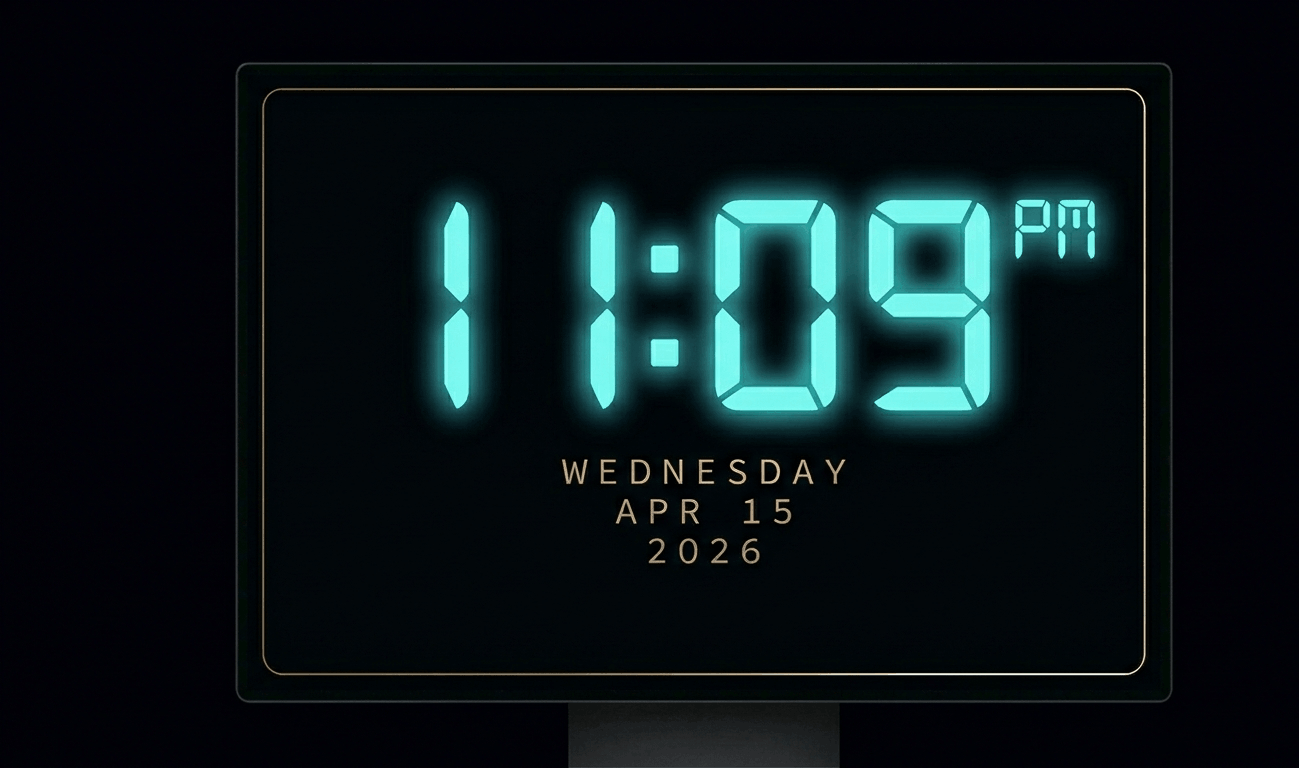
Beautiful digital clock screensaver with 10 color themes, 4 fonts, glow effects, and Wake Lock API. Runs fullscreen in y
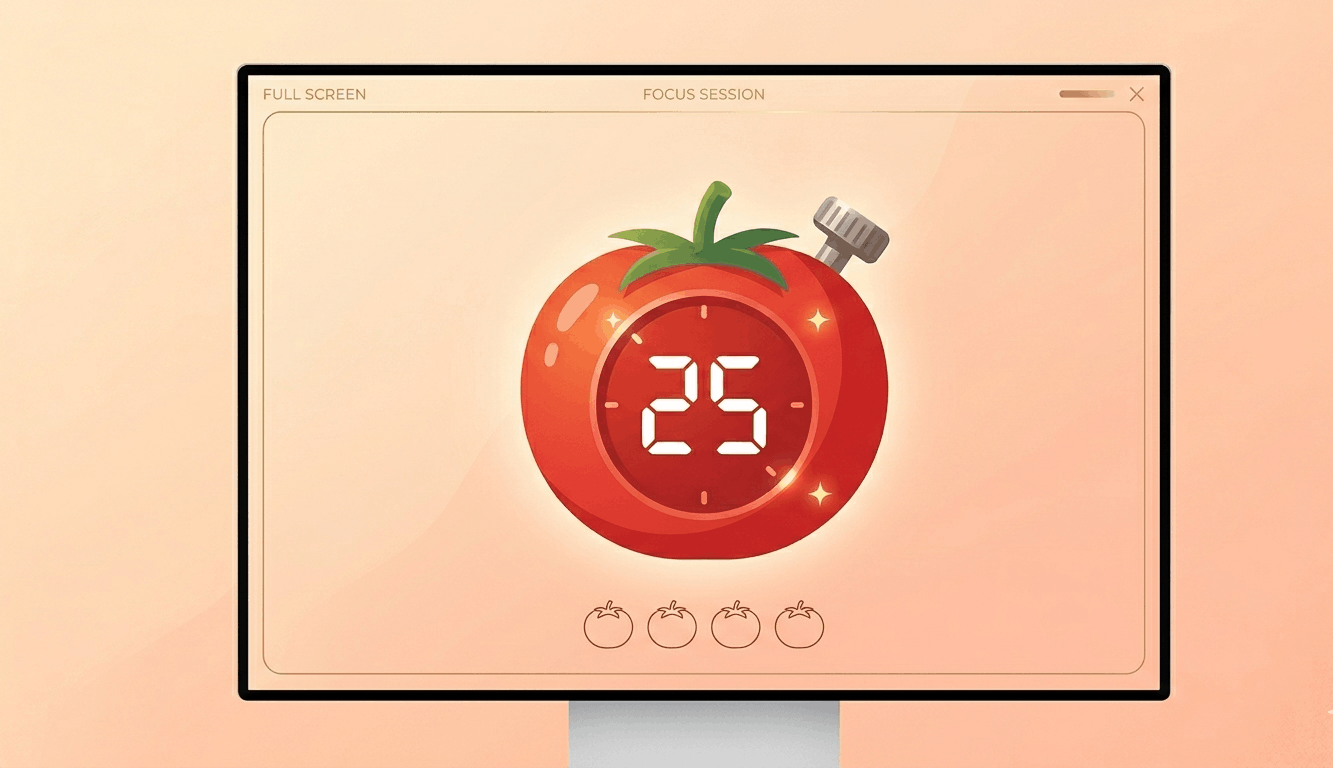
Free Pomodoro timer with customizable durations, sound alerts, progress ring animation, and session tracking. Boost your
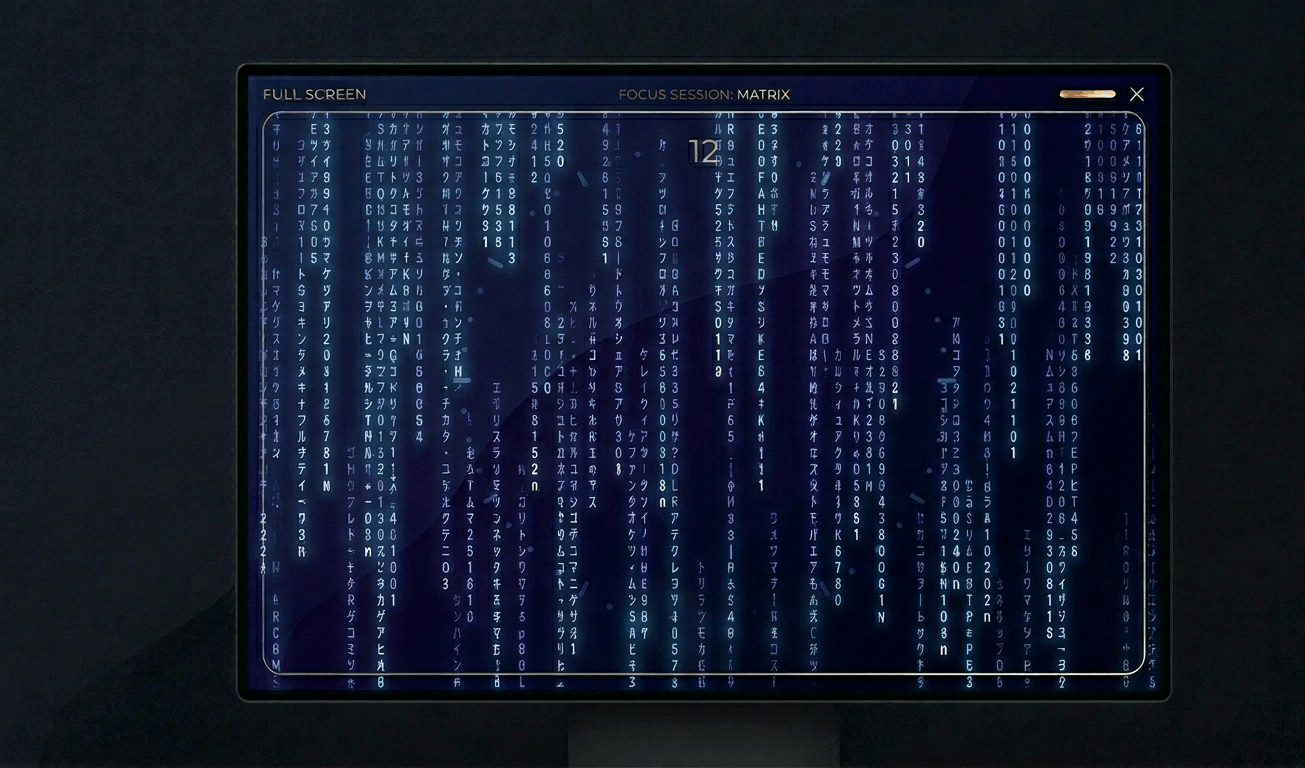
Classic Matrix-style green falling code screensaver with customizable speed, density, colors, and character sets (Kataka
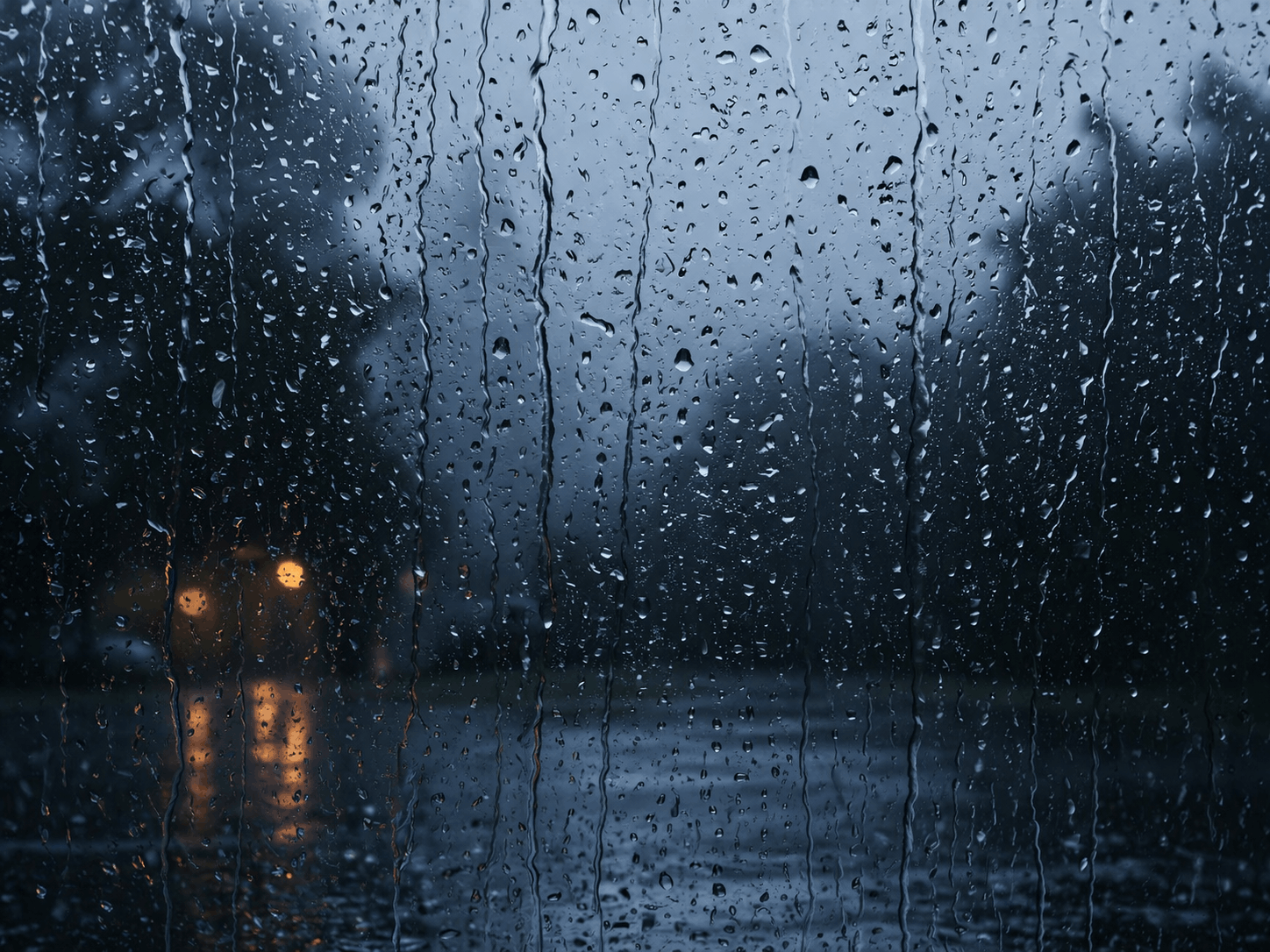
Relaxing rain on window screensaver with realistic raindrops, lightning flashes, thunder sound, and fog effect. Perfect
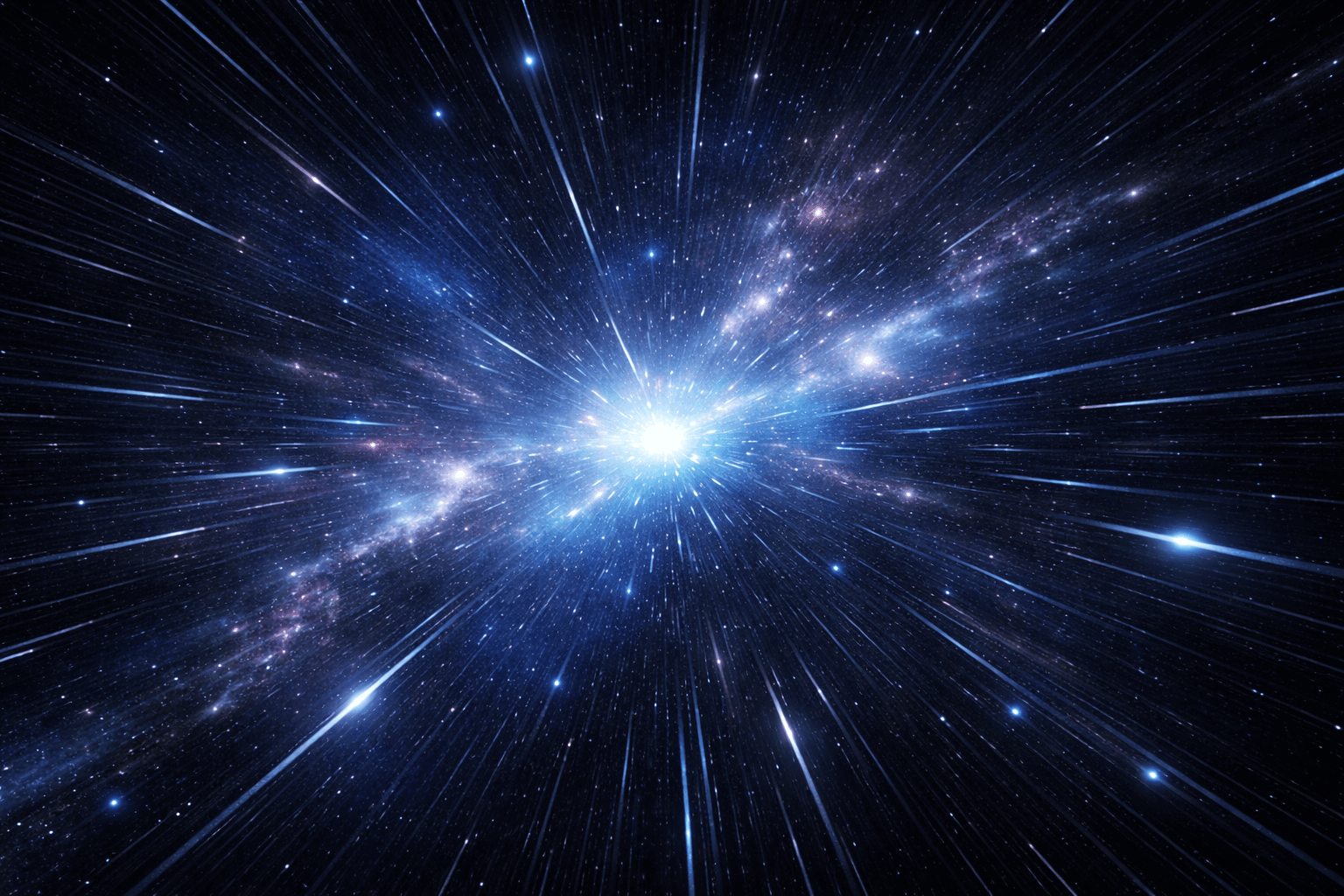
Hypnotic 3D starfield screensaver with warp speed control, nebula colors, and shooting stars. Travel through space in yo
Display custom text fullscreen with animations. Choose bounce, scroll, fade, or float effects. Customizable font size, c
Realistic fullscreen prank screens — BSOD, Windows updates, Ubuntu upgrades, iOS updates, and hacker terminals. Launch any screen fullscreen and watch your friends panic. Press ESC to exit anytime.
Fake update screens • BSOD prank • Windows update prank • Hacker screen • Ubuntu update • iOS update • Fullscreen prank tools
Generate a realistic Windows Blue Screen of Death (BSOD) with authentic error codes, QR code, and CRITICAL_PROCESS_DIED
Simulate a realistic Windows 10 update screen with customizable timing, non-linear progress, and authentic blue interfac
Simulate a realistic Windows 11 update with circular progress ring, dark interface, and Windows logo. Free fullscreen pr
Simulate a realistic Ubuntu Linux system upgrade with terminal output, real package names, and progress tracking. Free f
Simulate a realistic iOS software update with Apple logo, circular progress bar, and phase-based status messages. Free f
Display a dramatic hacker terminal with auto-typing exploit commands, Matrix rain background, and CRT scanline effects.
Putar warna dengan cepat untuk memperbaiki piksel macet. Jalankan 20-30 menit.
Tampilkan pola bergerak untuk mendeteksi burn-in OLED.
Gradien halus untuk memeriksa pita warna dan kedalaman bit.
Pola papan catur untuk menguji ketajaman dan respons piksel.
Transisi hitam/putih cepat untuk mengevaluasi ghosting.
Pita warna untuk mengevaluasi konsistensi sudut pandang.
Abu-abu 50% untuk mengungkap hotspot lampu latar.
Warna referensi untuk verifikasi kalibrasi.
Deteksi layar terhubung dan buka warna layar penuh di semua.
A blue screen isolates the blue sub-pixel channel for precise display testing. Blue sub-pixels are typically the smallest and dimmest in most LCD panel technologies, making them the most common source of sub-pixel defects. Testing with pure blue can reveal issues that other colors miss.\n\nBlue light is also important to understand for eye health. Extended exposure to blue light from screens can contribute to digital eye strain and may affect sleep patterns by suppressing melatonin. Testing your monitor's blue output can help you calibrate night mode or blue light filter settings.\n\nFor creative professionals, a blue screen provides cool-toned ambient lighting for photography and video production. It creates a calm, professional atmosphere often used in corporate video backgrounds and product photography.\n\nDisplay calibration experts use blue screens as part of color accuracy testing, comparing the displayed blue against reference values to verify proper color rendering across the sRGB and Adobe RGB color spaces.
Blue sub-pixels are typically smaller and require more power in LCD panels. This makes them more prone to failure compared to red and green sub-pixels.
All screens emit blue light. This tool displays pure blue to test your display. For daily use, enable your OS night mode to reduce blue light in the evening.
Yes. Display calibration involves checking pure red, green, and blue channels. This blue screen helps verify your monitor's blue accuracy against reference values.
Pure sRGB blue (#0000FF) corresponds to approximately 450-490nm wavelength, which is in the blue portion of the visible spectrum.