전체 화면 표시에 타이머를 설정합니다.
Transform your display with beautiful, interactive screensavers that run right in your browser. Choose from digital clocks, productivity timers, ambient animations, and mesmerizing visual effects — perfect for idle screens, desk displays, presentations, and relaxation.
Fullscreen screensavers • Animated backgrounds • No installation • Works on Windows, Mac, Linux, Chromebook & mobile
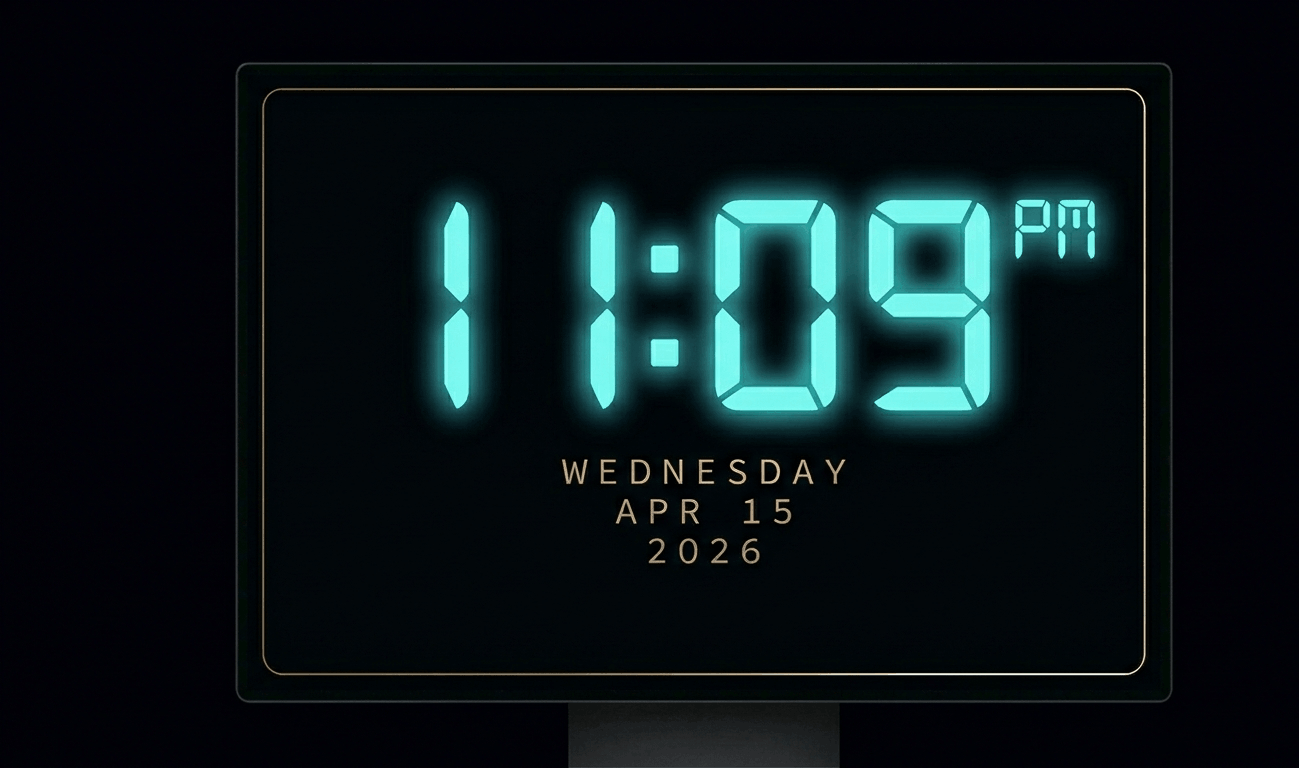
Beautiful digital clock screensaver with 10 color themes, 4 fonts, glow effects, and Wake Lock API. Runs fullscreen in y
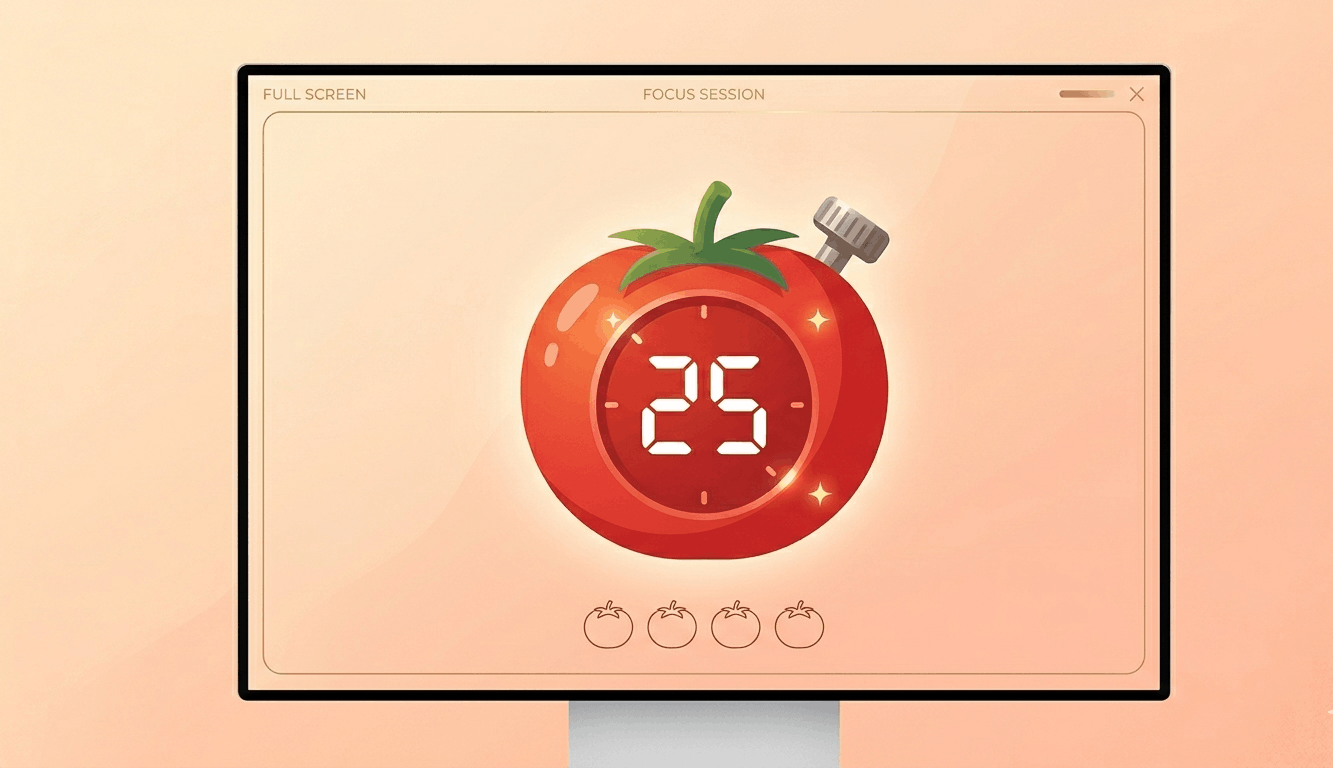
Free Pomodoro timer with customizable durations, sound alerts, progress ring animation, and session tracking. Boost your
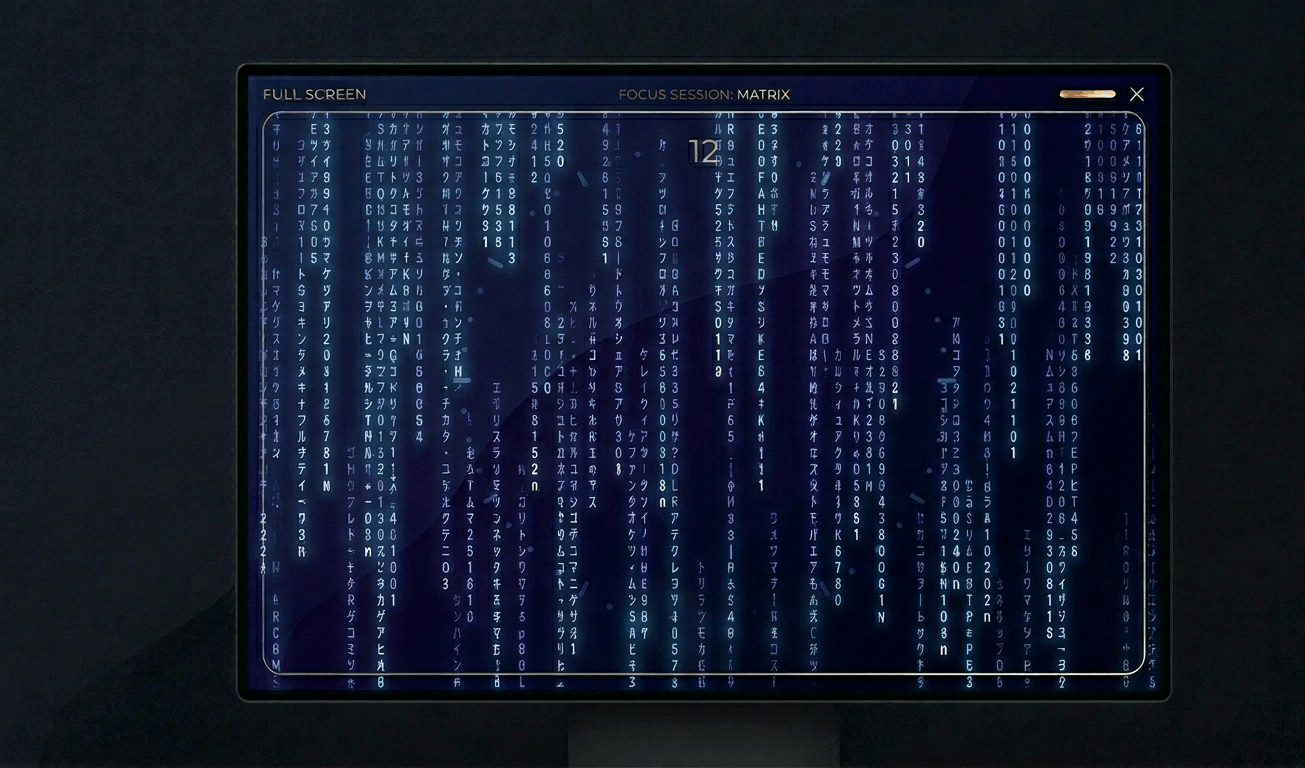
Classic Matrix-style green falling code screensaver with customizable speed, density, colors, and character sets (Kataka
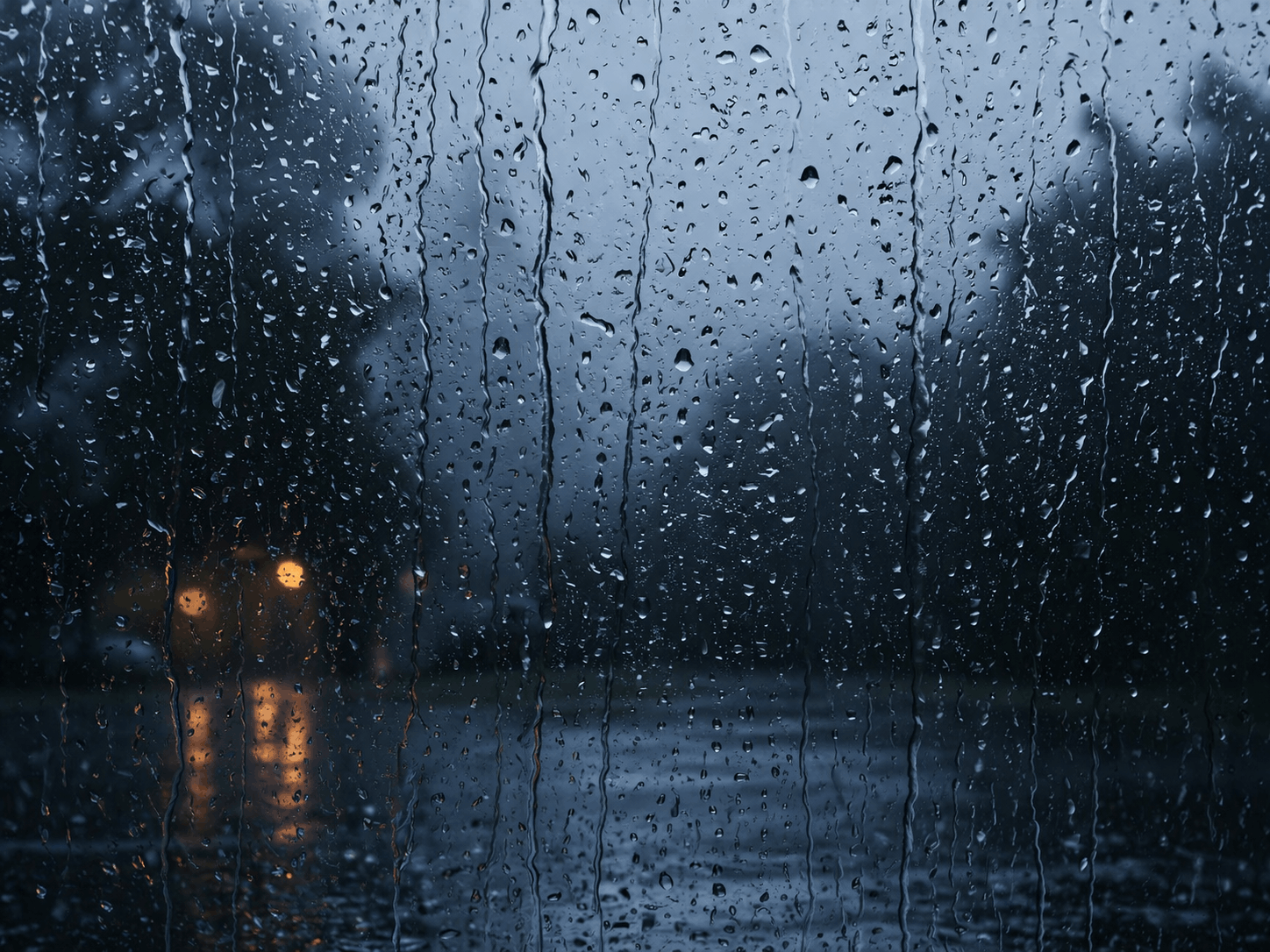
Relaxing rain on window screensaver with realistic raindrops, lightning flashes, thunder sound, and fog effect. Perfect
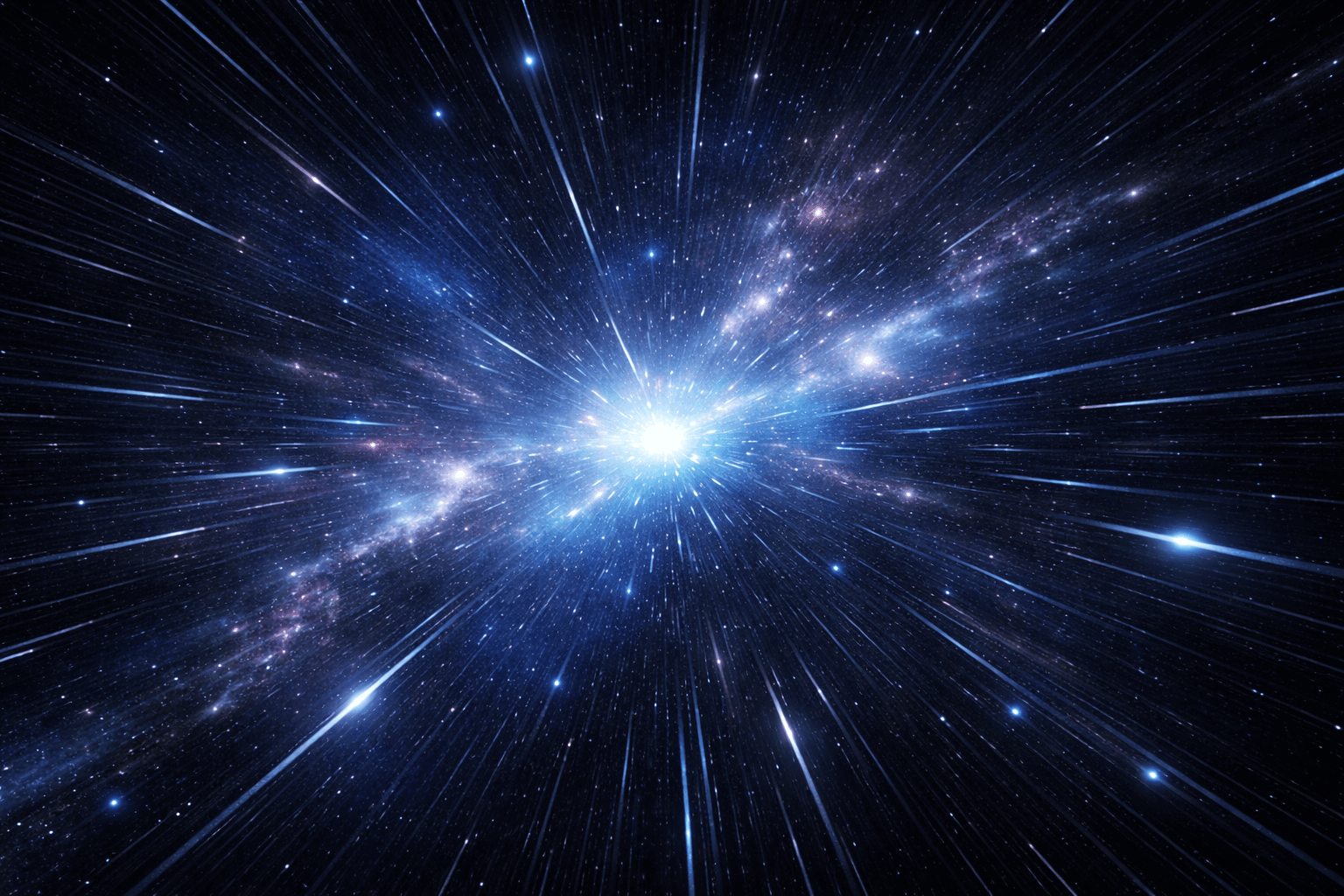
Hypnotic 3D starfield screensaver with warp speed control, nebula colors, and shooting stars. Travel through space in yo
Display custom text fullscreen with animations. Choose bounce, scroll, fade, or float effects. Customizable font size, c
Realistic fullscreen prank screens — BSOD, Windows updates, Ubuntu upgrades, iOS updates, and hacker terminals. Launch any screen fullscreen and watch your friends panic. Press ESC to exit anytime.
Fake update screens • BSOD prank • Windows update prank • Hacker screen • Ubuntu update • iOS update • Fullscreen prank tools
Generate a realistic Windows Blue Screen of Death (BSOD) with authentic error codes, QR code, and CRITICAL_PROCESS_DIED
Simulate a realistic Windows 10 update screen with customizable timing, non-linear progress, and authentic blue interfac
Simulate a realistic Windows 11 update with circular progress ring, dark interface, and Windows logo. Free fullscreen pr
Simulate a realistic Ubuntu Linux system upgrade with terminal output, real package names, and progress tracking. Free f
Simulate a realistic iOS software update with Apple logo, circular progress bar, and phase-based status messages. Free f
Display a dramatic hacker terminal with auto-typing exploit commands, Matrix rain background, and CRT scanline effects.
고착 픽셀 수리를 위한 빠른 색상 순환. 20~30분간 실행하세요.
이동 패턴을 표시하여 OLED 번인을 감지합니다.
색상 밴딩과 비트 심도를 확인하기 위한 부드러운 그라데이션.
선명도와 픽셀 응답성을 테스트하는 체커보드 패턴.
고스팅을 평가하기 위한 빠른 흑백 전환.
시야각 일관성을 평가하기 위한 색상 바.
백라이트 핫스팟을 드러내는 50% 그레이.
캘리브레이션을 확인하기 위한 기준 색상.
연결된 디스플레이를 감지하고 모든 화면에 전체 화면 색상을 표시합니다.
<p>흰색 화면은 모니터 테스트에서 가장 널리 사용되는 도구입니다. 완전한 흰색 디스플레이는 불량 픽셀을 즉시 드러내며, 균일한 흰색 배경 위에 작은 어두운 점으로 나타납니다. 화면 품질 검사의 첫 번째 단계로 권장됩니다.</p><p>픽셀 테스트 외에도, 흰색 화면은 백라이트 균일성을 확인하는 데 이상적입니다. LCD 모니터는 화면 모서리와 가장자리에서 밝거나 어두운 영역(핫스팟 및 백라이트 번짐)을 보일 수 있습니다.</p><p>흰색 화면은 부드러운 환경 조명 소스로도 사용됩니다. 사진작가와 영상 제작자는 거친 그림자 없이 균일하고 확산된 빛으로 장면을 비추는 즉석 라이트 패널로 활용합니다.</p><p>색상 보정, 인쇄 테스트 또는 제품 사진의 깔끔한 배경으로 480p~8K의 흰색 단색 배경화면을 다운로드할 수 있습니다.</p>
전체 화면 모드로 전환하고 화면 전체를 주의 깊게 관찰하세요. 불량 픽셀은 균일한 흰색 배경 위에 검은 점이나 색이 있는 점으로 고정 표시됩니다.
최대 밝기에서 장시간 사용하면 눈의 피로를 유발할 수 있습니다. 테스트 중에는 밝기를 낮추고 정기적으로 휴식을 취하는 것이 좋습니다.
네. 최대 밝기의 흰색 화면은 영상 통화, 독서 또는 환경 조명에 유용한 부드럽고 확산된 광원으로 작동합니다.
순백(#FFFFFF)은 중성 색온도이고, 따뜻한 흰색은 촛불 빛과 비슷한 눈에 편안한 노란 색조입니다.
480p, 720p, 1080p(Full HD), 1440p(2K), 2160p(4K), 5K, 8K의 모든 표준 해상도를 제공합니다.