Stel een timer in voor volledig scherm weergave.
Transform your display with beautiful, interactive screensavers that run right in your browser. Choose from digital clocks, productivity timers, ambient animations, and mesmerizing visual effects — perfect for idle screens, desk displays, presentations, and relaxation.
Fullscreen screensavers • Animated backgrounds • No installation • Works on Windows, Mac, Linux, Chromebook & mobile
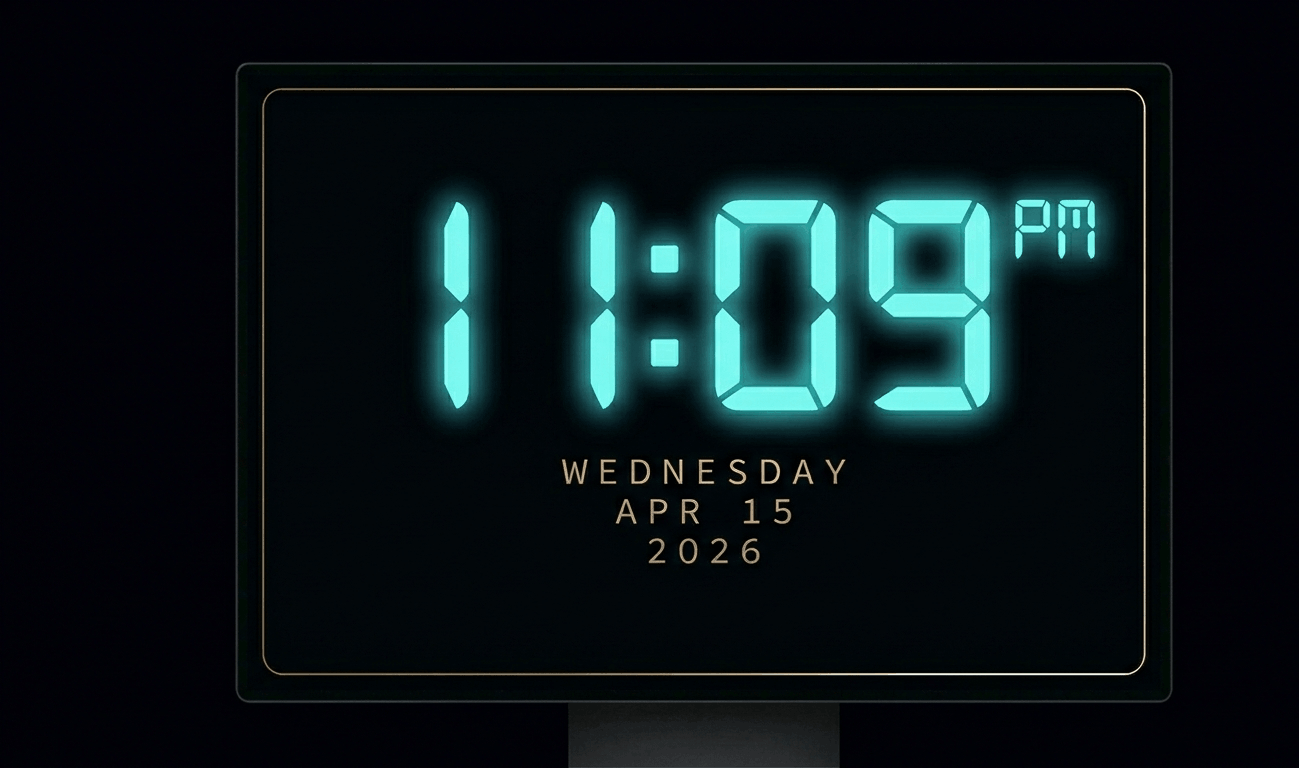
Beautiful digital clock screensaver with 10 color themes, 4 fonts, glow effects, and Wake Lock API. Runs fullscreen in y
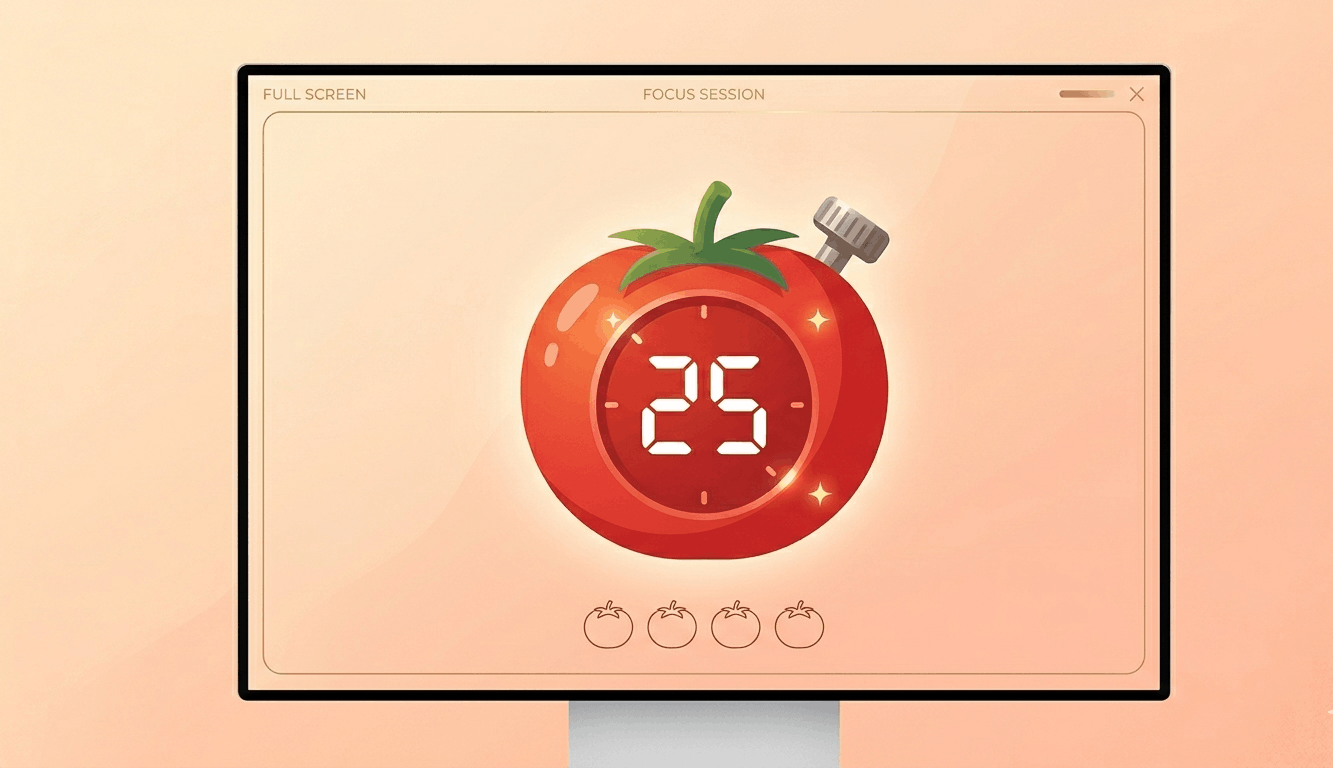
Free Pomodoro timer with customizable durations, sound alerts, progress ring animation, and session tracking. Boost your
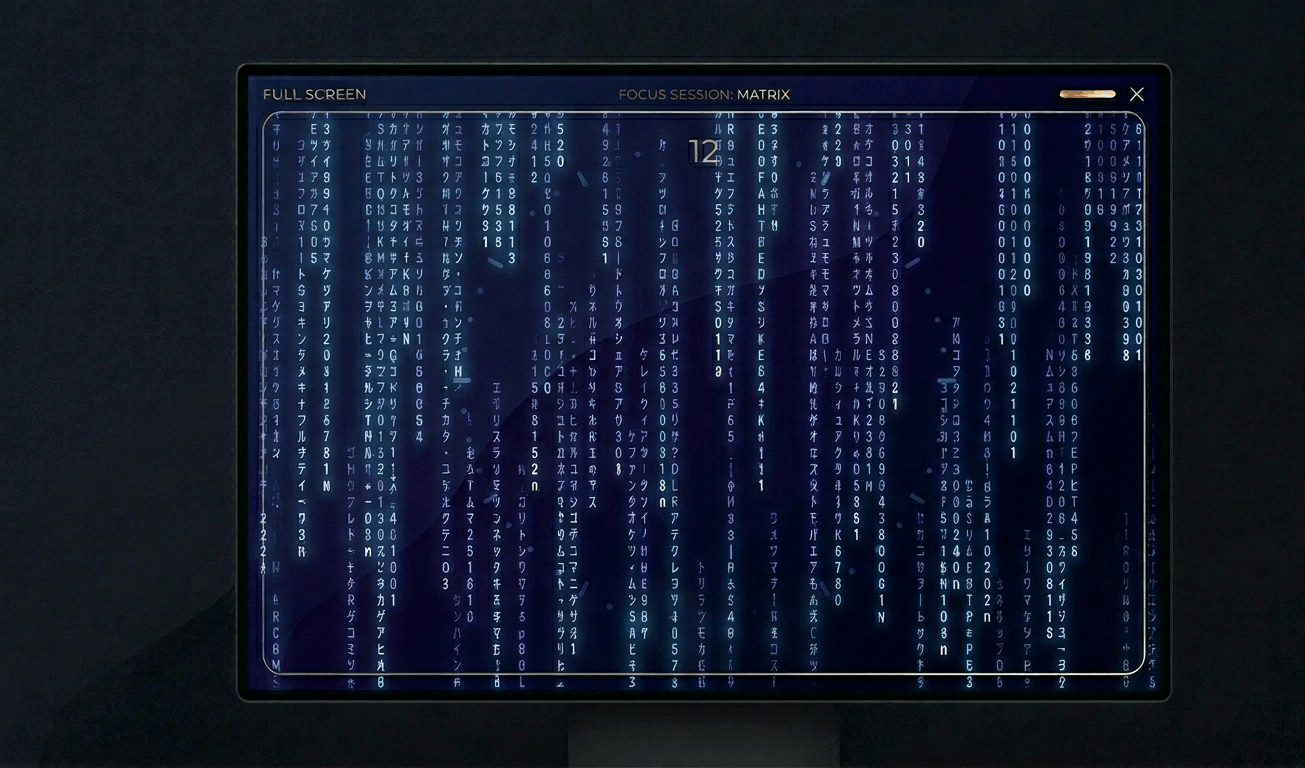
Classic Matrix-style green falling code screensaver with customizable speed, density, colors, and character sets (Kataka
Relaxing rain on window screensaver with realistic raindrops, lightning flashes, thunder sound, and fog effect. Perfect

Hypnotic 3D starfield screensaver with warp speed control, nebula colors, and shooting stars. Travel through space in yo
Display custom text fullscreen with animations. Choose bounce, scroll, fade, or float effects. Customizable font size, c
Realistic fullscreen prank screens — BSOD, Windows updates, Ubuntu upgrades, iOS updates, and hacker terminals. Launch any screen fullscreen and watch your friends panic. Press ESC to exit anytime.
Fake update screens • BSOD prank • Windows update prank • Hacker screen • Ubuntu update • iOS update • Fullscreen prank tools
Generate a realistic Windows Blue Screen of Death (BSOD) with authentic error codes, QR code, and CRITICAL_PROCESS_DIED
Simulate a realistic Windows 10 update screen with customizable timing, non-linear progress, and authentic blue interfac
Simulate a realistic Windows 11 update with circular progress ring, dark interface, and Windows logo. Free fullscreen pr
Simulate a realistic Ubuntu Linux system upgrade with terminal output, real package names, and progress tracking. Free f
Simulate a realistic iOS software update with Apple logo, circular progress bar, and phase-based status messages. Free f
Display a dramatic hacker terminal with auto-typing exploit commands, Matrix rain background, and CRT scanline effects.
Wissel snel tussen kleuren om vastgelopen pixels te repareren. Voer 20-30 minuten uit.
Toon een bewegend patroon om OLED-inbranding te detecteren.
Vloeiende verlopen om kleurbanding en bitdiepteproblemen te controleren.
Dambordpatronen om scherpte en pixelrespons te testen.
Snelle zwart/wit overgangen om ghosting te evalueren.
Kleurbanden om de consistentie van de kijkhoek te evalueren.
50% grijs om achtergrondverlichtingsdefecten te onthullen.
Referentiekleuren voor kalibratieverificatie.
Detecteer aangesloten schermen en open kleur op alle schermen.
Een wit scherm is een van de meest veelzijdige hulpmiddelen voor monitortesten. Door puur wit op volledig scherm te tonen, moet elke pixel op maximale helderheid branden — waardoor dode pixels eenvoudig als donkere stippen te herkennen zijn. Naast testen zijn witte schermen uitstekende bronnen van zacht licht. Fotografen en videomakers gebruiken witte monitoren als geïmproviseerde lichtpanelen voor portretten of productfoto's. Een wit scherm is ook de beste manier om de reinheid van je display te controleren. Stof, vingerafdrukken en vlekken worden onmiddellijk zichtbaar op een witte achtergrond. Voor kalibratie is wit de referentie voor witbalans. Als wit blauwachtig of geelachtig lijkt, heeft je monitor mogelijk witpuntkalibratie nodig.
Toon dit witte scherm op volledig scherm en scan zorgvuldig elk deel van je monitor. Dode pixels verschijnen als kleine donkere (zwarte) stippen die niet oplichten. Controleer systematisch per kwadrant.
Ja! Open het witte scherm op volledig scherm op een tweede monitor of tablet gericht op je gezicht. Het biedt zachte, gelijkmatige verlichting vergelijkbaar met een ringlamp. Pas de helderheid aan om de intensiteit te regelen.
Toon het witte scherm, dim de kamerverlichting en veeg voorzichtig met een droge microvezeldoek in cirkelvormige bewegingen. De witte achtergrond maakt alle stof en vlekken duidelijk zichtbaar.
Kies de resolutie die bij je monitor past: 1080p voor Full HD, 1440p voor 2K, 2160p voor 4K of 4320p voor 8K-schermen.
Een wit scherm toont puur #FFFFFF op volle helderheid om pixels te testen. Een helderheidstest varieert intensiteitsniveaus om achtergrondverlichting uniformiteit en verlooprespons te controleren.