Luminozitate 100%
Mod cronometru

Setați un cronometru pentru afișare pe tot ecranul.

Ecran verde fundal

px
×
px
#00FF00
Culoare personalizată
Opens one color window per detected screen. Drag & fullscreen each.
Free & Browser-Based

Free Online Screen Savers – No Download Required

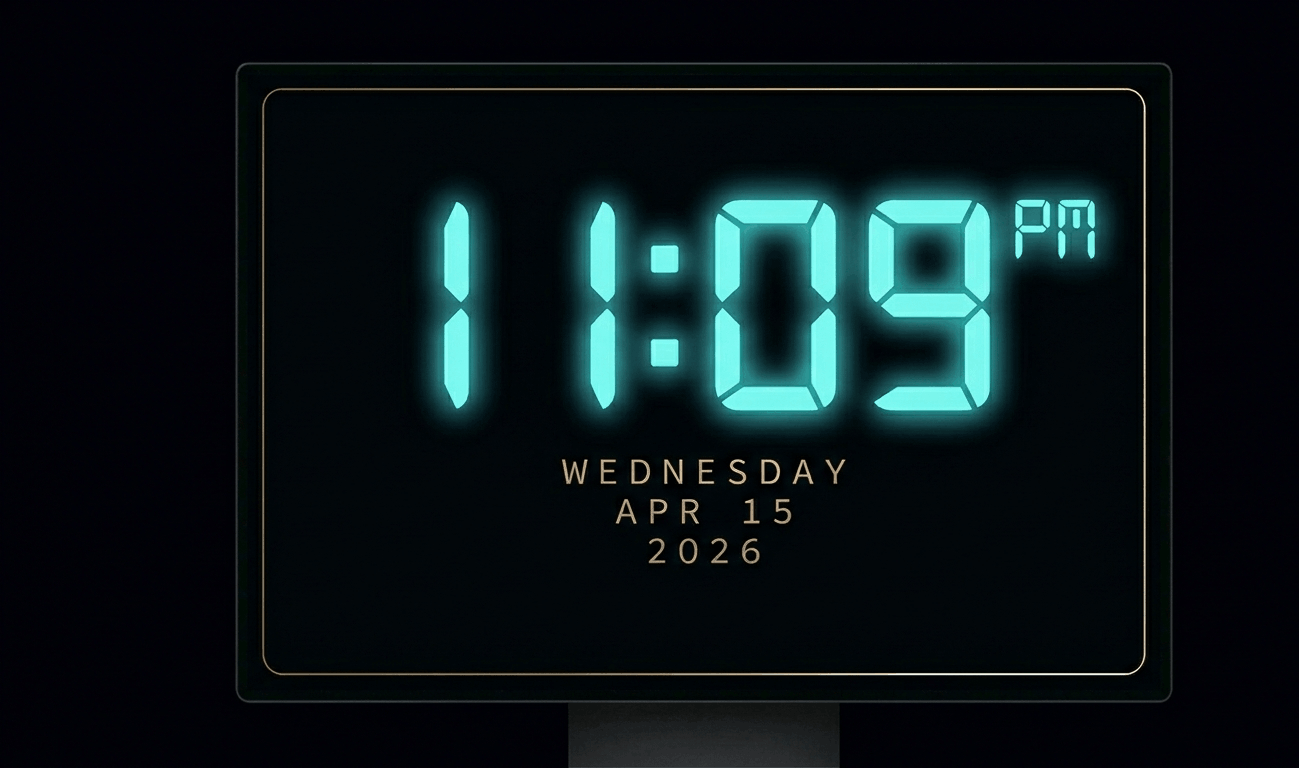
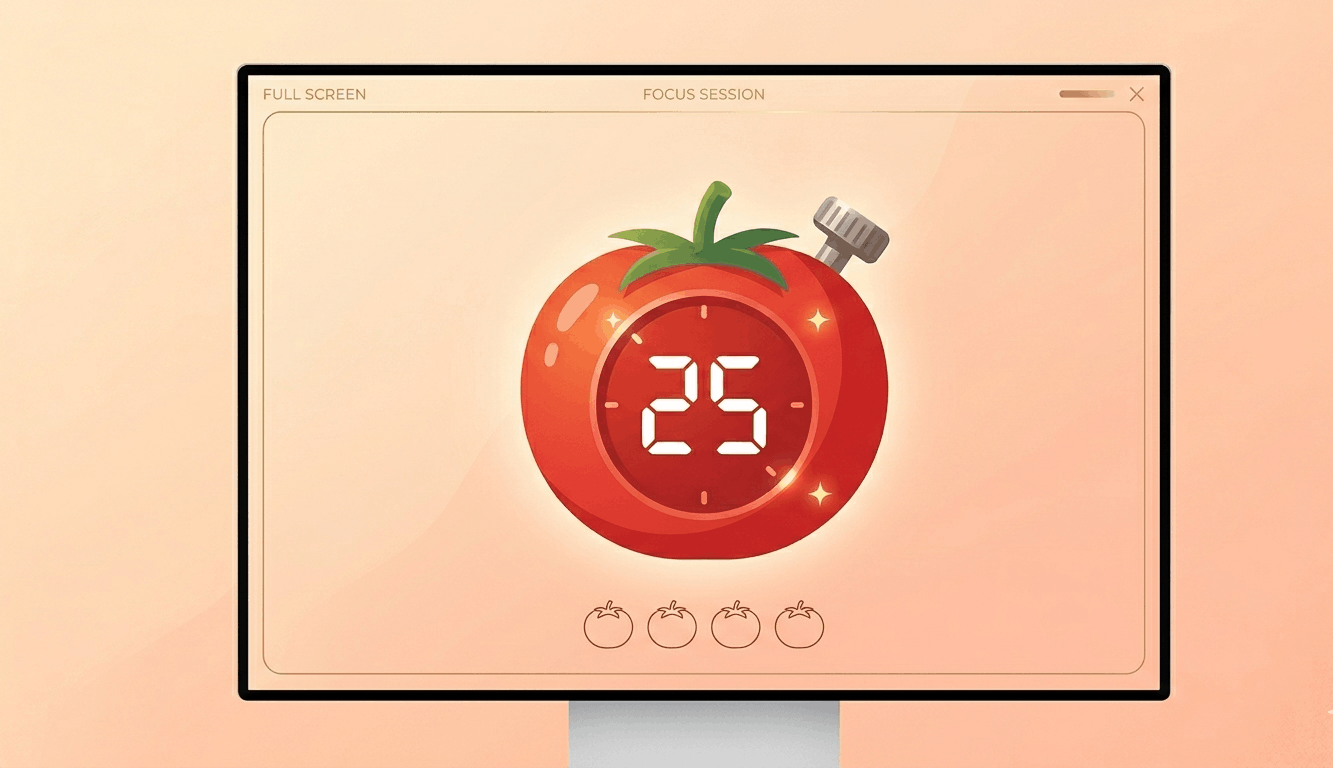
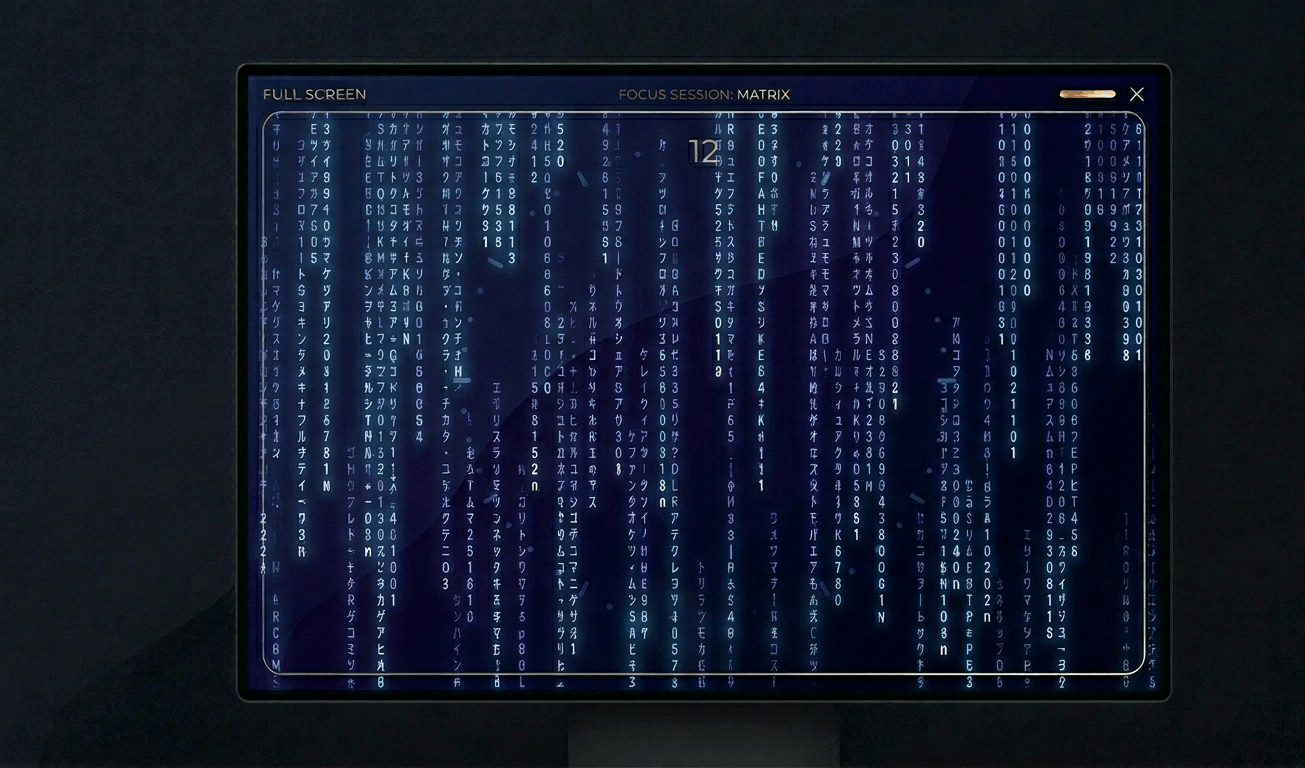
Transform your display with beautiful, interactive screensavers that run right in your browser. Choose from digital clocks, productivity timers, ambient animations, and mesmerizing visual effects — perfect for idle screens, desk displays, presentations, and relaxation.

Free Prank Tool

Fake Update Screens – Free Online Prank Tools

Realistic fullscreen prank screens — BSOD, Windows updates, Ubuntu upgrades, iOS updates, and hacker terminals. Launch any screen fullscreen and watch your friends panic. Press ESC to exit anytime.

Instrumente de testare a ecranului

Ciclu automat de culori

Ciclați rapid culorile pentru a repara pixelii blocați. Rulați 20-30 minute.

Test ardere OLED

Afișați un model în mișcare pentru a detecta arderea OLED.

Test de gradient

Gradienți netezi pentru verificarea benzilor de culoare și adâncimii biților.

Test tablă de șah

Modele de tablă de șah pentru testarea clarității și răspunsului pixelilor.

Test timp de răspuns pixel

Tranziții rapide alb/negru pentru evaluarea fantomelor.

Test unghi de vizualizare

Benzi de culoare pentru evaluarea consistenței unghiului de vizualizare.

Test uniformitate gri

Gri 50% pentru a dezvălui punctele fierbinți ale iluminării de fundal.

Verificator acuratețe culori

Culori de referință pentru verificarea calibrării.

Detectare multi-monitor

Detectați ecranele conectate și deschideți culoarea pe tot ecranul.

Drag each window to a different monitor, then click Go Fullscreen inside it.
Detected Screens
Click "Refresh" to detect…

Despre Ecran verde

A green screen serves dual purposes: display testing and content creation. For pixel testing, a pure green screen isolates the green sub-pixel channel, revealing defects specific to the green component. Since the human eye is most sensitive to green light, green sub-pixel defects can be particularly noticeable in everyday use.\n\nFor content creators, a fullscreen green display turns any monitor into an improvised chroma key background. While not as effective as a physical green screen fabric (due to screen glare and limited size), it can work for headshot-style recordings, quick social media clips, or prototyping chroma key setups before investing in professional equipment.\n\nGreen is also the dominant color in most display technologies. LCD panels have more green sub-pixels than red or blue in certain arrangements (like PenTile), making green screen testing especially important for smartphones and tablets.\n\nFor ambient lighting, green provides a calming, nature-inspired atmosphere. Studies suggest exposure to green light can reduce stress and improve mood, making it suitable for relaxation spaces.

Întrebări frecvente – Ecran verde

For quick video calls or social media content, a fullscreen green display can work as a basic chroma key background. For professional work, a physical green screen provides better results due to even lighting.

The human eye is most sensitive to green wavelengths. Green sub-pixel defects are more noticeable in daily use, so testing with a pure green screen helps catch issues early.

This is pure green at #00FF00, which is the standard sRGB green used in display testing and chroma key applications.

Research suggests green light exposure may reduce stress and anxiety. A green screen can provide calming ambient lighting for meditation or relaxation spaces.