Ρυθμίστε χρονοδιακόπτη για προβολή πλήρους οθόνης.
Transform your display with beautiful, interactive screensavers that run right in your browser. Choose from digital clocks, productivity timers, ambient animations, and mesmerizing visual effects — perfect for idle screens, desk displays, presentations, and relaxation.
Fullscreen screensavers • Animated backgrounds • No installation • Works on Windows, Mac, Linux, Chromebook & mobile
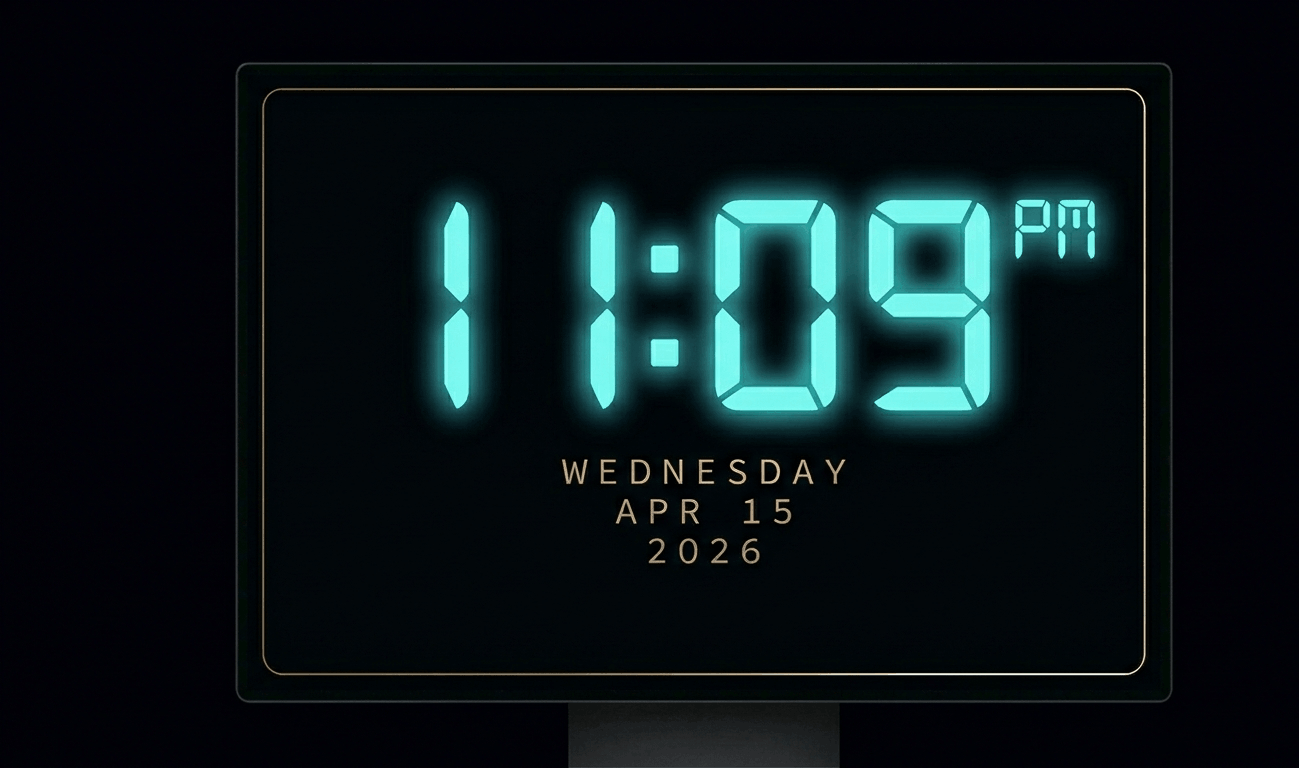
Beautiful digital clock screensaver with 10 color themes, 4 fonts, glow effects, and Wake Lock API. Runs fullscreen in y
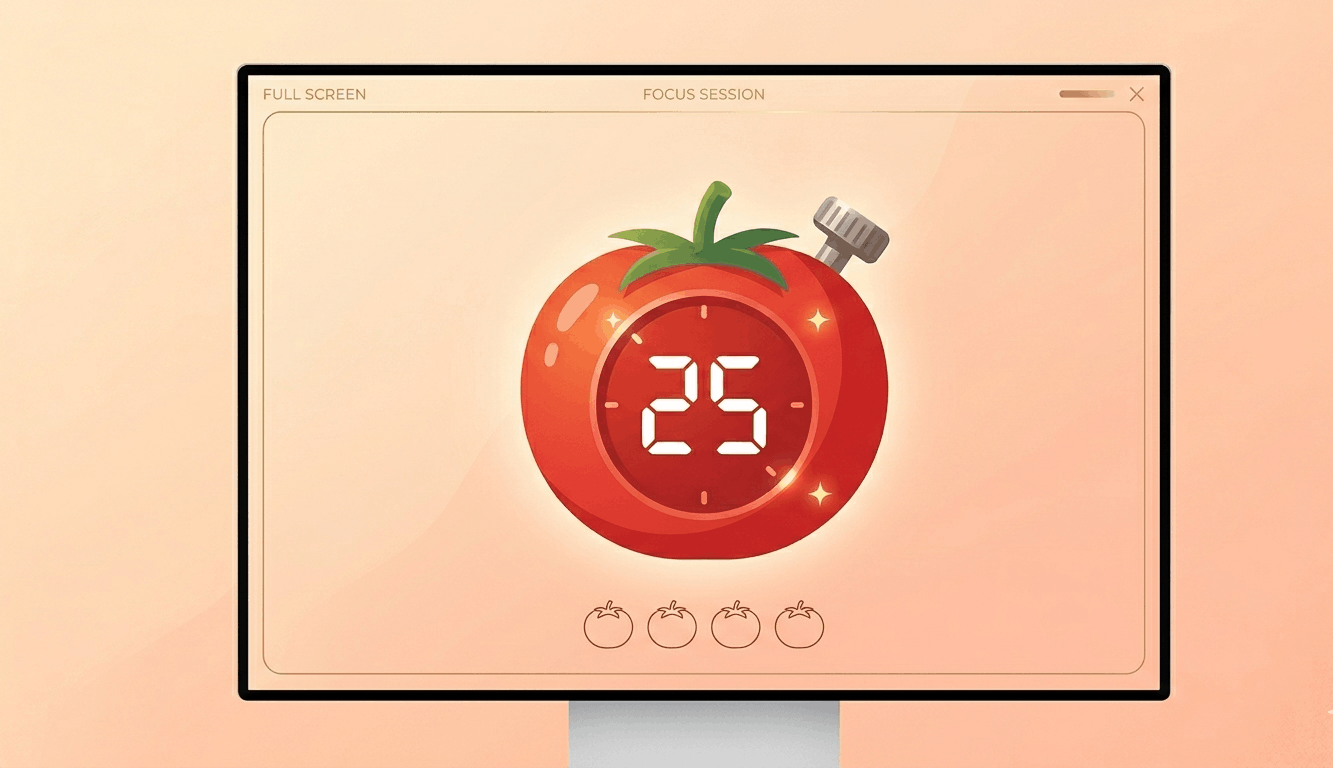
Free Pomodoro timer with customizable durations, sound alerts, progress ring animation, and session tracking. Boost your
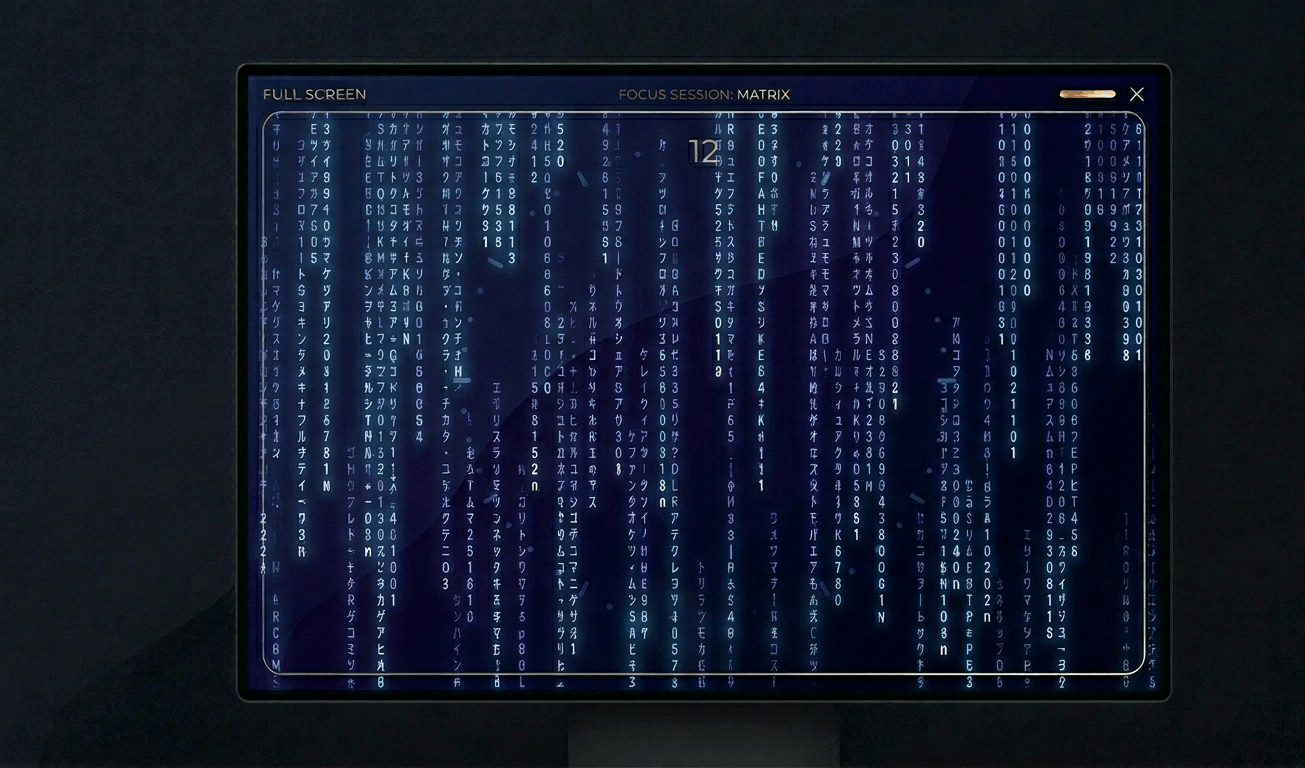
Classic Matrix-style green falling code screensaver with customizable speed, density, colors, and character sets (Kataka
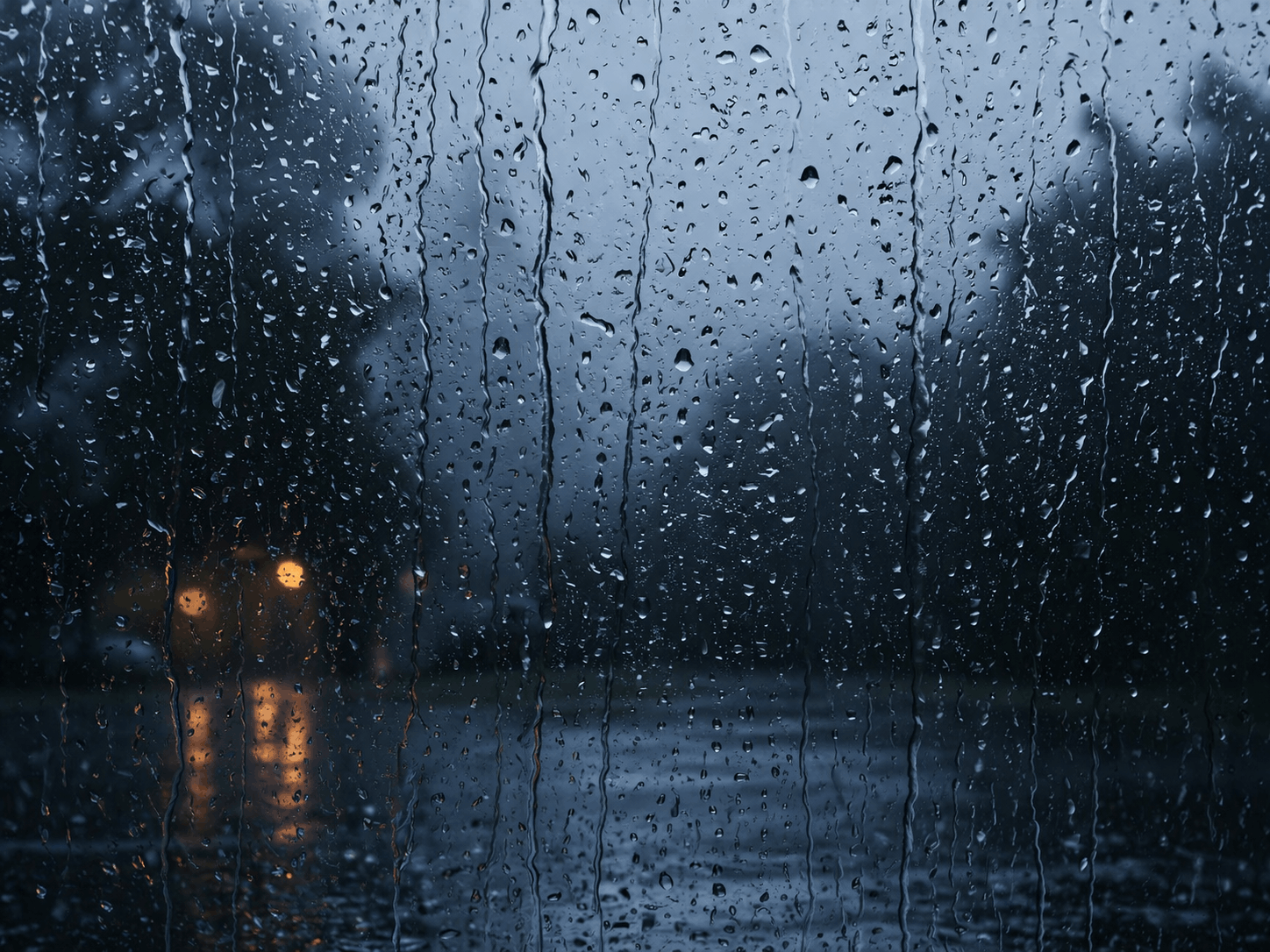
Relaxing rain on window screensaver with realistic raindrops, lightning flashes, thunder sound, and fog effect. Perfect

Hypnotic 3D starfield screensaver with warp speed control, nebula colors, and shooting stars. Travel through space in yo
Display custom text fullscreen with animations. Choose bounce, scroll, fade, or float effects. Customizable font size, c
Realistic fullscreen prank screens — BSOD, Windows updates, Ubuntu upgrades, iOS updates, and hacker terminals. Launch any screen fullscreen and watch your friends panic. Press ESC to exit anytime.
Fake update screens • BSOD prank • Windows update prank • Hacker screen • Ubuntu update • iOS update • Fullscreen prank tools
Generate a realistic Windows Blue Screen of Death (BSOD) with authentic error codes, QR code, and CRITICAL_PROCESS_DIED
Simulate a realistic Windows 10 update screen with customizable timing, non-linear progress, and authentic blue interfac
Simulate a realistic Windows 11 update with circular progress ring, dark interface, and Windows logo. Free fullscreen pr
Simulate a realistic Ubuntu Linux system upgrade with terminal output, real package names, and progress tracking. Free f
Simulate a realistic iOS software update with Apple logo, circular progress bar, and phase-based status messages. Free f
Display a dramatic hacker terminal with auto-typing exploit commands, Matrix rain background, and CRT scanline effects.
Γρήγορη εναλλαγή χρωμάτων για επισκευή κολλημένων pixel. Εκτελέστε για 20-30 λεπτά.
Εμφάνιση κινούμενου μοτίβου για ανίχνευση εγκαύματος OLED.
Ομαλές διαβαθμίσεις για έλεγχο χρωματικής λωρίδωσης.
Μοτίβα σκακιέρας για δοκιμή ευκρίνειας και απόκρισης pixel.
Γρήγορες μεταβάσεις ασπρόμαυρου για αξιολόγηση φαντασμάτων.
Χρωματικές λωρίδες για αξιολόγηση γωνίας θέασης.
50% γκρι για αποκάλυψη hotspot οπίσθιου φωτισμού.
Χρώματα αναφοράς για επαλήθευση βαθμονόμησης.
Ανιχνεύστε συνδεδεμένες οθόνες και ανοίξτε χρώμα πλήρους οθόνης σε όλες.
A black screen is essential for testing display quality, especially on OLED and AMOLED panels. On these displays, black pixels are truly "off," making a full-screen black test the definitive way to check for stuck pixels — those pixels that glow faintly when they should be completely dark.\n\nBlack screen testing also reveals backlight bleed on LCD monitors. In a dark room, display this black screen fullscreen and look for lighter patches along the edges — this is light leaking from the backlight assembly. Some bleed is normal on IPS panels, but excessive bleed indicates a defect.\n\nFor OLED users, periodic black screen display helps identify early signs of burn-in, where persistent images leave ghost impressions. By displaying pure black, you can spot any faint residual images from static UI elements like taskbars or navigation buttons.\n\nA black screen also serves as an ambient tool. Many users display it at night to turn a spare monitor into a non-distracting dark surface, reducing light pollution in bedrooms. It's also used during presentations to "blank" a projector without turning it off.
Display this black screen fullscreen in a dark room. Stuck pixels will appear as tiny colored dots (usually red, green, or blue) glowing against the black background. Scan your entire display systematically.
Yes. Display pure black fullscreen on your OLED/AMOLED device. Any faint ghost images from previously displayed static content indicate burn-in damage.
Backlight bleed is light leaking from the edges of an LCD panel. Display a black screen in a dark room — lighter patches along edges or corners indicate bleed.
On OLED displays, displaying pure black means pixels are completely off, which reduces power consumption and prevents burn-in. It's better than a static screensaver.
Select your desired resolution from the dropdown (480p to 8K) and click Download. The PNG file is generated instantly in your browser.