フルスクリーン表示のタイマーを設定します。
Transform your display with beautiful, interactive screensavers that run right in your browser. Choose from digital clocks, productivity timers, ambient animations, and mesmerizing visual effects — perfect for idle screens, desk displays, presentations, and relaxation.
Fullscreen screensavers • Animated backgrounds • No installation • Works on Windows, Mac, Linux, Chromebook & mobile
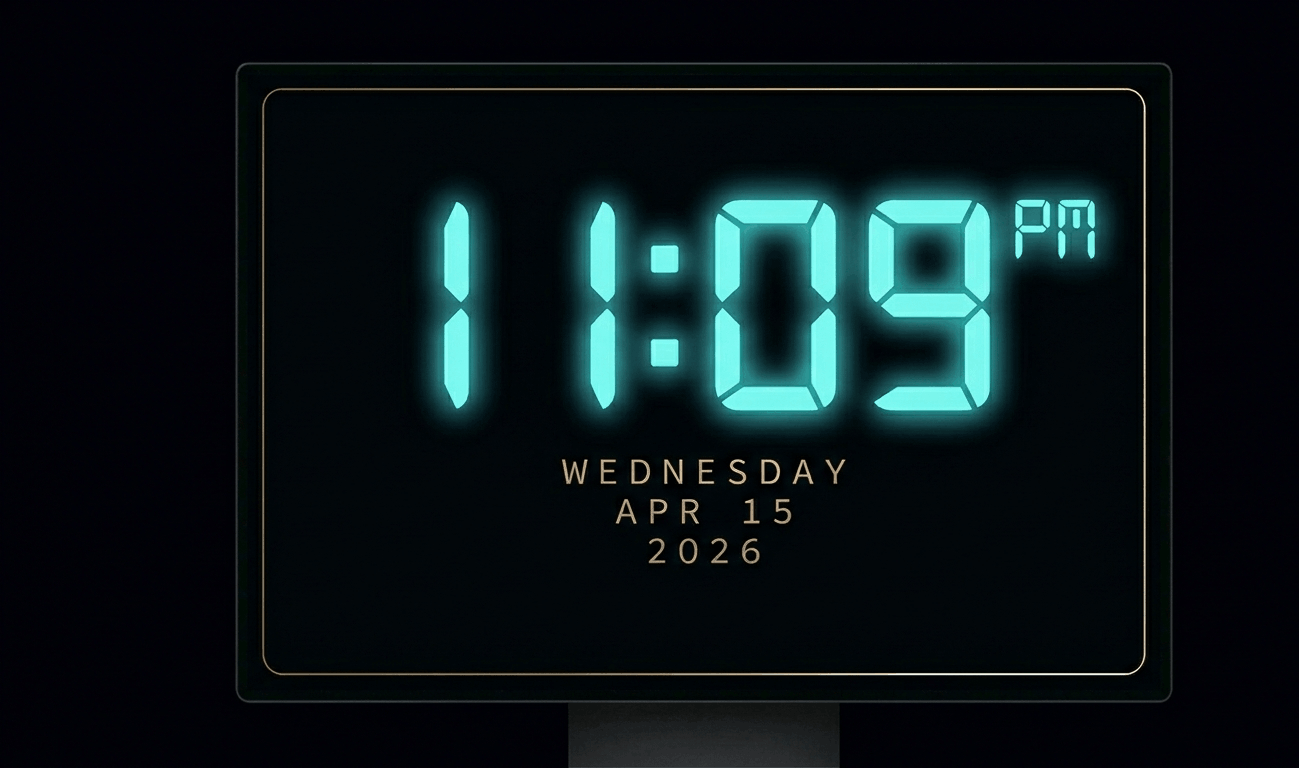
Beautiful digital clock screensaver with 10 color themes, 4 fonts, glow effects, and Wake Lock API. Runs fullscreen in y
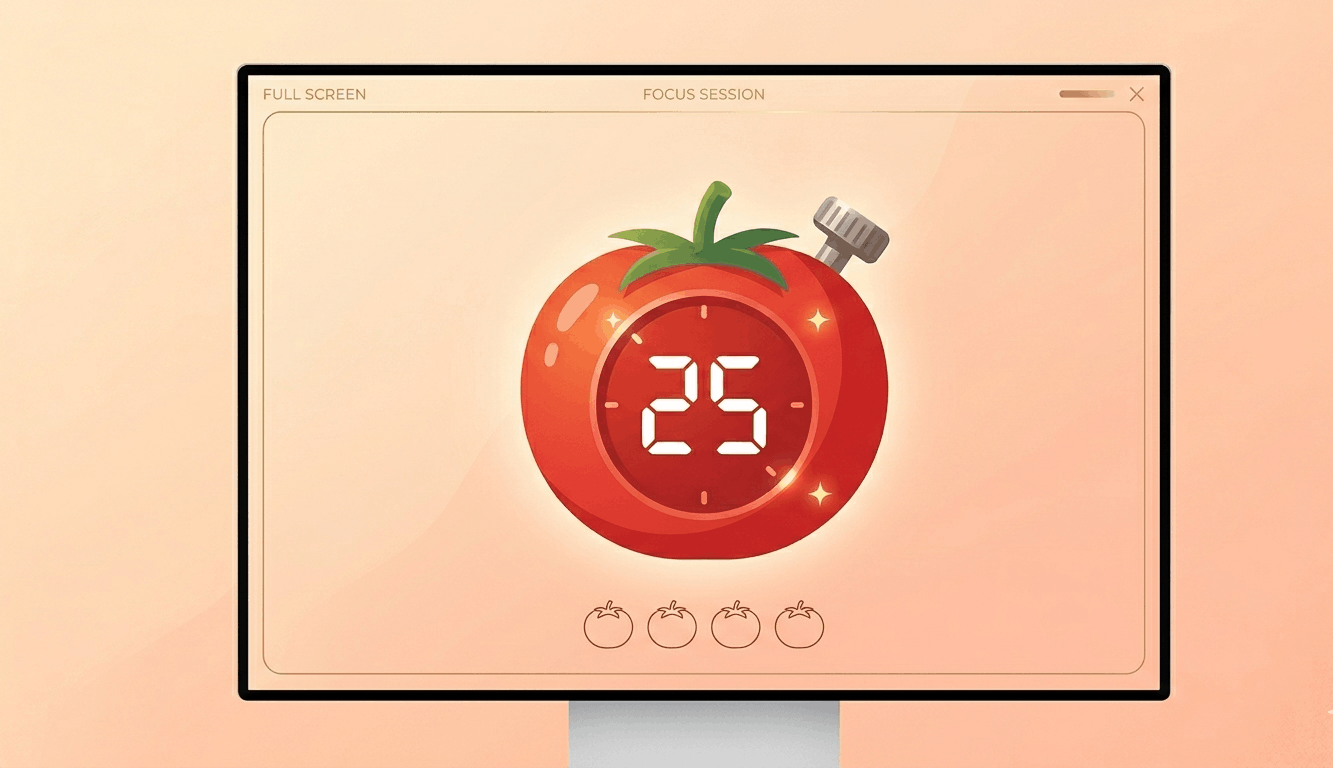
Free Pomodoro timer with customizable durations, sound alerts, progress ring animation, and session tracking. Boost your
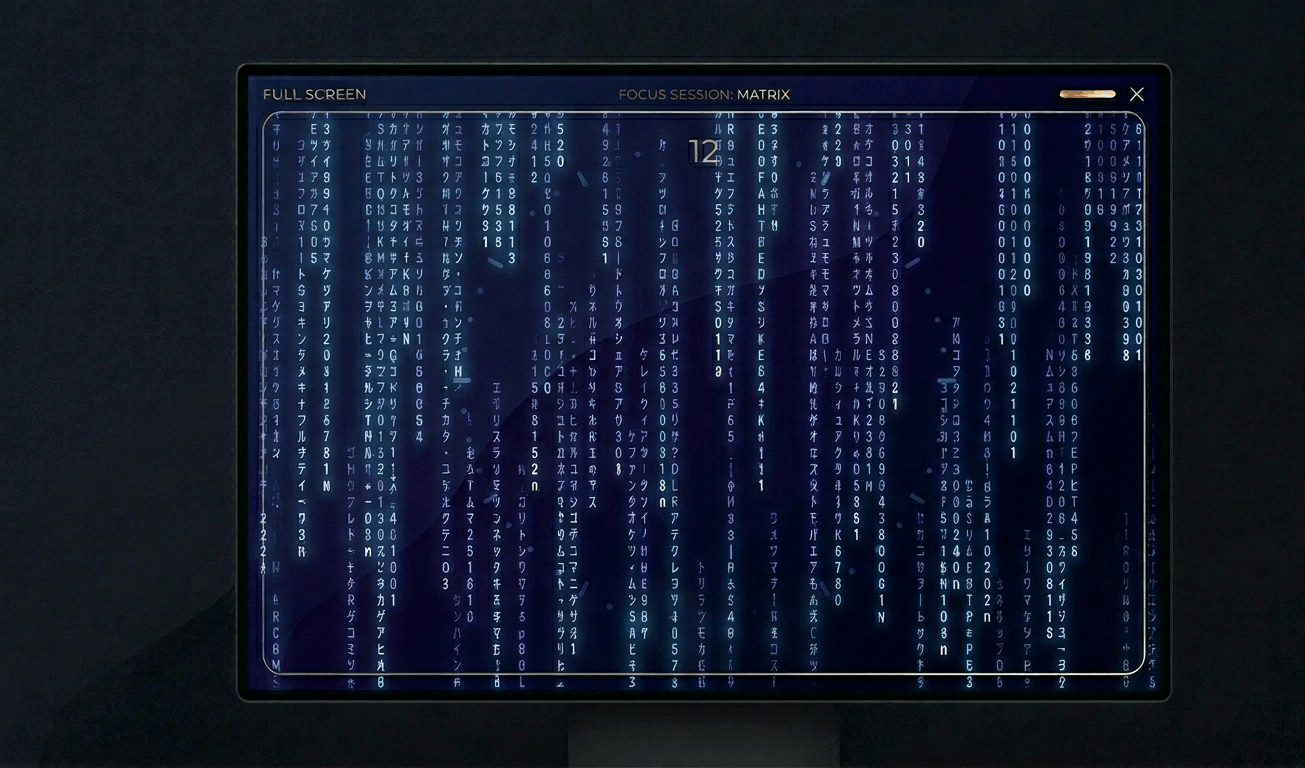
Classic Matrix-style green falling code screensaver with customizable speed, density, colors, and character sets (Kataka
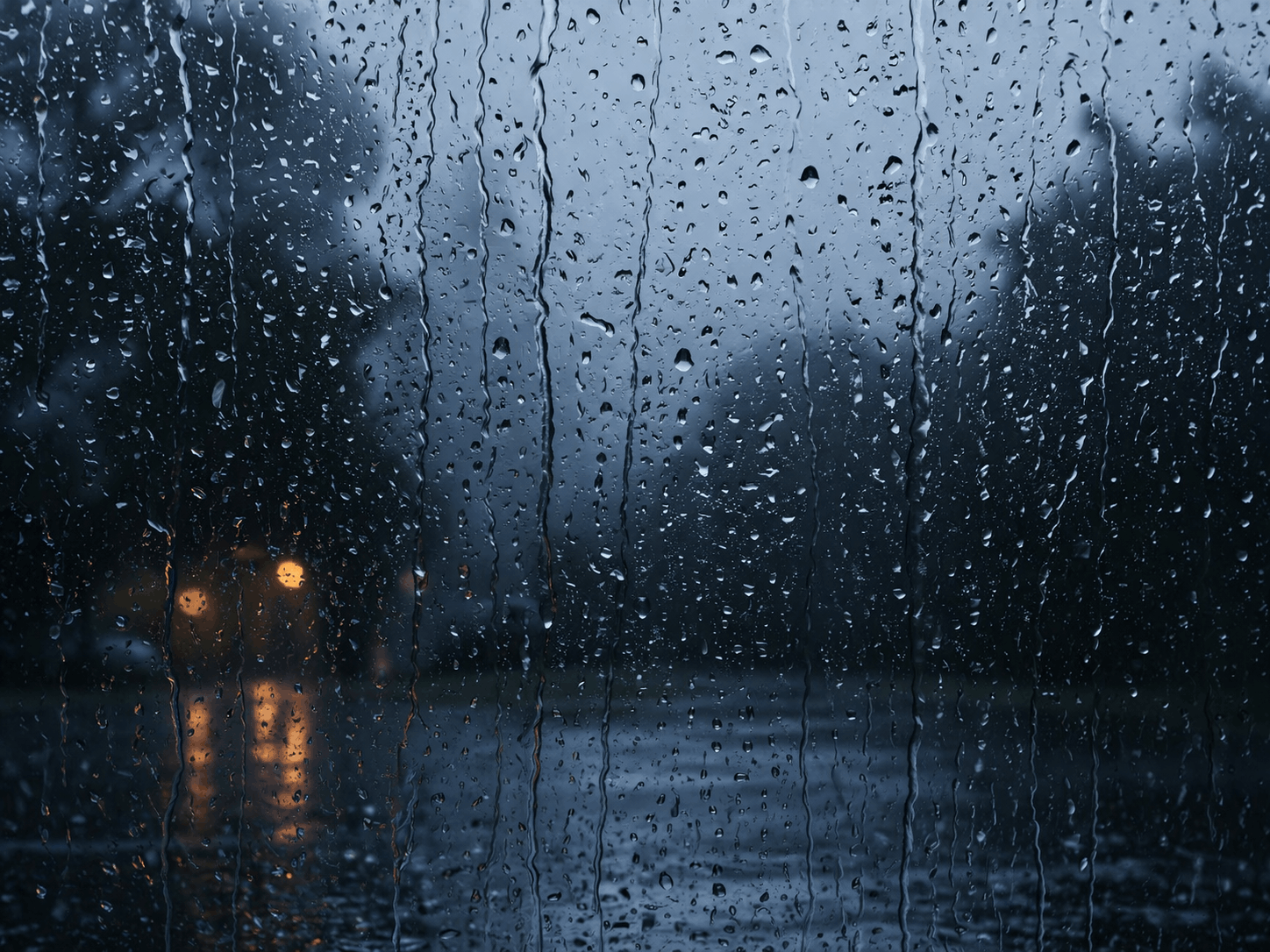
Relaxing rain on window screensaver with realistic raindrops, lightning flashes, thunder sound, and fog effect. Perfect
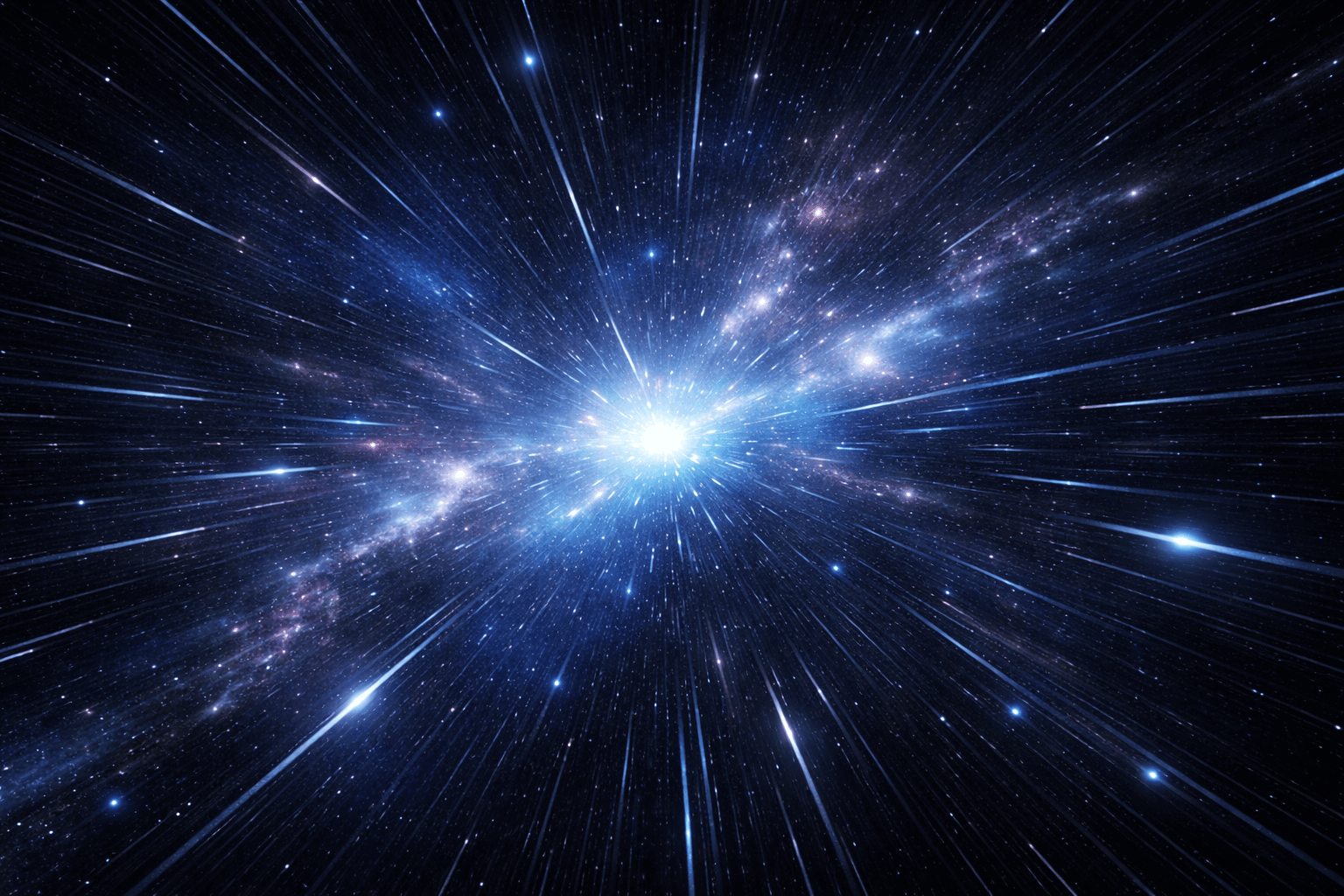
Hypnotic 3D starfield screensaver with warp speed control, nebula colors, and shooting stars. Travel through space in yo
Display custom text fullscreen with animations. Choose bounce, scroll, fade, or float effects. Customizable font size, c
Realistic fullscreen prank screens — BSOD, Windows updates, Ubuntu upgrades, iOS updates, and hacker terminals. Launch any screen fullscreen and watch your friends panic. Press ESC to exit anytime.
Fake update screens • BSOD prank • Windows update prank • Hacker screen • Ubuntu update • iOS update • Fullscreen prank tools
Generate a realistic Windows Blue Screen of Death (BSOD) with authentic error codes, QR code, and CRITICAL_PROCESS_DIED
Simulate a realistic Windows 10 update screen with customizable timing, non-linear progress, and authentic blue interfac
Simulate a realistic Windows 11 update with circular progress ring, dark interface, and Windows logo. Free fullscreen pr
Simulate a realistic Ubuntu Linux system upgrade with terminal output, real package names, and progress tracking. Free f
Simulate a realistic iOS software update with Apple logo, circular progress bar, and phase-based status messages. Free f
Display a dramatic hacker terminal with auto-typing exploit commands, Matrix rain background, and CRT scanline effects.
スタックピクセルを修復するための高速カラーサイクル。20〜30分間実行してください。
移動パターンを表示してOLED焼き付きを検出します。
カラーバンディングとビット深度を確認するためのスムーズなグラデーション。
シャープネスとピクセル応答性をテストするチェッカーボードパターン。
ゴースティングを評価する白黒高速切り替え。
視野角の一貫性を評価するカラーバー。
バックライトのホットスポットを明らかにする50%グレー。
キャリブレーションを確認するための基準色。
接続されたディスプレイを検出し、すべてにフルスクリーンカラーを表示します。
<p>ブラックスクリーンは、OLEDおよびAMOLEDディスプレイのテストに不可欠です。これらの画面では黒いピクセルは完全にオフになるため、スタックピクセルや欠陥ピクセルは完全に暗い背景上の明るい点として即座に目立ちます。</p><p>ブラックスクリーンテストはOLED焼き付きの確認に重要です。焼き付きは、画面が均一な黒であるべきときに見える残像として現れます。このテストはパネルの劣化の初期兆候を特定するのに役立ちます。</p><p>液晶モニターでは、ブラックスクリーンでバックライトの品質が明らかになります。端のバックライト漏れやホットスポットがはっきりと見え、ディスプレイの実際のコントラスト比を評価できます。</p><p>ブラックスクリーンは、暗い環境で画面からの光を最小限に抑えるナイトモードとしても使用され、暗順応を保護し眼精疲労を軽減します。</p>
暗い部屋でフルスクリーンの黒色表示にしてください。残像やわずかに明るい領域が見える場合、OLEDパネルに焼き付きの兆候がある可能性があります。
液晶画面で黒い画像を表示したときに画面の端に見えるバックライトの光漏れです。液晶モニターでは一般的ですが、程度は様々です。
OLEDやAMOLEDディスプレイでは、黒いピクセルがオフになるため省エネになります。液晶ではバックライトが常に点灯しているため効果はありません。
はい。ただしOLEDの場合は画面を完全にオフにする方が良いです。液晶では、ブラックスクリーンはモニターをオフにせずに発光を抑えます。
液晶ではバックライト漏れやIPSグロー が原因です。OLEDではスタックピクセルや初期の焼き付きを示している可能性があります。