Kecerahan 100%
Mode Timer

Atur timer untuk tampilan layar penuh.

Layar Hitam latar belakang

px
×
px
#000000
Warna Kustom
Opens one color window per detected screen. Drag & fullscreen each.
Free & Browser-Based

Free Online Screen Savers – No Download Required

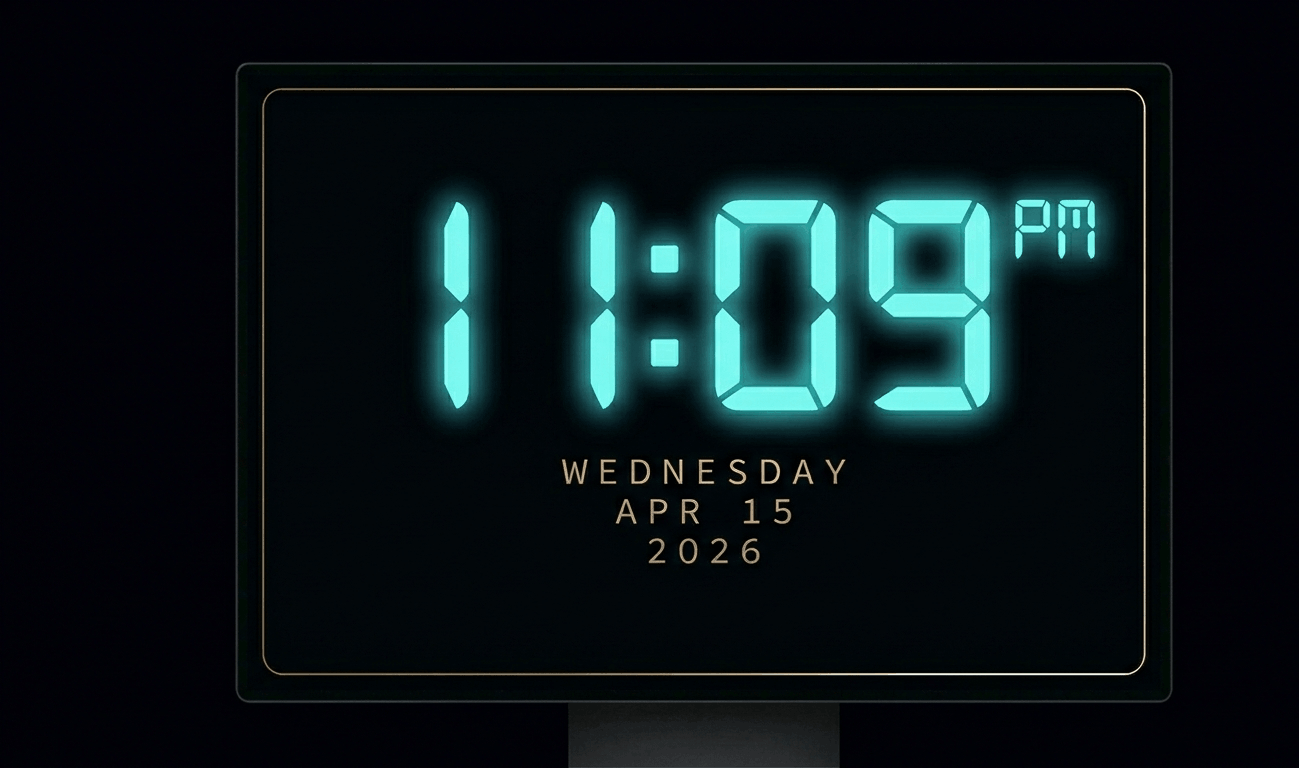
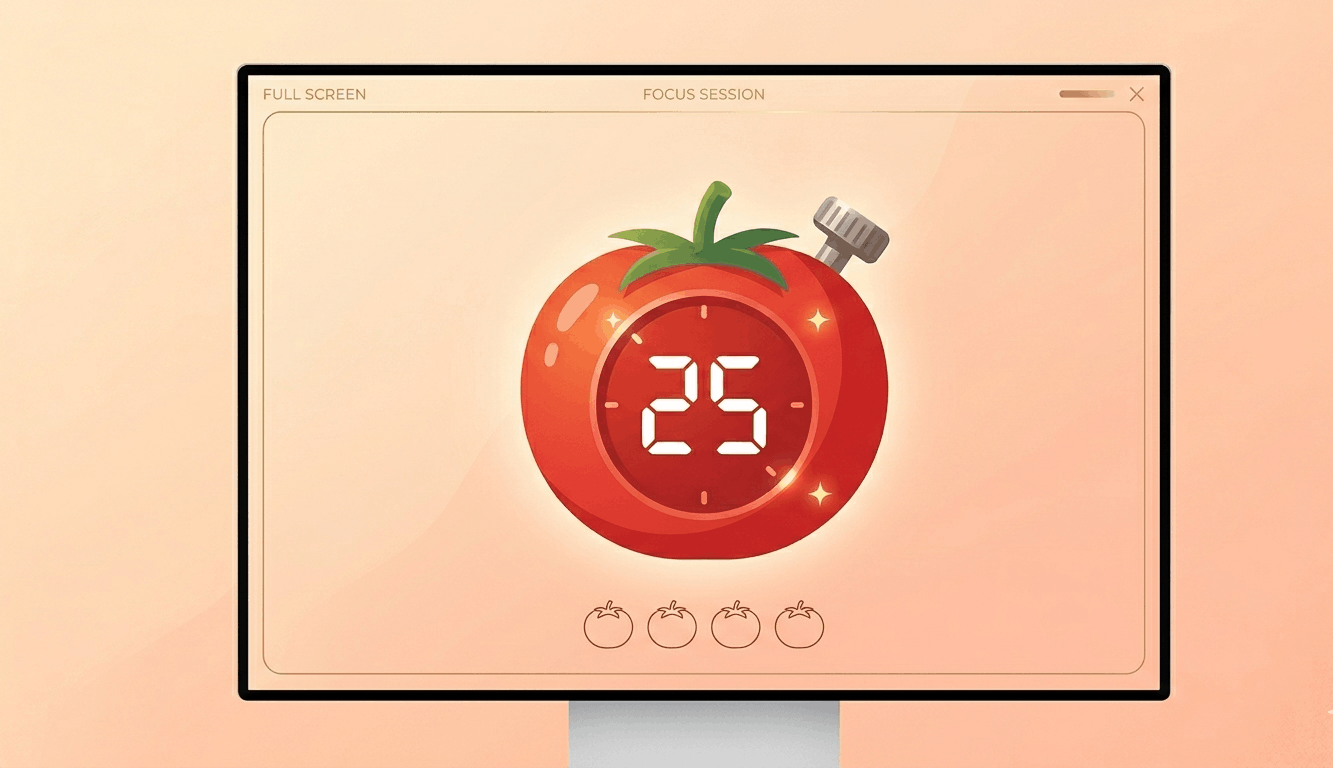
Transform your display with beautiful, interactive screensavers that run right in your browser. Choose from digital clocks, productivity timers, ambient animations, and mesmerizing visual effects — perfect for idle screens, desk displays, presentations, and relaxation.

Free Prank Tool

Fake Update Screens – Free Online Prank Tools

Realistic fullscreen prank screens — BSOD, Windows updates, Ubuntu upgrades, iOS updates, and hacker terminals. Launch any screen fullscreen and watch your friends panic. Press ESC to exit anytime.

Alat Uji Layar

Siklus Warna Otomatis

Putar warna dengan cepat untuk memperbaiki piksel macet. Jalankan 20-30 menit.

Tes Burn-in OLED

Tampilkan pola bergerak untuk mendeteksi burn-in OLED.

Tes Gradien

Gradien halus untuk memeriksa pita warna dan kedalaman bit.

Tes Papan Catur

Pola papan catur untuk menguji ketajaman dan respons piksel.

Tes Waktu Respons Piksel

Transisi hitam/putih cepat untuk mengevaluasi ghosting.

Tes Sudut Pandang

Pita warna untuk mengevaluasi konsistensi sudut pandang.

Tes Keseragaman Abu-abu

Abu-abu 50% untuk mengungkap hotspot lampu latar.

Pemeriksa Akurasi Warna

Warna referensi untuk verifikasi kalibrasi.

Deteksi Multi-Monitor

Deteksi layar terhubung dan buka warna layar penuh di semua.

Drag each window to a different monitor, then click Go Fullscreen inside it.
Detected Screens
Click "Refresh" to detect…

Tentang Layar Hitam

A black screen is essential for testing display quality, especially on OLED and AMOLED panels. On these displays, black pixels are truly "off," making a full-screen black test the definitive way to check for stuck pixels — those pixels that glow faintly when they should be completely dark.\n\nBlack screen testing also reveals backlight bleed on LCD monitors. In a dark room, display this black screen fullscreen and look for lighter patches along the edges — this is light leaking from the backlight assembly. Some bleed is normal on IPS panels, but excessive bleed indicates a defect.\n\nFor OLED users, periodic black screen display helps identify early signs of burn-in, where persistent images leave ghost impressions. By displaying pure black, you can spot any faint residual images from static UI elements like taskbars or navigation buttons.\n\nA black screen also serves as an ambient tool. Many users display it at night to turn a spare monitor into a non-distracting dark surface, reducing light pollution in bedrooms. It's also used during presentations to "blank" a projector without turning it off.

Pertanyaan yang Sering Diajukan – Layar Hitam

Display this black screen fullscreen in a dark room. Stuck pixels will appear as tiny colored dots (usually red, green, or blue) glowing against the black background. Scan your entire display systematically.

Yes. Display pure black fullscreen on your OLED/AMOLED device. Any faint ghost images from previously displayed static content indicate burn-in damage.

Backlight bleed is light leaking from the edges of an LCD panel. Display a black screen in a dark room — lighter patches along edges or corners indicate bleed.

On OLED displays, displaying pure black means pixels are completely off, which reduces power consumption and prevents burn-in. It's better than a static screensaver.

Select your desired resolution from the dropdown (480p to 8K) and click Download. The PNG file is generated instantly in your browser.