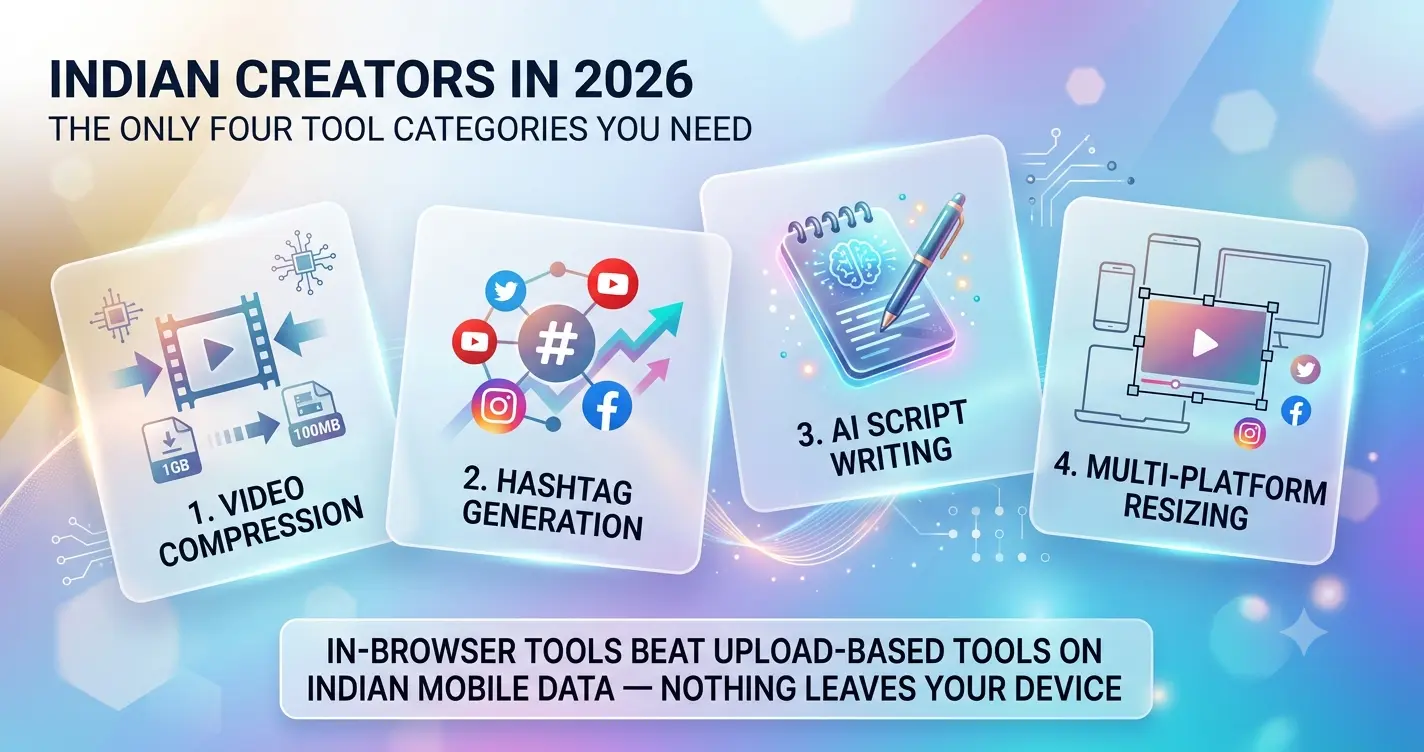
- Indian creators in 2026 need only four tool categories: video compression, hashtag generation, AI script writing and multi-platform resizing.
- In-browser tools beat upload-based tools on Indian mobile data — nothing leaves your device.
- Instagram Reels in 2026 works best with five hashtags: one broad + three to four niche tags in the 10K–500K range.
- A 30-second Reel = 70–110 words; a 60-second Reel = 150–220 words.
- FastSaveMedia covers all four use-cases free, with no account and no USD subscription.
Introduction
Most "best tools" lists for Indian creators are written by people billing in dollars, working on MacBooks, and paying $20/month per tool without thinking twice. That’s not the reality for most creators here. You’re on a mid-range Android phone, working with limited mobile data, and every subscription that bills in USD can quietly add up, at current exchange rates, a single $20 tool works out to well over ₹1,600 per month once bank conversion fees are factored in. Multiply that across several tools and you’ve built a significant monthly overhead before you’ve posted a single Reel. This shortlist focuses on content creator tools India-based creators can actually use without paying USD subscriptions or hitting paywalls on day one.
This list covers only what actually works for free in 2026: video compression, hashtag generation, AI script writing, and social media resizing, no trials, no credit cards, no uploads to a server sitting somewhere abroad. One platform comes up repeatedly in this roundup because it genuinely covers all four use-cases without asking for anything in return. That platform is FastSaveMedia, and by the end of this article, you’ll have a practical three-tool workflow you can start using today, entirely from your browser.
Why most free creator tools fail Indian creators in 2026
The free plan almost every major tool offers is a funnel, not a feature. Tools like Canva, CapCut, and Adobe Express each offer capable free tiers, but the moment you need to export without a watermark, process a larger file, or remove a branded footer from your thumbnail, you hit a paywall. These paywalls are priced in USD because the tools are built for Western markets, Indian creators get the same pricing with none of the income parity.
The minimum viable creator toolkit for a Reels or Shorts creator covers four things: compressing video files to sizes that can actually be shared, generating hashtags that match your niche and language, writing scripts fast without staring at a blank page, and resizing the same video for multiple platforms. Most platforms handle one of these well. Very few handle all four, and fewer still do it without asking you to sign up, install something, or upload your files to an external server.
That last point matters more than it sounds. When you upload a file to a third-party server for processing, you’re handing over your content before it’s published. For privacy-conscious creators, that’s a real concern. For creators on limited data, uploading a large video file on a mid-range connection burns time and money before you’ve done anything useful.
Video compression, content creator tools India needs for low-data creators
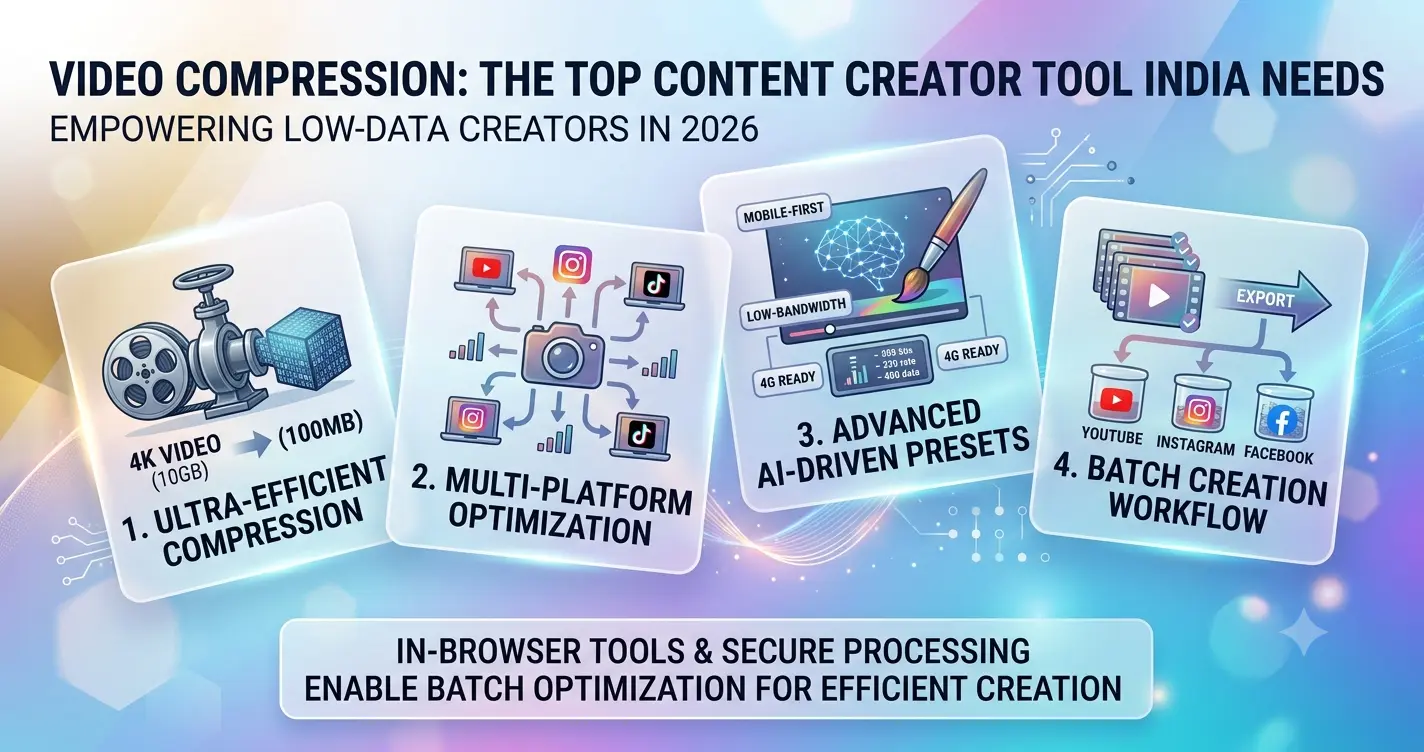
Upload-based video compressors are painful on Indian mobile data. You drag your file, wait for it to travel to a distant server, wait for the server to process it, then wait again while it travels back. If your connection drops at any point, you start over. For a large video on a typical mid-range connection, this is a multi-minute ordeal with a real chance of failure.
In-browser compressors solve this completely. The file never leaves your device. Processing happens locally using your phone or laptop’s own resources, no upload wait, no data cost beyond opening the page, and no risk of a dropped connection ruining your work. FastSaveMedia’s video compressor works exactly this way: open it in Chrome or any mobile browser, load your file, set your compression level, and download the result. Start to finish, it runs locally on your device.
The compression target matters too. WhatsApp has a 16 MB limit for standard video messages (though the document-sharing option accepts larger files, so check which method your audience uses). Instagram Reels performs best with H.264-encoded files under 100 MB, a 30-second Reel in H.264 at 1080p should land between 30 and 80 MB, well within both platform limits. A good compressor lets you choose your output quality or size target rather than applying a fixed preset that leaves you guessing. Knowing these numbers means you stop over-compressing your Reels and wondering why they look grainy. For additional technical reference on recommended platform sizes, see the YouTube video size guide which also helps clarify encoder and bitrate targets for short-form uploads.
When you upload to a server, consider the storage and transfer implications as well, some cloud options add latency or hidden bandwidth costs. For a practical breakdown of cloud storage choices and trade-offs for creators and AI workflows, this overview of cloud storage options is helpful for weighing privacy and transfer costs.
| Platform | Recommended size | Notes |
|---|---|---|
| WhatsApp (standard message) | Under 16 MB | Use document share for larger files |
| Instagram Reels | Under 100 MB (H.264) | 30s at 1080p ideally 30–80 MB |
| YouTube Shorts | Under 100 MB (H.264) | Vertical 9:16, up to 60s |
Hashtag generators that actually work for Indian niches
Generic hashtag tools pull from global trending data, which tends to skew towards English-language content and Western audiences. If you create in Hindi, Tamil, Telugu, or any other regional language, these tools hand you a list full of hashtags your target audience simply doesn’t use. A hashtag generator built for Indian creators needs to account for language, content niche, and platform-specific limits.
As of 2026, Instagram Reels recommends no more than five hashtags per post. The strategy that works is layered: one broad discovery tag alongside three to four niche-specific tags that match your content precisely. A Tamil food creator, for example, gets far more traction from a tag like #tamilfoodies than from #food, which has hundreds of millions of posts and zero specificity. Medium-volume tags in the 10,000 to 500,000 post range tend to outperform broad, high-competition ones for regional creators, the narrower audience is actually more likely to engage. For hands-on examples of creators who used tight niche tags to scale quickly, read How Small Creators Are Suddenly Going Viral on Instagram in 2026 | Fastsavemedia Blog.
FastSaveMedia’s viral hashtag generator is built for the kind of niche variety Indian creators work across. Enter your topic or content category, and it outputs a set of hashtags sorted by reach and relevance, ready to copy directly into your caption, no account required, no daily usage limits, no watermarked output. For creators posting daily or multiple times a week, this alone saves a meaningful chunk of time that would otherwise go into manually researching trending tags on every upload.
AI script generators: content creator tools India creators use to script faster
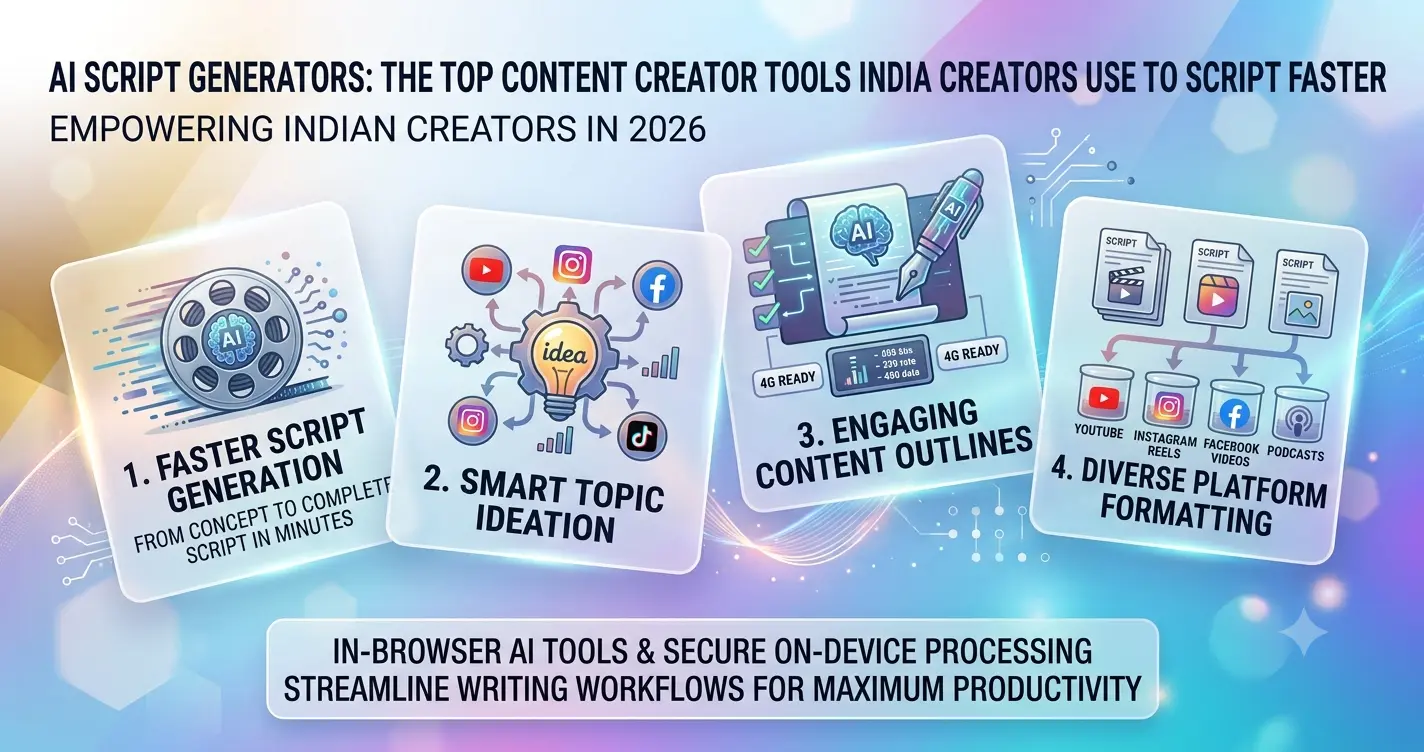
The creators who look the most natural on camera are usually the ones who scripted the tightest. A 30-second Reel holds roughly 70 to 110 words at a comfortable speaking pace; a 60-second Reel holds 150 to 220 words. Without a script, you ramble into that space and lose viewers in the first three seconds. With one, you hit your hook immediately, deliver the value, and cut cleanly at the end.
The problem is that starting from scratch for every video is a grind, especially when you’re posting five times a week. ChatGPT handles scripting reasonably well, but it requires an account and the free tier has usage limits. Other AI writing tools bill monthly in USD. FastSaveMedia’s Free AI Content Idea & Script Generator for Instagram, TikTok & YouTube is built specifically for YouTube Shorts, Instagram Reels, and similar short-form formats. Enter your topic, choose your tone, and it generates a structured script with a hook, body, and call to action, no login needed, runs on mobile. For daily creators, cutting 20 minutes of script-drafting down to five is a genuine competitive edge across a week of content.
The output isn’t a wall of generic text either. The structure maps directly to how short-form video works: open with a hook that stops the scroll, deliver the core value or insight in the middle section, and close with a clear next step. In practice, most high-retention Reels follow exactly this three-part structure, and having it pre-built saves you from the blank-page paralysis that kills momentum between posts.
Social media resizing and safe zone tools for multi-platform creators
If you shoot one video for Instagram Reels at 9:16, that same clip needs different treatment for YouTube Shorts, LinkedIn, Twitter/X, and WhatsApp Status. The aspect ratio may look the same across some of these, but the safe zones are completely different. Instagram’s 2026 safe zone sits within a central 1080 x 1440 px area, avoiding the top 220 px and bottom 450 px where UI overlays and captions appear. YouTube Shorts concentrates its overlays at the bottom 35% of the frame. These aren’t just cosmetic differences, uploading a Reel across platforms without checking these zones means your subject’s face or on-screen text disappears behind a button or caption on half your placements.
Adjusting this manually in a desktop design app takes time most creators don’t have between shooting, editing, and posting. A browser-based tool takes minutes. FastSaveMedia’s social image resizer and safe zone checker address two connected problems in one workflow: resize your creative to the correct canvas for each platform, then confirm that nothing important sits in the overlay zones specific to that platform. Both tools run in-browser, both are free, and neither requires an account. For creators managing content across three or more platforms simultaneously, this is one of the more practical tools in any free creator toolkit 2026. For an external practical guide to Instagram overlays and exact safe zone dimensions, see this Instagram Reels safe zone guide.
The resizer handles the dimension changes; the safe zone checker gives you a visual overlay to confirm your text, logo, or face is sitting in a clean area before you hit publish. That’s a two-minute check that prevents an embarrassing post where half your on-screen text is obscured by the Instagram caption bar.
Free Creator Tools Compared for Indian Creators (2026)
| Tool | Account required? | USD paywall? | Runs in browser? | Best for |
|---|---|---|---|---|
| FastSaveMedia | No | No | Yes | All 4 essentials in one place |
| Canva Free | Yes | Yes (for exports/assets) | Yes | Thumbnails, static graphics |
| CapCut Free | Yes | Yes (Pro effects) | App + web | Editing, effects |
| ChatGPT Free | Yes | Yes (usage caps) | Yes | General scripting |
Your three-tool free creator workflow: start today
Here’s the workflow, made simple:
Before you record, open FastSaveMedia’s AI script generator, enter your topic, and get your hook and script structure in under five minutes. After you record and edit, run your file through the video compressor to hit your target file size for WhatsApp or Reels without quality loss. Before you post, use the hashtag generator to build your five-tag set, then run your final creative through the safe zone checker to confirm nothing important is buried under a UI overlay.
All four tools are accessible from one browser tab on any device, including your Android phone on a mid-range data plan. No account. No subscription. No uploads leaving your device. That’s the whole workflow, and it costs nothing.
The goal isn’t to juggle 15 tools and pay for half of them. It’s to use three or four that work reliably and stick with them. If you want a zero-cost starting point, this set of content creator tools India creators are already using in 2026 covers every essential, video compression, scripting, hashtag research, and resizing, without a credit card or an email address. For a curated comparison of popular content-creator tools, see this best tools for content creators roundup. Explore the full toolkit of 60+ free browser-based tools at FastSaveMedia and build your workflow today.
Quick Free Creator Toolkit Checklist
- In-browser video compressor (no uploads)
- Niche hashtag generator with 5-tag cap for Reels
- AI script generator with hook – body – CTA structure
- Social media resizer with per-platform safe zones
- All accessible from a mid-range Android phone in one tab
- Zero account, zero USD subscription, zero data leaving your device
Ready to build your free creator workflow for 2026?
Explore 60+ Free FastSaveMedia ToolsFrequently Asked Questions
What are the best free content creator tools for Indian creators in 2026?
The most reliable free toolkit for Indian creators in 2026 covers four essentials: in-browser video compression, niche hashtag generation, AI script writing and social media resizing with safe-zone checks. FastSaveMedia is the standout because it provides all four for free, in-browser, without any account or USD subscription.
Which free video compressor works best on Indian mobile data?
An in-browser compressor is best for Indian mobile data because the file never leaves your device — there is no upload wait, no data cost and no risk of a dropped connection ruining your work. FastSaveMedia's video compressor runs entirely on your phone or laptop and lets you choose your target quality or size.
How many hashtags should I use on Instagram Reels in 2026?
As of 2026, Instagram Reels recommends no more than five hashtags per post. A layered strategy of one broad discovery tag plus three to four niche-specific tags in the 10,000–500,000 post range performs best, especially for regional and Indian-language creators.
What is the ideal script length for a Reel or Short?
A 30-second Reel holds roughly 70 to 110 words at a comfortable speaking pace, and a 60-second Reel holds 150 to 220 words. Scripting to these lengths helps you hit the hook in the first three seconds and cut cleanly at the end.
Are FastSaveMedia's creator tools really free and privacy-safe?
Yes. FastSaveMedia's video compressor, hashtag generator, AI script generator and social media resizer are free to use, require no account and run in the browser — files are processed on your device instead of being uploaded to a remote server.
What is the Instagram Reels safe zone in 2026?
Instagram's 2026 safe zone sits within a central 1080 x 1440 px area, avoiding the top 220 px and bottom 450 px where UI overlays and captions appear. YouTube Shorts concentrates its overlays at the bottom 35% of the frame.