
Skip to content

Free fake update screen · runs locally

Fake iOS Update Screen

Harmless replica: this page changes nothing on your device and is not affiliated with Microsoft, Apple or Canonical. Press Esc or close the tab to exit.

By Nayeem, Software Developer of fastsavemedia.comLast reviewed

About the Fake iOS Update

This tool recreates the Apple iOS software update screen with the iconic Apple logo, a white circular progress bar on a black background, and phase-based status text (Preparing, Installing, Verifying).

Features

  • Authentic Apple-style dark interface
  • Apple logo rendered in SVG
  • Circular progress ring with smooth animation
  • Three phases: Preparing Update → Installing Update → Verifying Update
  • Estimated time remaining display
  • Customizable duration: 30 seconds to 10 minutes
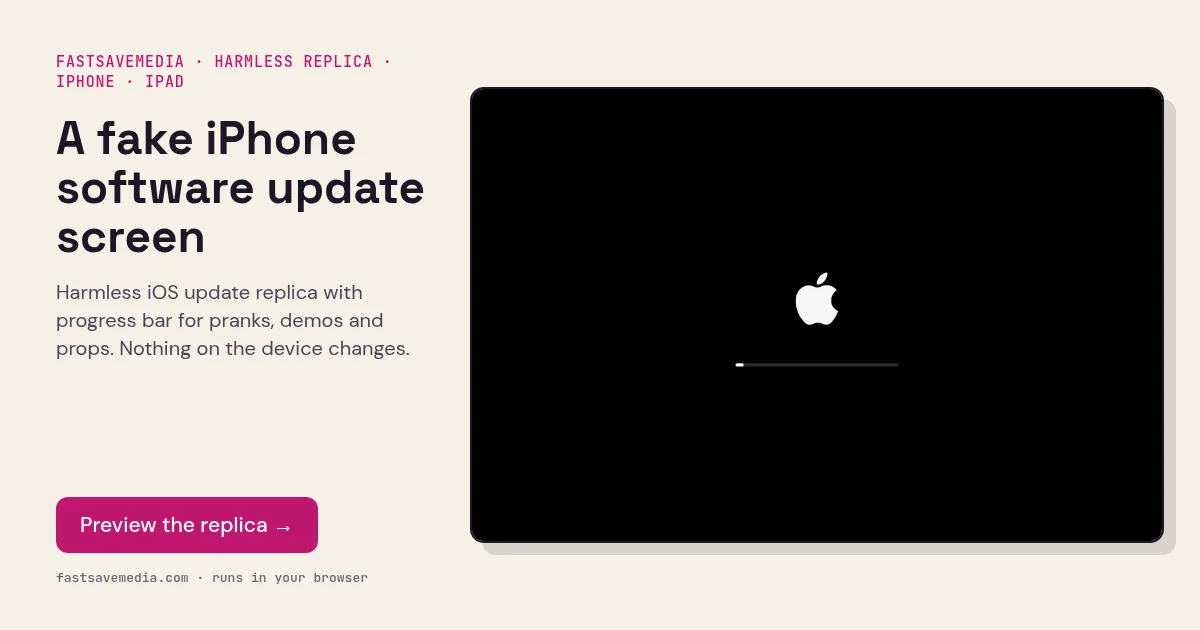
A fake iPhone software update screen, real screenshot of the free FastSaveMedia Fake iOS Update replica with Apple logo and progress bar
Fake iOS Update Screen on FastSaveMedia, the same free tool shown above, running locally in the browser.

Frequently asked questions

Does this work on iPhones?

Yes! Since it runs in the browser, you can open it on any device including iPhones, iPads, Android phones, and computers. Go fullscreen for the most realistic effect.

What are the three phases?

The update simulates three phases: "Preparing Update" (0-20%), "Installing Update" (20-90%), and "Verifying Update" (90-100%), just like a real iOS update.