About Matrix Rain
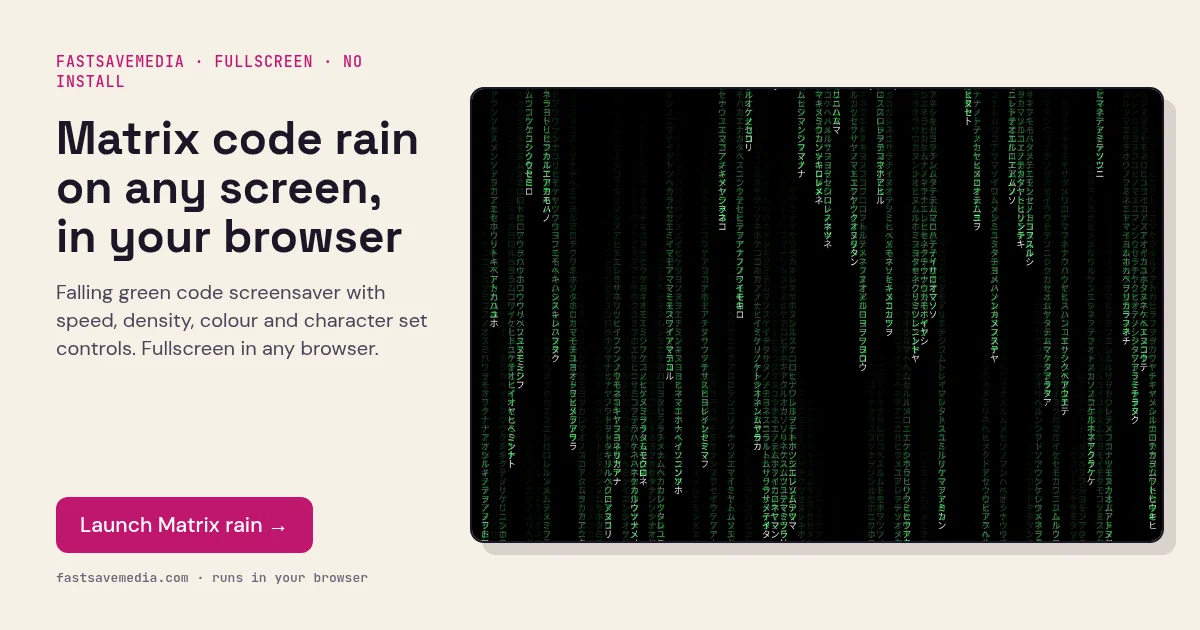
Inspired by the iconic falling green code from The Matrix, this screensaver displays cascading characters that create a mesmerizing digital rain effect on your screen.
Features
Customize the speed and density of the falling characters. Choose from 5 color options. Switch between Katakana, Latin, and Binary character sets for different visual styles.
How to use it as a full-screen screensaver
Open the effect, choose a character set and colour, then switch to full screen and leave the window in front. On a laptop, plug in the charger and stop the system from sleeping if you want the animation to run during a long break or on a lobby display. Press Esc to leave full screen.
Performance and OLED care
The animation draws on a browser canvas, so lower density and speed settings reduce CPU and battery use on older machines. Because the effect is constantly moving, it does not hold static pixels like a frozen desktop does, but OLED owners should still use the system's own screen-off timer for long idle periods.