
Skip to content

Free screensaver · runs locally

Pomodoro Timer

By Nayeem, Software Developer of fastsavemedia.comLast reviewed

About Pomodoro Timer

The Pomodoro Technique is a time management method that uses timed intervals (typically 25 minutes) separated by short breaks to improve focus and productivity.

Features

Fully customizable durations for focus sessions (1-120 min), short breaks (1-30 min), and long breaks (1-60 min). Set the number of sessions before a long break (2-10). Auto-start options for breaks and focus sessions. Sound alerts using Web Audio API and browser notifications.

The progress ring shows phase-colored animation: red for focus, green for short breaks, blue for long breaks. Session tracking with dots, daily stats saved in localStorage. Add a task label displayed in fullscreen. Keyboard shortcuts: Space to start/pause, Escape to exit.
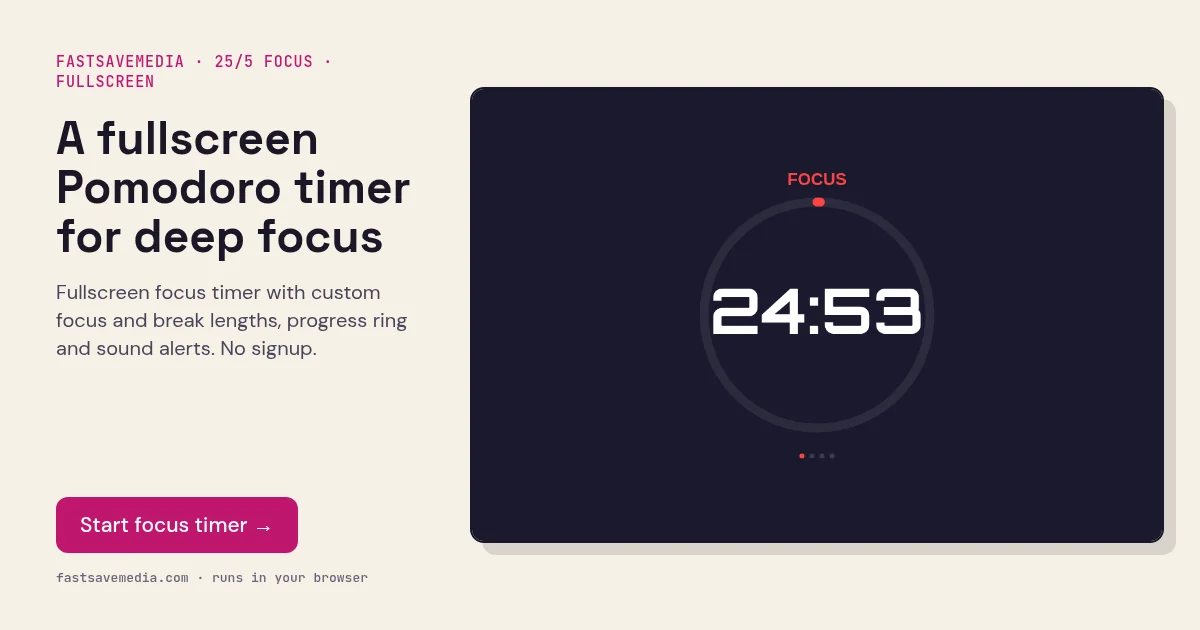
A fullscreen Pomodoro timer for deep focus, real screenshot of the free FastSaveMedia Pomodoro Timer running a focus session with a progress ring
Pomodoro Timer on FastSaveMedia, the same free tool shown above, running locally in the browser.

Frequently asked questions

What is the Pomodoro Technique?

It's a time management method where you work for 25 minutes (a "pomodoro"), then take a 5-minute break. After 4 pomodoros, take a longer 15-30 minute break.

Are my stats saved?

Yes! Your daily sessions and focus minutes are saved in your browser's localStorage. Stats are tracked per day.

Can I customize the timer durations?

Yes, you can set focus time (1-120 min), short break (1-30 min), long break (1-60 min), and sessions before long break (2-10).