
Skip to content

Free fake update screen · runs locally

Fake Windows 10 Update Screen

Harmless replica: this page changes nothing on your device and is not affiliated with Microsoft, Apple or Canonical. Press Esc or close the tab to exit.

By Nayeem, Software Developer of fastsavemedia.comLast reviewed

About the Fake Windows 10 Update

This tool simulates the Windows 10 update screen with a spinning loading indicator, percentage counter, and phase-based status messages. The progress is deliberately non-linear; it slows down near 30% and 80% just like a real Windows update.

Features

  • Authentic Windows 10 blue theme (#0079D8)
  • Spinning circle loading animation
  • Non-linear progress simulation (slows at 30% and 80%)
  • Phase messages: "Working on updates" → "Installing updates" → "Almost done" → "Restarting..."
  • Customizable duration: 30 seconds to 10 minutes
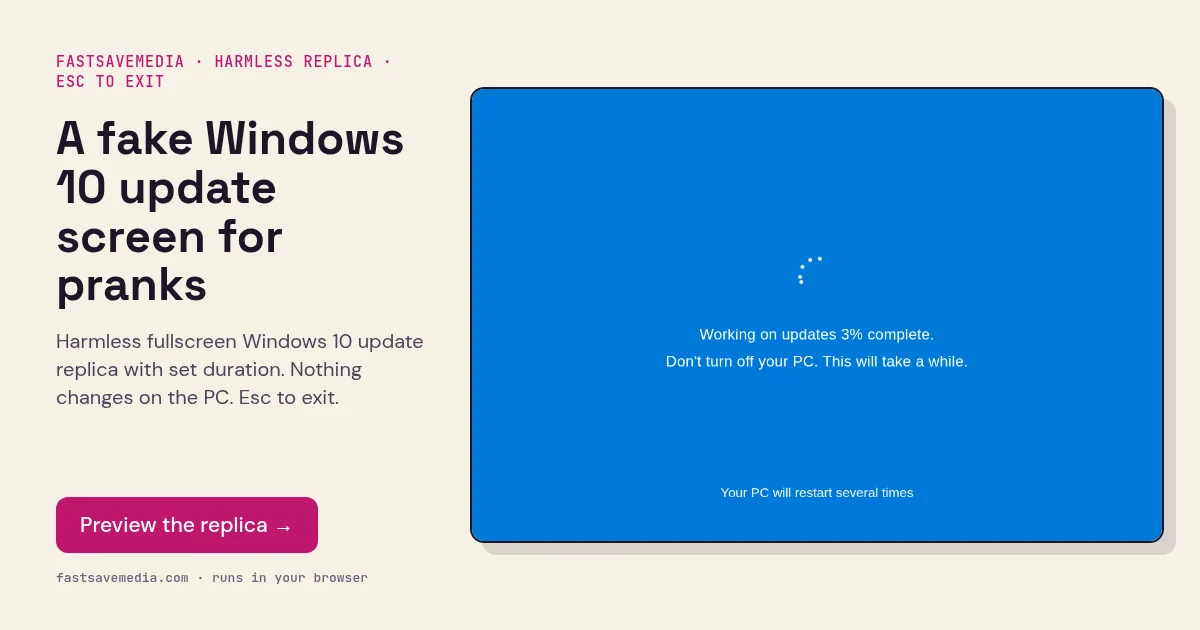
A fake Windows 10 update screen for pranks, real screenshot of the free FastSaveMedia Fake Windows 10 Update replica at 3% complete
Fake Windows 10 Update Screen on FastSaveMedia, the same free tool shown above, running locally in the browser.

Frequently asked questions

Can I set how long the fake update takes?

Yes! Use the duration selector to choose between 30 seconds, 1 minute, 2 minutes, 5 minutes, or 10 minutes.

Why does the progress slow down?

Just like a real Windows update, the progress is non-linear. It moves faster at the beginning and end, but slows down in the middle to simulate the actual update experience.

How do I exit the fake update?

Press the ESC key or click anywhere on the screen to exit immediately.