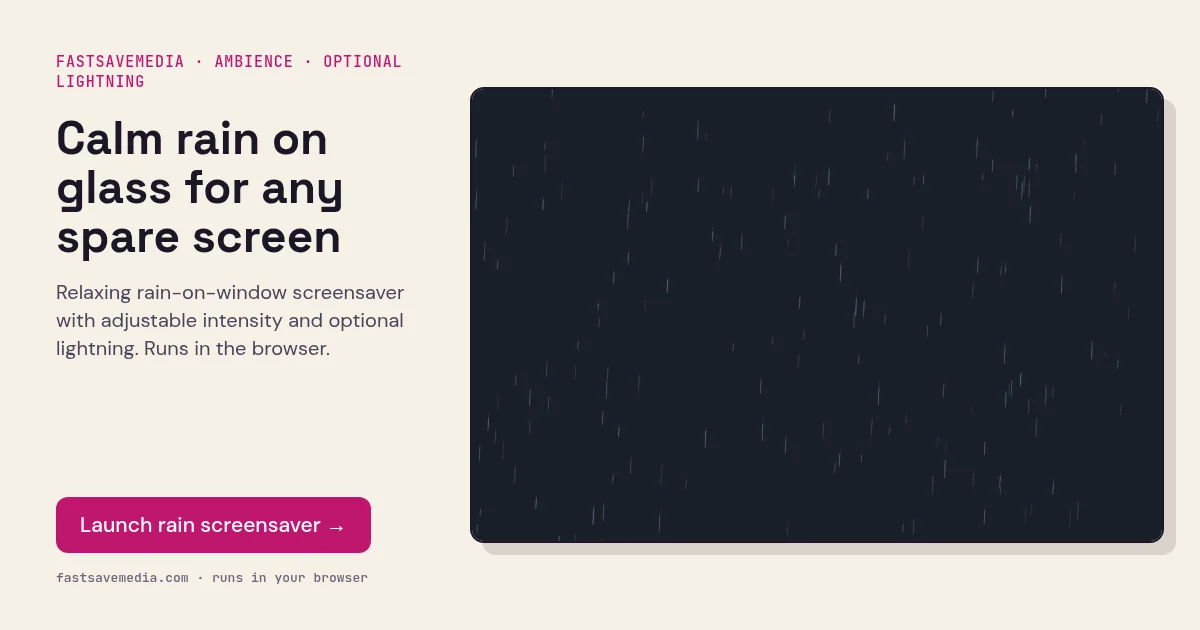
About Rain on Window
Create a soothing atmosphere with realistic raindrops falling on a window pane. Complete with lightning flashes, thunder sounds, and an adjustable fog effect.
Features
Adjustable rain intensity for light drizzle to heavy downpour. Optional lightning flashes with realistic timing. Thunder sound effects using Web Audio API. Customizable fog effect intensity for atmospheric depth.
Using it for focus or ambience
Set the rain intensity and fog, turn lightning and thunder on or off, then switch to full screen. Many people use a gentle drizzle without thunder as a calm background while reading or working. Thunder audio only starts after you interact with the page, because browsers block sound that plays automatically.
Performance tips
The scene is rendered live in the browser. If an older laptop runs warm, reduce rain intensity and fog first. Keep the device plugged in and let the system screen-off timer handle long idle periods on OLED displays.