
Skip to content

Free fake update screen · runs locally

Fake Windows 11 Update Screen

Harmless replica: this page changes nothing on your device and is not affiliated with Microsoft, Apple or Canonical. Press Esc or close the tab to exit.

By Nayeem, Software Developer of fastsavemedia.comLast reviewed

About the Fake Windows 11 Update

This tool recreates the modern Windows 11 update experience with its sleek dark interface, circular progress ring, and the Windows logo at the bottom. The progress animation uses smooth transitions for a realistic feel.

Features

  • Modern Windows 11 dark theme (black background)
  • Circular progress ring with smooth animation
  • Blue accent color (#0067C0) matching Windows 11
  • Windows logo at the bottom of the screen
  • Customizable duration: 30 seconds to 10 minutes
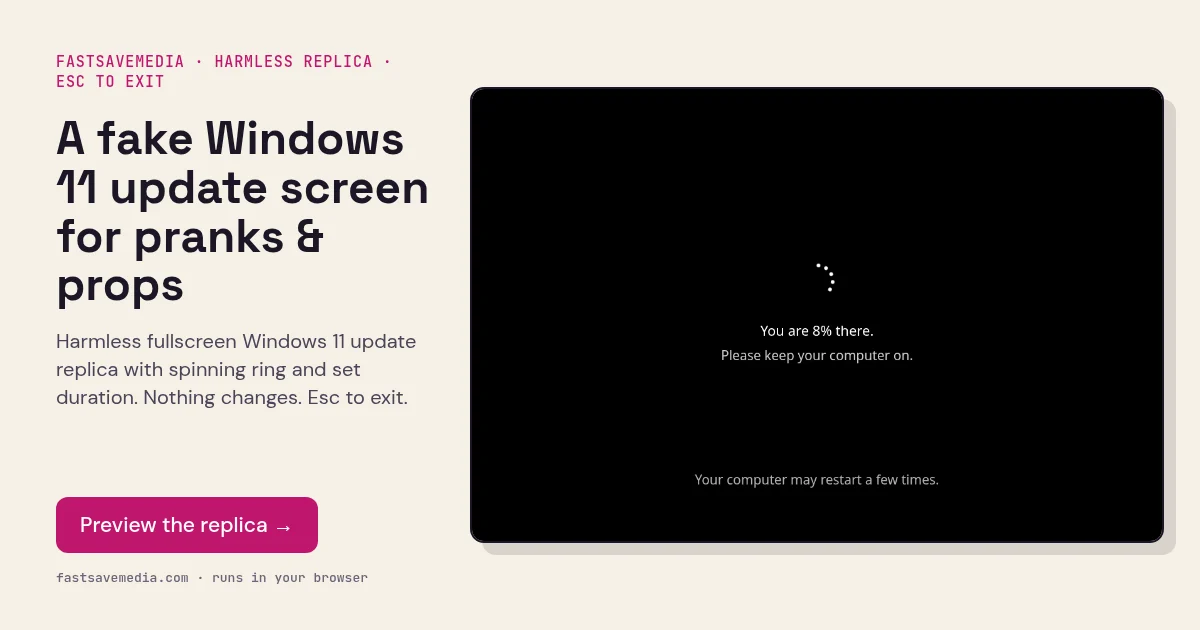
A fake Windows 11 update screen for pranks & props, real screenshot of the free FastSaveMedia Fake Windows 11 Update replica showing the spinning ring at 8%
Fake Windows 11 Update Screen on FastSaveMedia, the same free tool shown above, running locally in the browser.

Frequently asked questions

What's the difference between the Win 10 and Win 11 versions?

The Windows 10 version uses a blue background with a spinning circle, while Windows 11 uses a dark background with a modern circular progress ring, matching each OS's actual update screen.

Does it look exactly like the real thing?

It's designed to be as close as possible to the actual Windows 11 update screen, including the correct colors, fonts, and layout.