
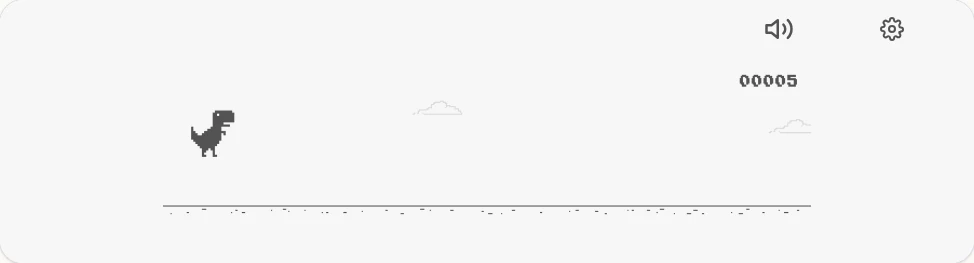
How to play the Chrome dinosaur game
This is the T-Rex runner from Chrome's “No internet” page, playable any time. The dinosaur runs on its own; your only job is timing jumps.
- Start and jump: press Space or ↑, or tap the game on a phone or tablet.
- Land faster: press ↓ (or swipe down) while in the air to drop sooner, useful when cacti come close together.
- Restart: after a crash, press Space or tap the restart icon.
A short tap gives a short hop; holding the key a moment longer gives a higher jump. Jump slightly early at higher speeds; the dinosaur needs room to clear wide cactus groups.
What's on this version
- Day and night: the scene switches to night for 250 points every 700 points.
- Sound toggle: the speaker icon mutes the jump and crash sounds; the setting is remembered.
- Zoom: the gear icon makes the game bigger or smaller for your screen.
- Best score: saved in this browser's local storage, never uploaded.
This build is based on the original 2014 Chromium runner, so obstacles are cacti only, there are no flying pterodactyls and no ducking. The game speeds up gradually the longer you survive.
Why is it called the “no internet” game?
Google added the T-Rex runner to Chrome in 2014 as a small game shown when a page can't load because the connection is down. You can still open it in Chrome by visiting chrome://dino. This page lets you play the same kind of run in any current browser, Chrome, Edge, Firefox or Safari, whether you are online or not, once the page has loaded.
Game not responding?
- Click or tap the game once so it has keyboard focus, then press Space.
- The run pauses when you switch tabs or click elsewhere on the page; press Space to continue.
- If it looks too small on a large monitor, use the gear icon to zoom in.