
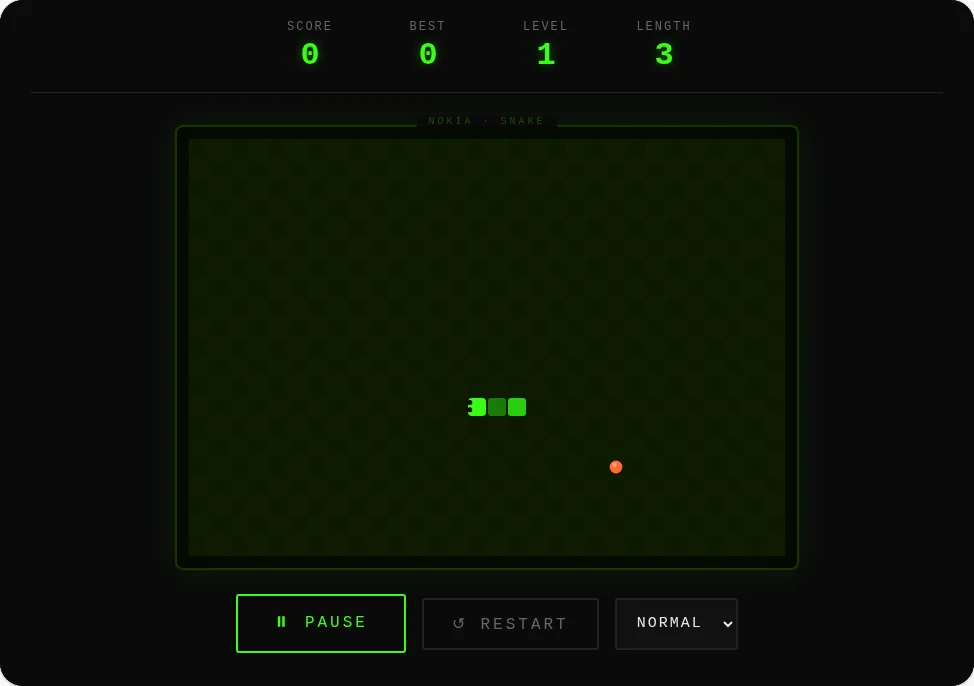
How to play Nokia Snake online
- Steer: arrow keys or WASD. On a phone, swipe on the screen or use the arrow pad under it.
- Start, pause, resume: Space, Enter, a single tap on the screen, or the Start button. Any arrow also starts a new game.
- Restart: R or the Restart button.
- Speed: choose Slow, Normal, Fast or Turbo; the change applies immediately.
Rules and scoring
Eat the orange food to grow by one segment. Each food scores 10 × your level. Every 5 foods the level rises (up to level 9) and the snake moves faster. The walls wrap around, leaving the right edge brings you back on the left, so the only way to lose is running into your own body.
Moving into the square your tail is just leaving is safe, exactly as on the classic phones. Quick turns are queued, so pressing two directions in a row (for example Up then Left) performs both turns in order instead of losing one.
Tips for a higher score
- Use the wrap-around edges as shortcuts to reach food on the far side.
- Once the snake is long, move in wide back-and-forth lanes instead of tight loops, so there is always an exit.
- Pause with Space before taking a break; the game also pauses itself if you switch tabs.
A short history of Snake on Nokia phones
Snake-style games date back to the 1976 arcade game Blockade. Nokia put Snake on its phones starting with the Nokia 6110 in 1997, and later models such as the 3310 made it one of the best-known mobile games before smartphones. Later Nokia versions added wrap-around walls, which this version follows.