
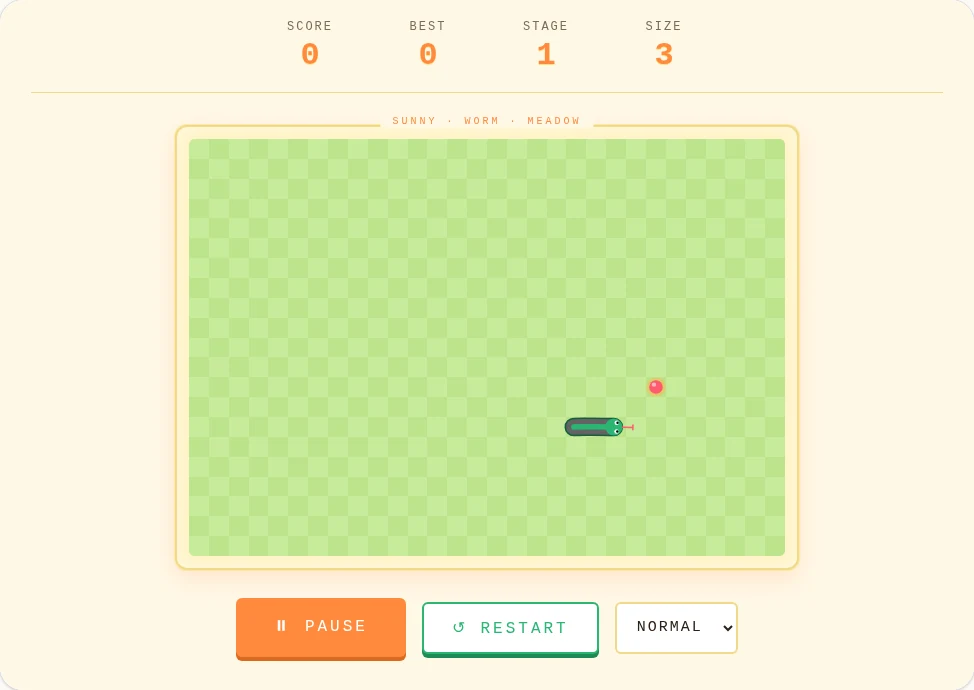
How to play Pixel Worm
- Steer: arrow keys or WASD; on touch screens swipe on the meadow or use the arrow pad.
- Start, pause, resume: Space, Enter, a tap on the meadow or the Start button. Any arrow key also starts a new run.
- Reset: R or the Restart button.
- Speed: Slow, Normal, Fast or Turbo, applied straight away.
Rules and stages
Guide the worm to the red fruit. Each fruit adds a segment and scores 10 × the current stage. Every 5 fruits the stage goes up (to stage 9) and the worm speeds up. The meadow edges wrap around; running into your own body ends the run.
What makes it different from Snake
Pixel Worm uses the same grid rules as Snake but draws the worm as a smooth, gently waving body that glides between squares instead of jumping. The bright meadow colours make it easier to follow on a phone in daylight, and the same game logic means skills carry over between the two.
Tips
- Plan one turn ahead: quick turns are queued, so two presses in a row both happen.
- Use the wrap-around edges to cut across the meadow.
- At larger sizes, sweep in wide lanes and avoid boxing the head in with your own body.