Where the 1:1 aspect ratio is used
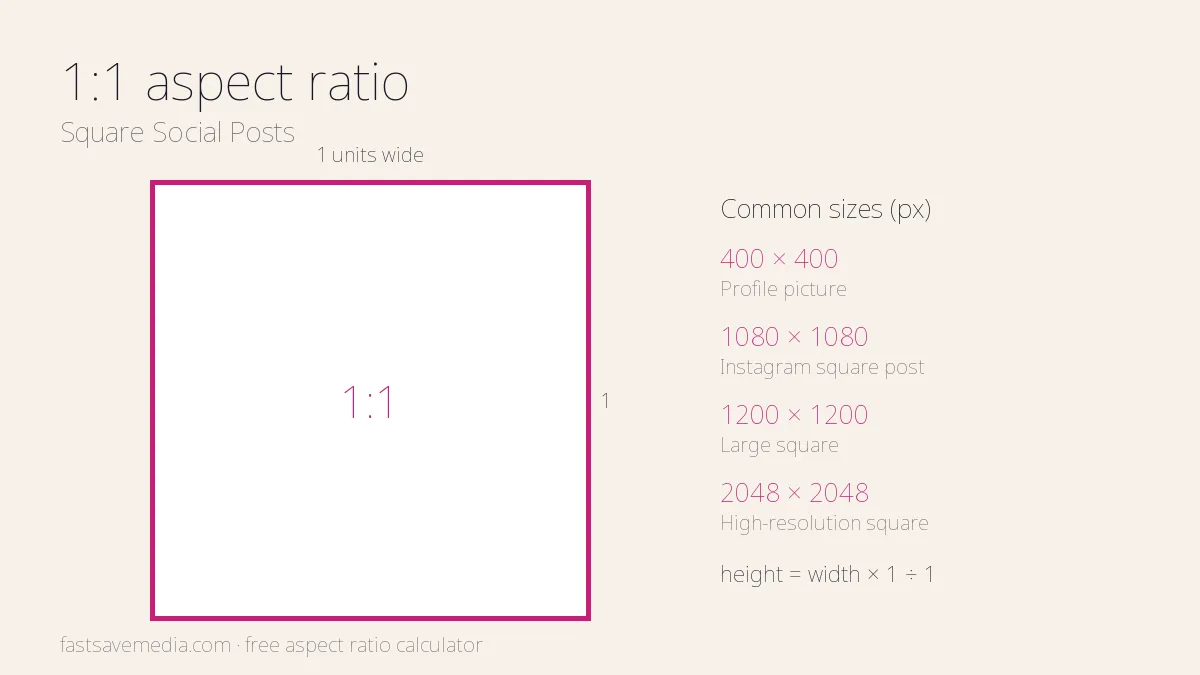
1:1 means the width and height are equal. It displays the same way in portrait and landscape feeds and is the standard crop for profile pictures.
- Profile pictures: Avatars on X, LinkedIn, Instagram and most other networks.
- Instagram grid: Classic square photo and carousel posts.
- Carousel ads: Square cards in Facebook and LinkedIn carousel ads.
- E-commerce: Product photos on many shop and marketplace listings.
1:1 resolution cheat sheet
| Name | Width × height | Typical use |
|---|---|---|
| Profile picture | 400 × 400 px | Default avatar size on many networks |
| Instagram square post | 1080 × 1080 px | Instagram feed posts and carousels |
| Large square | 1200 × 1200 px | Facebook and LinkedIn carousel images |
| High-resolution square | 2048 × 2048 px | Zoomable product images |
Tip: Export squares at 1080 × 1080 px or larger so they stay crisp on high-density phone screens.
How to calculate 1:1 dimensions
Height = width × 1 ÷ 1. Width = height × 1 ÷ 1. Round to whole pixels; many video encoders also need even numbers.
CSS for a 1:1 box
.media { aspect-ratio: 1 / 1; width: 100%; }