In this article
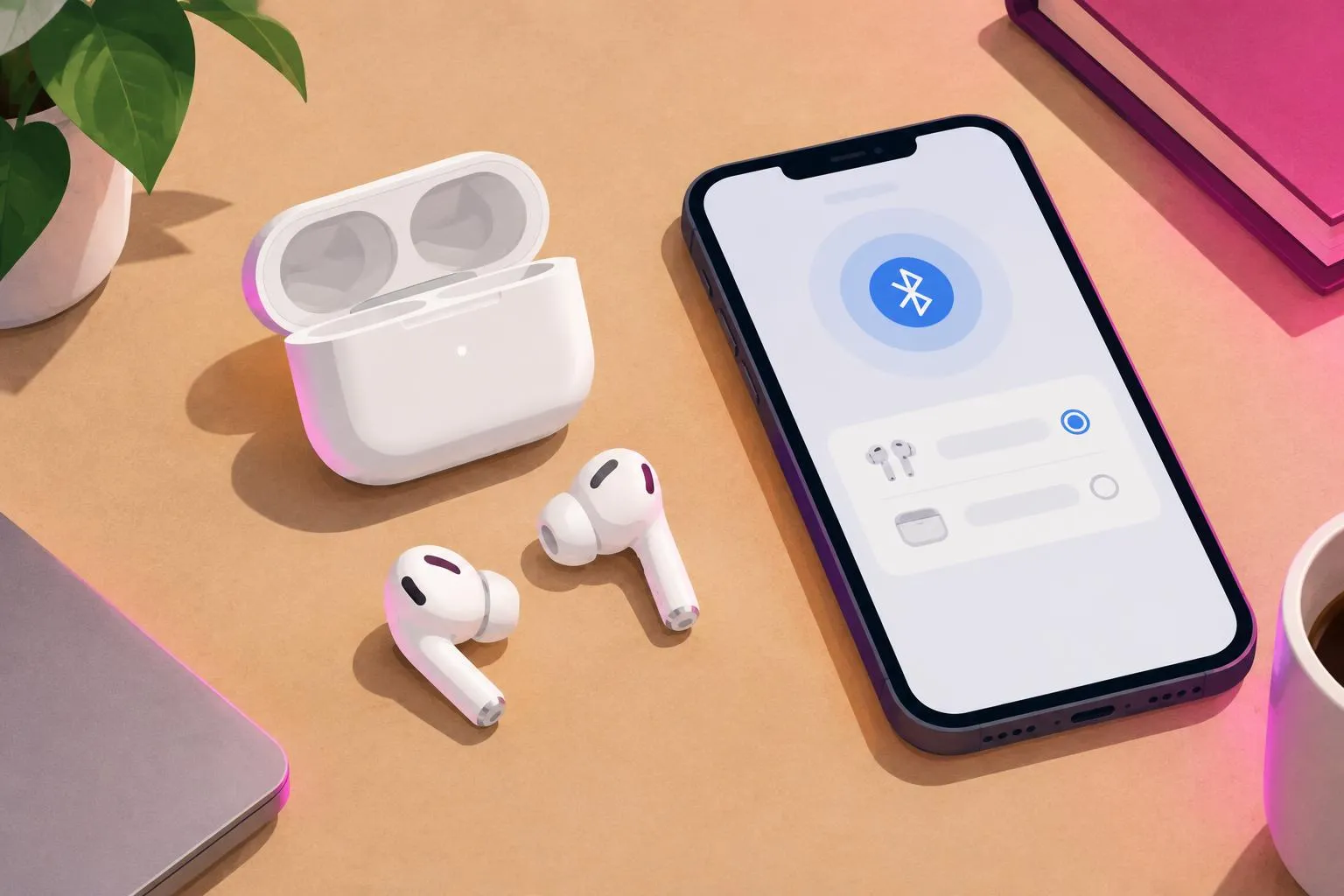
- Most AirPods that will not connect, or where only one side plays, recover after charging both buds in the case and re-pairing.
- A full reset means forgetting the AirPods on every device, then holding the case button until the light flashes amber, then white.
- If one side is quiet rather than silent, check iPhone audio Balance and clean the mesh only as Apple describes.
- Persistent silence on one side after a reset and cleaning needs Apple service, not repeated home attempts.
When AirPods will not connect, or one AirPod is not working while the other plays normally, the cause is usually a pairing record that has gone out of sync, a flat battery in one bud, or a setting on the phone. These are free to fix and take a few minutes.
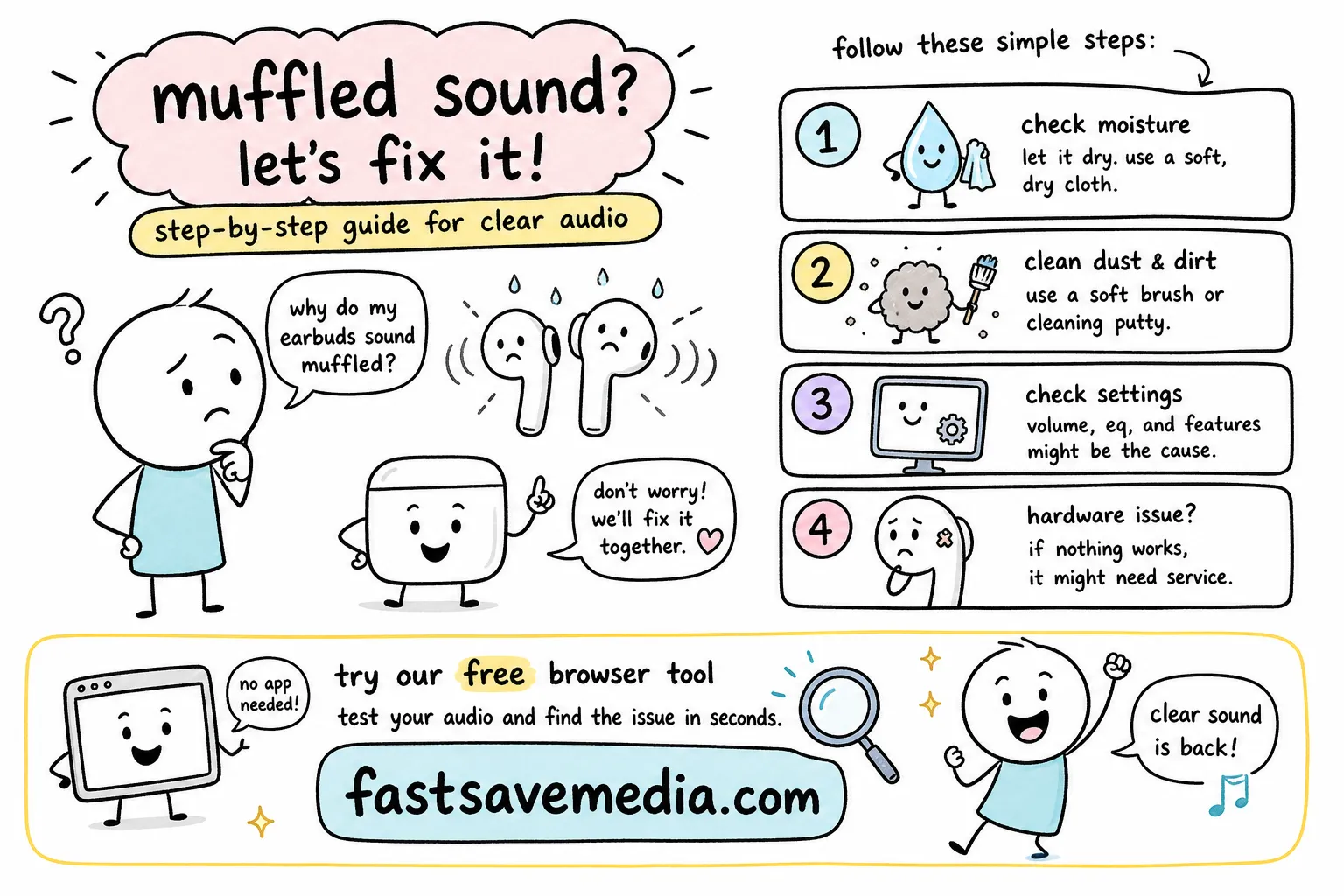
This guide goes from the quickest checks to a full reset, then explains how to tell a settings issue from a hardware fault. If your AirPods connect but sound muffled, read our separate muffled AirPods guide instead.
1. Quick checks before resetting
- Charge both AirPods: put both in the case, close the lid and charge for at least 15 minutes. A bud that will not seat or charge often has debris on its contacts.
- Check battery per side: open the lid near your unlocked iPhone; the battery card shows each bud and the case.
- Toggle Bluetooth off and on, then pick the AirPods as the output in Control Center.
- Update iOS, because AirPods firmware updates install through a paired, up-to-date iPhone while charging nearby.
- Restart the iPhone.
2. How to reset AirPods (full re-pair)
Apple's documented reset for AirPods with a setup button on the case:
- Put both AirPods in the case and close the lid for 30 seconds.
- Open the lid. On the iPhone go to Settings > Bluetooth, tap the info button next to your AirPods and choose Forget This Device. Forgetting there also removes them from other devices on the same Apple Account.
- With the lid open, press and hold the setup button on the back of the case for about 15 seconds, until the status light flashes amber and then white.
- Hold the open case next to the iPhone and follow the on-screen setup card.
AirPods models without a case button use a different gesture; follow Apple Support's instructions for your exact model rather than a generic tip.
3. One AirPod not working: settings vs hardware
| Symptom | Likely cause | What to try |
|---|---|---|
| One side silent, battery shows 0% or missing | Bud not charging | Clean contacts with a dry lint-free cloth, recharge, reset |
| One side quieter but clear | Audio Balance or blocked mesh | Settings > Accessibility > Audio & Visual > Balance; clean as Apple directs |
| Both connect but drop out | Interference or distance | Move away from crowded 2.4 GHz devices, keep the phone closer |
| One side silent after reset on every device | Possible hardware fault | Contact Apple Support |
To check each channel separately, play a left/right test from our audio test at a moderate volume. It only plays sound; it cannot repair hardware.
4. AirPods not connecting to Android or Windows
AirPods work as standard Bluetooth earbuds elsewhere. Press and hold the setup button with the lid open until the light flashes white to enter pairing mode, then pair from the device's Bluetooth menu. Automatic switching and the iPhone battery card are Apple-device features, so their absence on Android is expected, not a fault.
5. When to stop and contact Apple
Stop home troubleshooting if a bud stays silent after a reset on two different devices, if the case will not charge, or if a bud or the case is swollen, hot or damaged. Apple Support can run diagnostics and confirm coverage. Do not open AirPods or use sharp tools on them.
Frequently asked questions
Why is only one AirPod working?
How long do I hold the button to reset AirPods?
Will resetting AirPods delete anything?
Why do my AirPods keep disconnecting?
Nayeem — Software Developer of fastsavemedia.com
Built FastSaveMedia to provide free, privacy-first web utilities. Most tools process files in your browser without server uploads; tools that use an online service explain this on their page. Focuses on web performance, audio signal processing, and accessible digital tools.
LinkedIn profile