AirPods & Audio
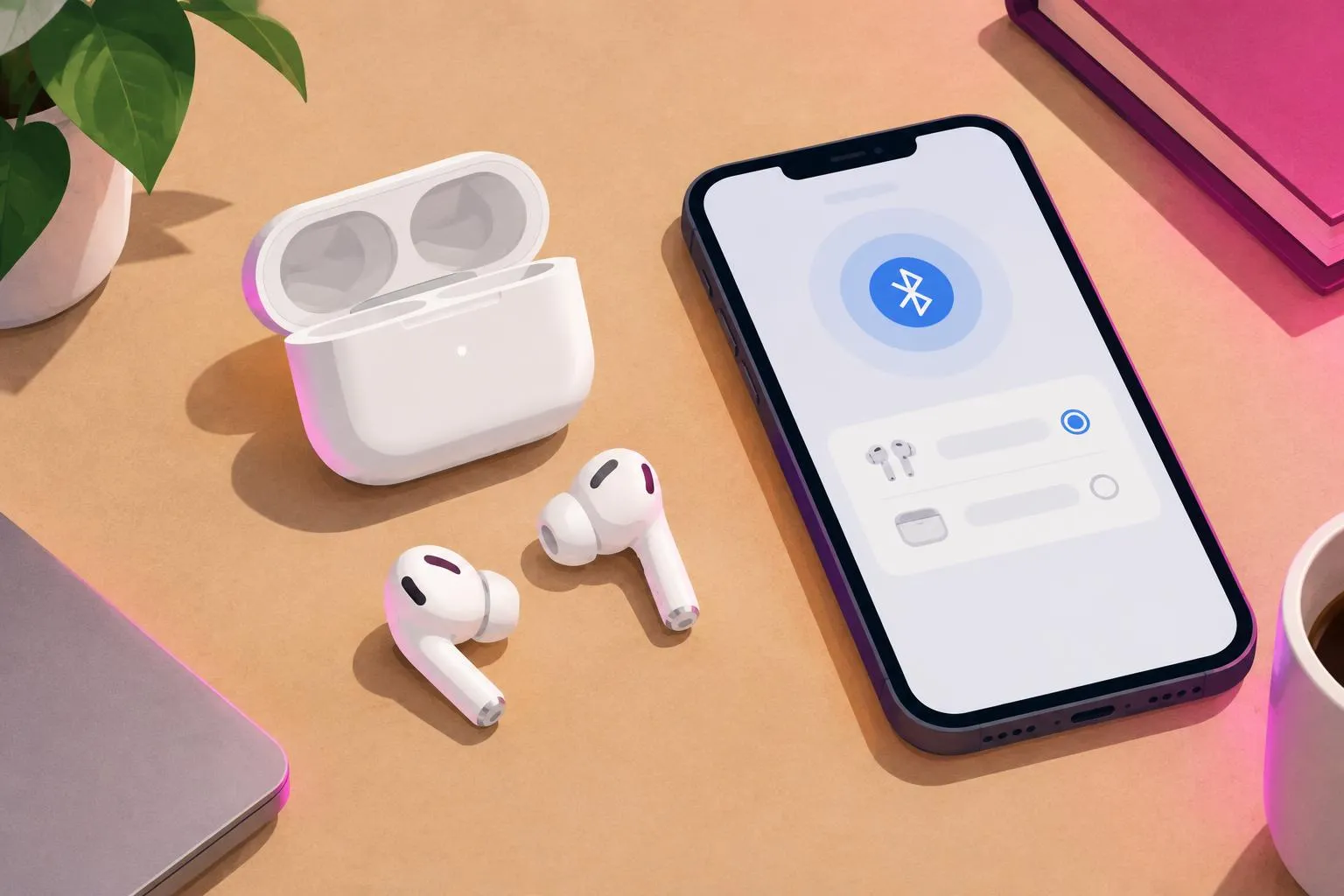
AirPods Not Connecting or One AirPod Not Working? Reset Guide
Fix AirPods that won't connect or where only one AirPod works: charging checks, Apple's reset steps, audio Balance, Android pairing and when to contact Apple.
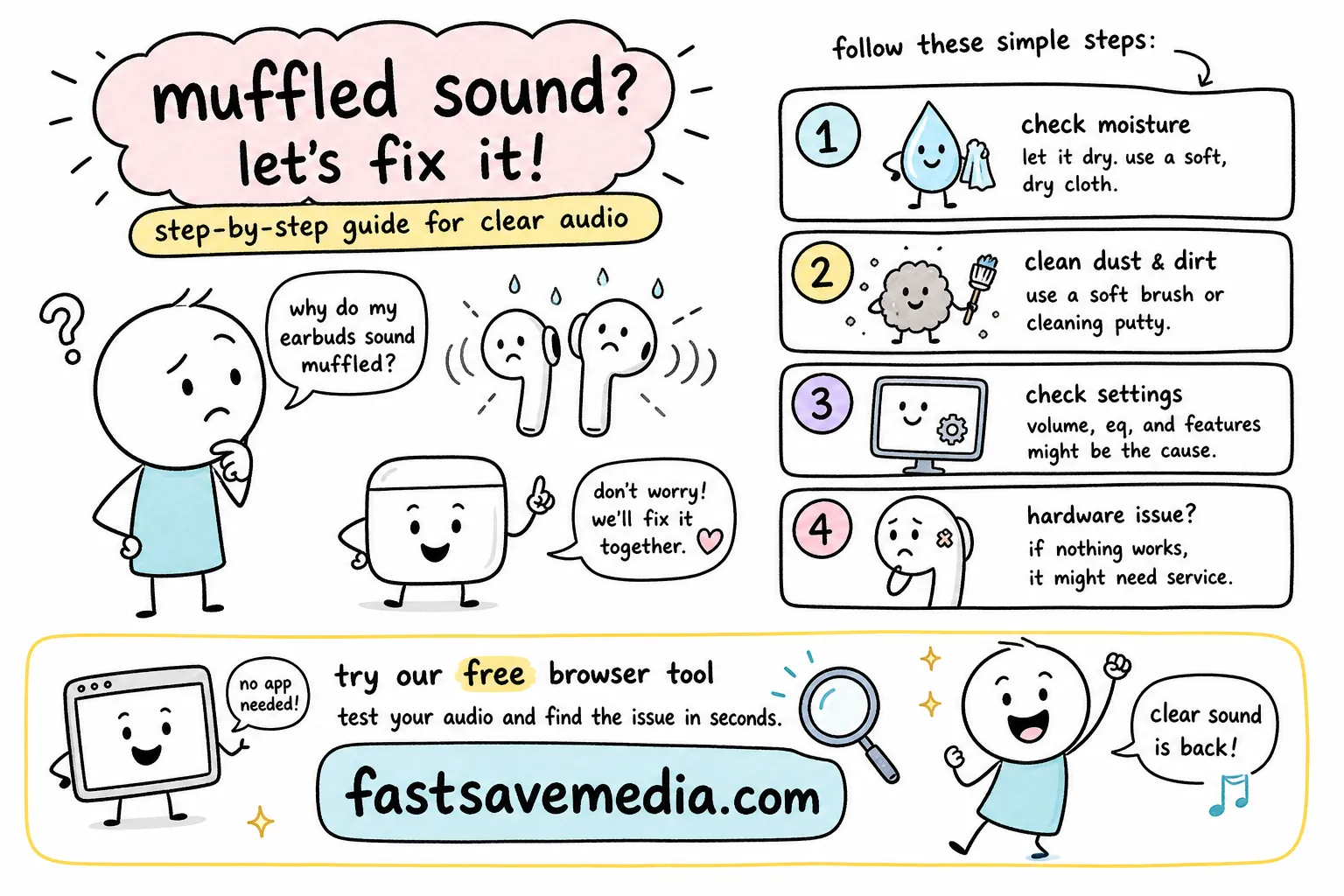
Clear muffled AirPods safely: moisture, earwax, iPhone audio settings and when to contact Apple.
Related free tools: Fix My Speaker
AirPods & Audio
Fix AirPods that won't connect or where only one AirPod works: charging checks, Apple's reset steps, audio Balance, Android pairing and when to contact Apple.
AirPods & Audio
Troubleshoot muffled AirPods: follow Apple’s drying and cleaning guidance, check audio settings and ear-tip fit, and learn when to contact Apple Support.
Every guide in AirPods & Audio is written and maintained by the FastSaveMedia author, shows its published and updated dates, and links to the free browser tools that do the job.