In this article
- Most touch problems come from a dirty or wet screen, a screen protector, a case pressing the edges, or software.
- Clean and dry the screen, remove the protector and case, then restart before assuming hardware damage.
- A browser touch test maps exactly where the screen stops responding, which helps a repair shop.
- Dead zones that stay in the same place after a restart and safe mode usually point to the display or digitiser.
A touch screen that ignores taps, registers phantom touches or has one dead area is stressful, but many cases are fixable at home. Work from the simple causes to the serious ones, and test before paying for a repair. This guide pairs with our phone speaker repair guide in the same category.
1. Clean, dry and remove accessories
- Unplug the phone, then wipe the screen with a dry or slightly damp microfiber cloth. Avoid spraying liquid directly on the phone.
- Dry your hands; wet fingers and screens confuse capacitive touch.
- Remove the case, which can press on screen edges.
- Peel off a cracked, lifted or thick screen protector and test again.
2. Restart and check settings
- Restart the phone, or force restart if the screen is frozen, using your manufacturer's button combination.
- On many Samsung phones, Touch sensitivity in Display settings improves response with a screen protector.
- Check accessibility settings such as touch-and-hold delay or Touch Accommodations on iPhone, which change how taps register.
- Install pending system updates.
3. Test exactly where touch fails
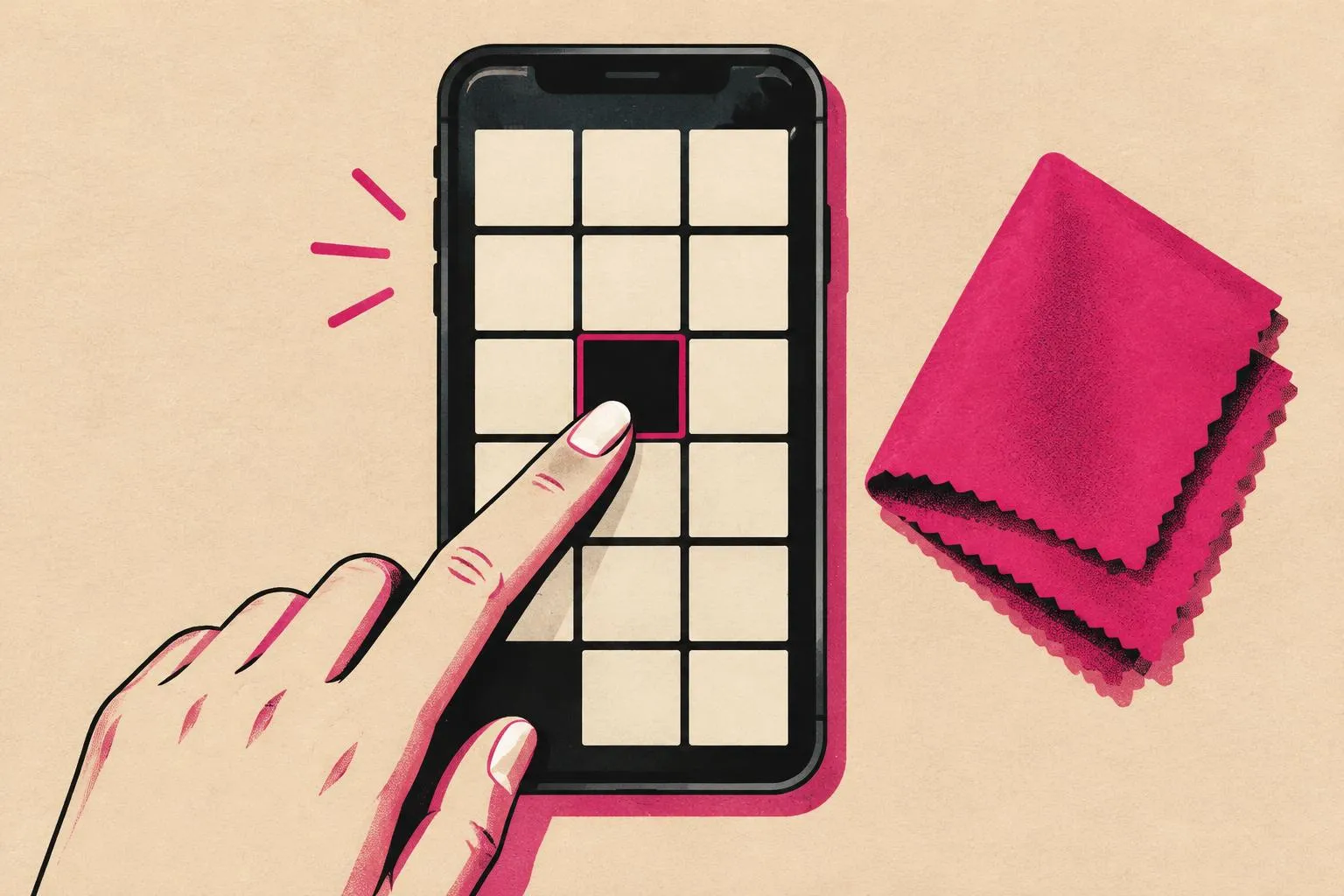
Open the free Touch Screen Test in your browser and draw slowly across the whole screen, including the edges and corners. Gaps in the trace show dead zones; jumps or extra points show ghost touches. Take a screenshot to show a technician.
4. Ghost touches and charger issues
Phantom taps that happen only while charging can be caused by a faulty or poor-quality charger or cable. Unplug and test again; if the problem stops, try the original or a certified charger. Ghost touches that continue unplugged after cleaning and a restart point towards software or hardware.
5. Rule out apps, then hardware
| Result | Likely cause | Next step |
|---|---|---|
| Works in Android safe mode | A third-party app | Remove recently installed apps |
| Dead zone in the same place every test | Display or digitiser | Repair assessment |
| Problems after a drop or liquid exposure | Physical damage | Stop charging; seek service |
| Screen lifting or phone swelling | Possible battery swelling | Stop using and charging; get it checked promptly |
A factory reset can rule out software but erases data, so back up first and only use it as a last software step.
Frequently asked questions
Why is my touch screen not responding in one area?
Can a screen protector stop touch from working?
What causes ghost touches on a phone?
Does the online touch test fix the screen?
Nayeem — Software Developer of fastsavemedia.com
Built FastSaveMedia to provide free, privacy-first web utilities. Most tools process files in your browser without server uploads; tools that use an online service explain this on their page. Focuses on web performance, audio signal processing, and accessible digital tools.
LinkedIn profile