
Phone Repair
Phone Touch Screen Not Working? Test and Fix It Step by Step
Fix an unresponsive or ghost-touching phone screen: cleaning, screen protectors, restart and sensitivity settings, a free touch test, charger checks and when to repair.
Diagnose and fix a muffled, crackling or silent phone speaker before paying for a repair.
Related free tools: Fix My Speaker · Touch Screen Test
Phone Repair
Fix an unresponsive or ghost-touching phone screen: cleaning, screen protectors, restart and sensitivity settings, a free touch test, charger checks and when to repair.
Phone Repair
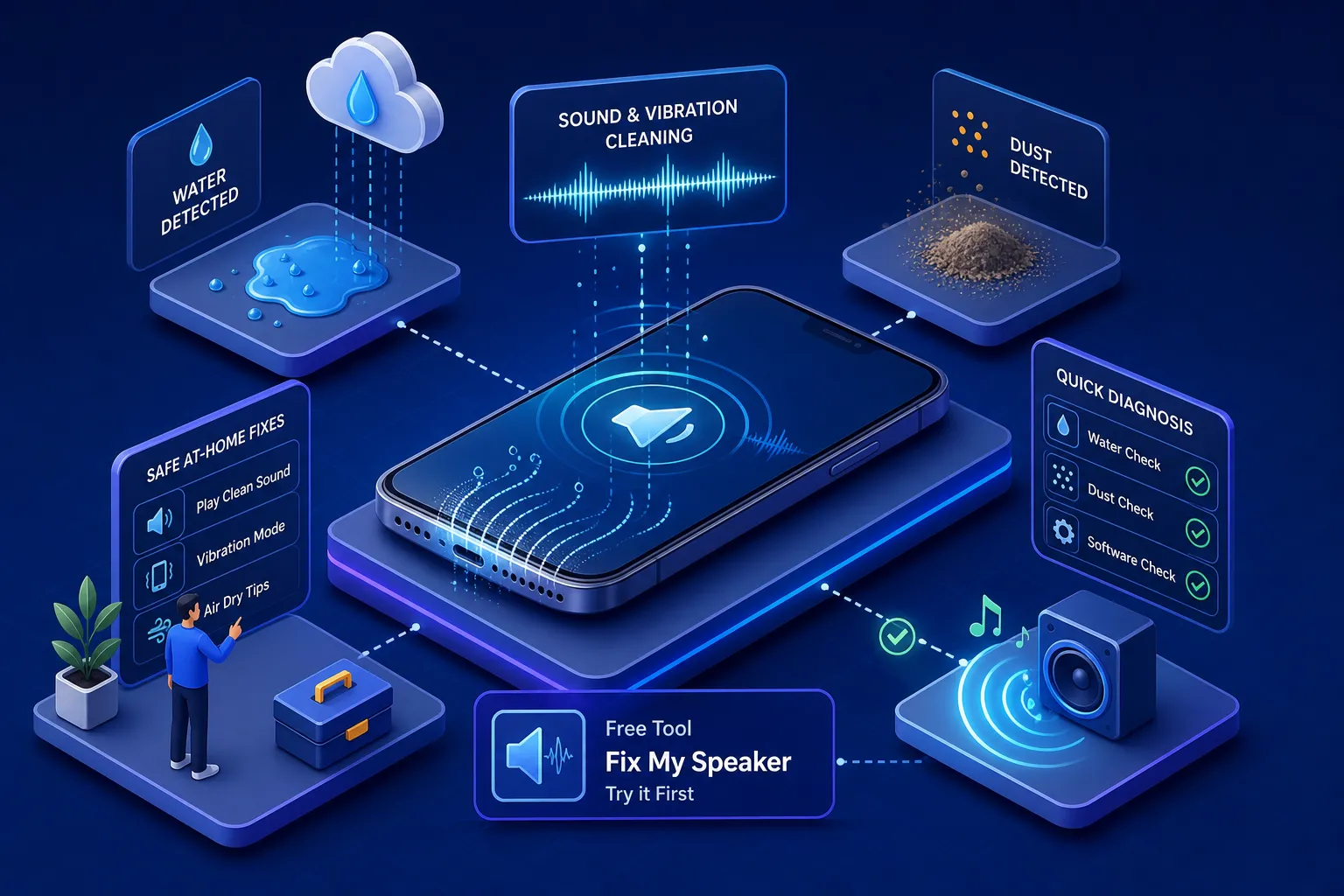
Troubleshoot a muffled, crackling or silent phone speaker: drying precautions, manufacturer-guided cleaning, audio settings and when to seek professional service.
Every guide in Phone Repair is written and maintained by the FastSaveMedia author, shows its published and updated dates, and links to the free browser tools that do the job.