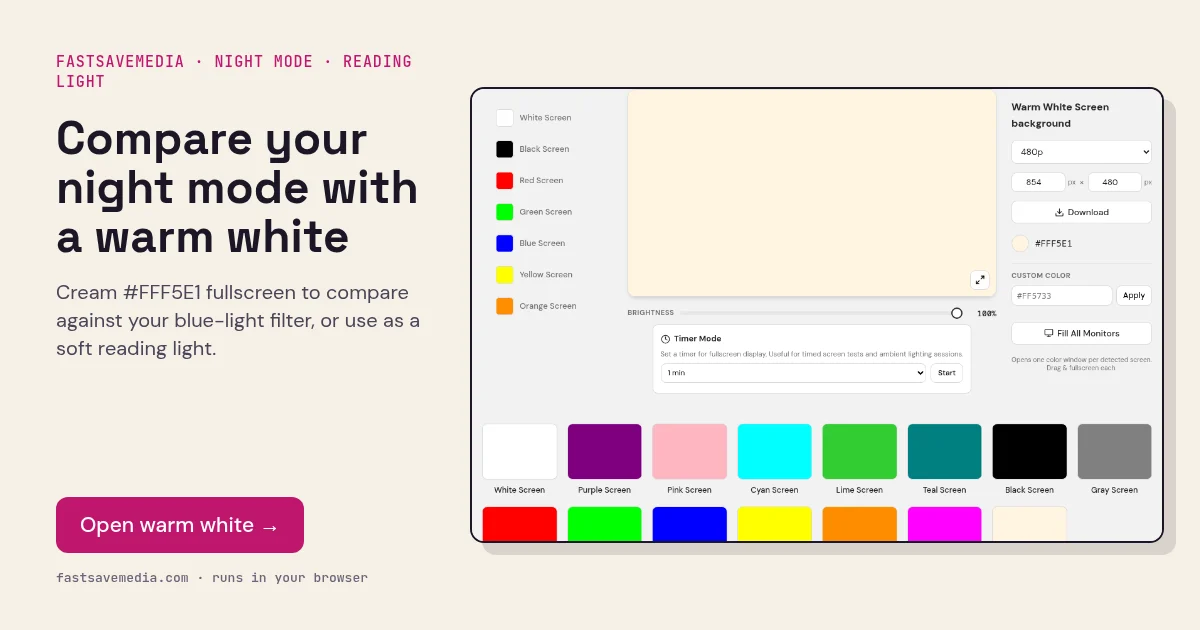
What the warm white screen is used for
Night light, Night Shift and eye-comfort modes reduce the blue channel to warm the display. This warm white fill (RGB 255, 245, 225) is a fixed reference with blue lowered by roughly 12%, so you can compare it with pure white under your filter to see how strongly the filter is warming the screen and whether it tints evenly.
Without any filter, warm white is a softer light source than pure white for reading paper documents, evening use or video-call fill light. It is not suitable for dead-pixel testing, because the reduced blue channel can hide a failing blue sub-pixel.
Warm White Screen technical data
| Hex | #FFF5E1 |
|---|---|
| RGB | 255, 245, 225 |
| Sub-pixels lit | red, green, blue |
| Best for detecting | Night mode strength and evenness; soft reading and fill light |
| Panel types | Phones, tablets, laptops, monitors |
| Test conditions | Evening or dim room; brightness at a comfortable level |
How to run the warm white screen test
- Press fullscreen on warm white with night mode off.
- Open the white screen in another tab and switch on night mode.
- Compare: similar tones mean a mild filter; a much more orange white means a strong one.
- For reading light, lower brightness until it no longer feels glaring.
Practical uses for the Warm White Screen
| Task | What to look for or do | Setup |
|---|---|---|
| Night mode comparison | How much warmer white looks with Night Light or Night Shift on | Compare with the white screen in another tab |
| Evening reading light | Softer light for paper documents | Comfortable brightness, not maximum |
| Flattering call light | Warmer skin tones on video | Second display facing you |