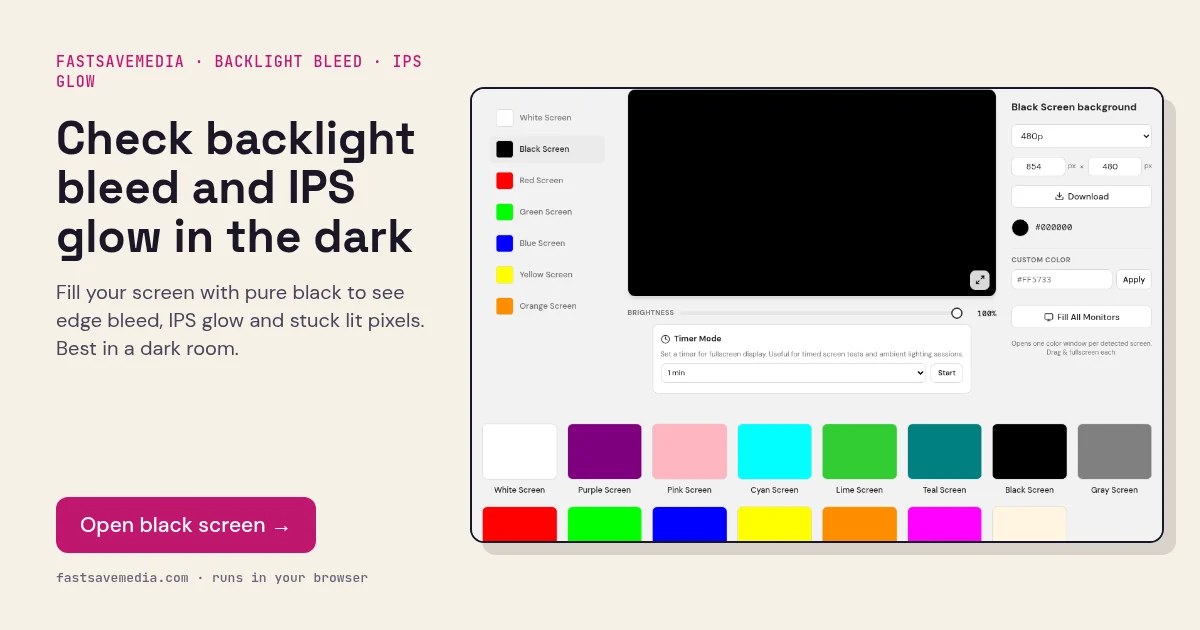

What the black screen is used for
On an LCD the backlight is always on and black is produced by liquid crystals blocking it, so a black fill exposes every place that blocking is imperfect. Pressure from the frame causes bright patches at the edges called backlight bleed, while IPS glow is a silvery sheen that changes with viewing angle.
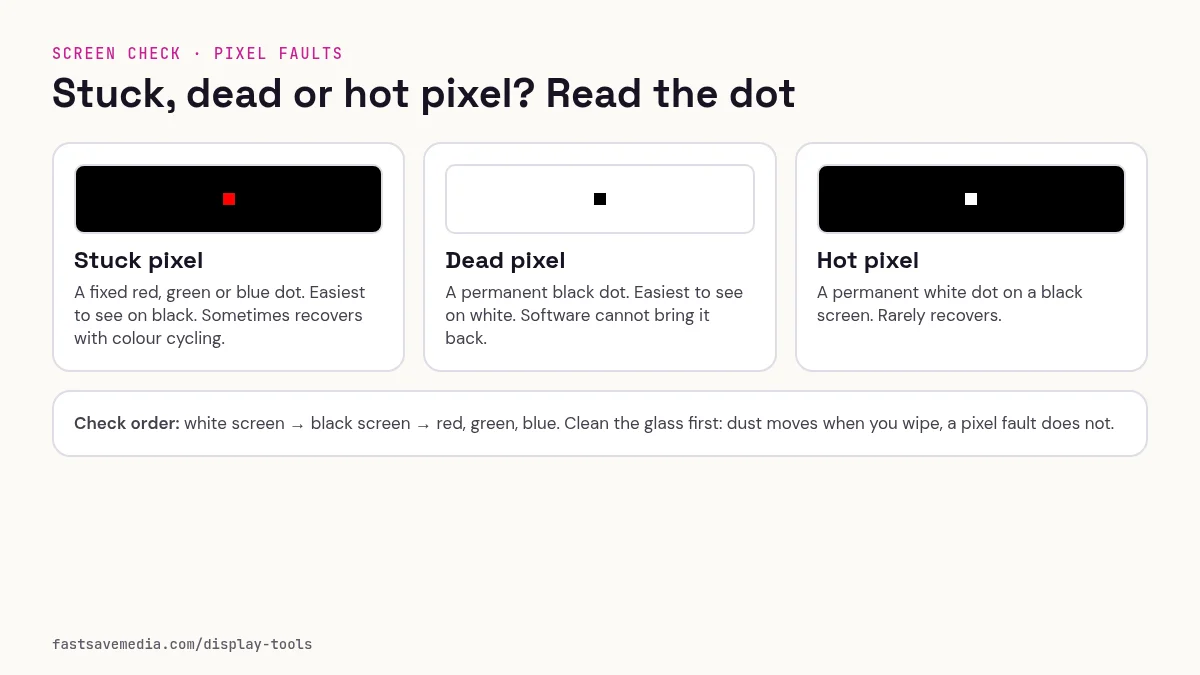
OLED and micro-LED panels switch individual pixels off for black, so a correct OLED should be indistinguishable from a powered-off screen. Grey haze can reveal uneven black levels, reflections or viewing-angle effects. A persistent coloured point may indicate a stuck sub-pixel; compare several solid colours before drawing a conclusion.
Black Screen technical data
| Hex | #000000 |
|---|---|
| RGB | 0, 0, 0 |
| Sub-pixels lit | none (all off) |
| Best for detecting | Backlight bleed, IPS glow, stuck (lit) pixels, near-black clouding |
| Panel types | IPS, VA, TN, OLED (true black check) |
| Test conditions | Dark room; brightness 100%; view from normal seating distance |
How to run the black screen test
- Switch off room lights and let your eyes adjust for a minute.
- Set brightness to 100% and disable dynamic contrast or local dimming for a fair view.
- Press fullscreen and check each corner and edge, then the centre.
- Move your head side to side: glow that moves is IPS glow, light that stays fixed is bleed.
Practical uses for the Black Screen
| Task | What to look for or do | Setup |
|---|---|---|
| Stuck sub-pixels | A red, green or blue dot that stays lit on black | Dark room, brightness 100%, scan close up |
| IPS glow vs bleed | Glow shifts as you move your head; bleed stays in place | View from your normal seat, then move side to side |
| OLED off check | A correct OLED looks like a switched-off screen | Compare with the display powered off |
| Contrast in a dark room | Grey haze across the panel shows how deep LCD black can go | Let your eyes adjust for a minute; local dimming off |
Clean the screen safely before you inspect
- Switch the display off and let it cool, so smudges are easier to see on the dark panel and you do not press on a hot screen.
- Wipe with a dry, clean microfiber cloth in light straight strokes. Do not press hard: pressure can mark LCD panels.
- For greasy marks, slightly dampen the cloth with distilled water, never the screen itself.
- Check your manufacturer's care guide before using 70% isopropyl alcohol. Some makers allow it on glass; many advise against it on matte, anti-glare or anti-reflective coatings, which alcohol, ammonia or window cleaners can strip or cloud.
- Avoid paper towels and tissues: their fibres can scratch soft coatings.
- Let the screen dry fully, switch it back on and open this fill again. Marks that remain after cleaning are inside or part of the panel.