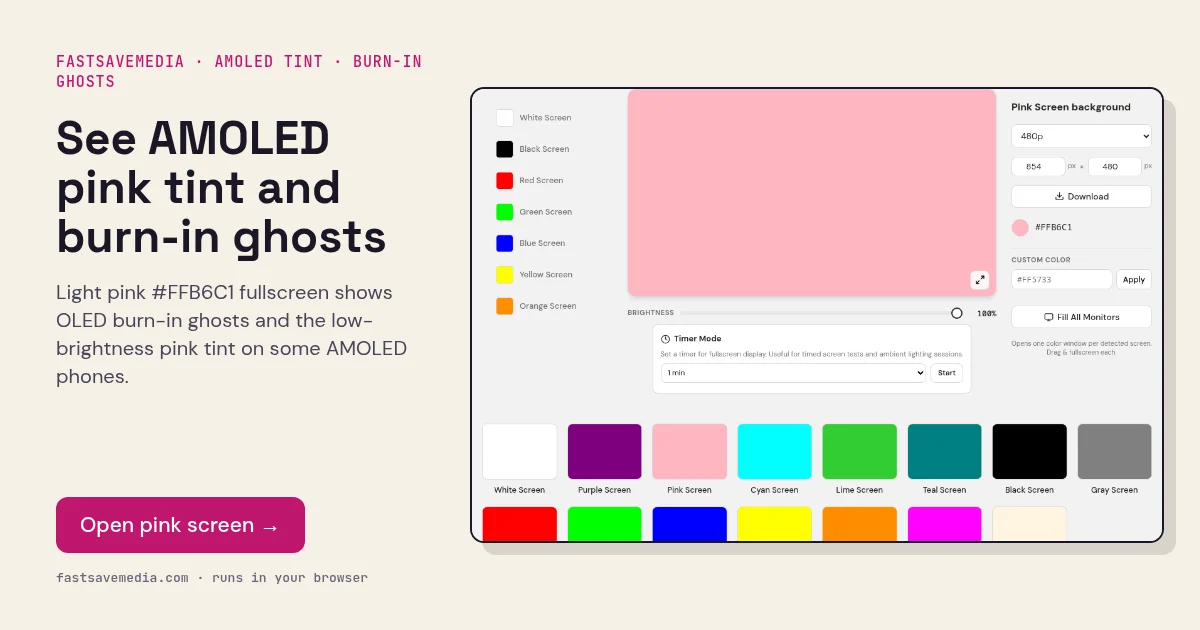

What the pink screen is used for
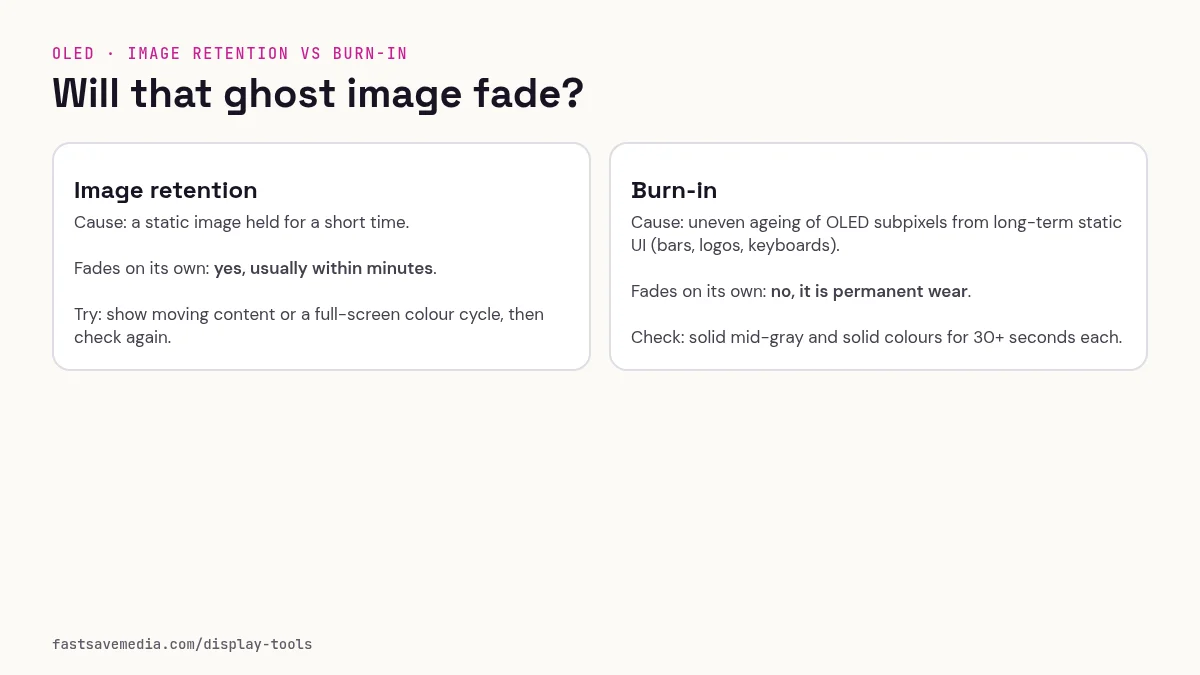
Pastel pink drives red high and green and blue at a reduced level, so the slightly worn green and blue sub-pixels under static interfaces appear as darker outlines. That makes it one of the most revealing fills for burn-in from social and video apps with fixed buttons, such as TikTok or YouTube controls.
Some AMOLED phones also show a pink or magenta tint when brightness is low because red sub-pixels behave differently from green and blue at minimum drive. Comparing pink at 50% and at low brightness separates burn-in from low-brightness tinting.
Pink Screen technical data
| Hex | #FFB6C1 |
|---|---|
| RGB | 255, 182, 193 |
| Sub-pixels lit | red, green, blue |
| Best for detecting | OLED burn-in from app UIs, AMOLED pink tint at low brightness, pastel tone rendering |
| Panel types | OLED, AMOLED phones, OLED TVs |
| Test conditions | Dim room; test at 50% then low brightness |
How to run the pink screen test
- Close apps and dim the room.
- Set brightness to 50% and press fullscreen.
- Look for faint outlines of navigation bars, keyboards or app buttons.
- Lower brightness and check whether patches of the screen turn blotchy pink.
Practical uses for the Pink Screen
| Task | What to look for or do | Setup |
|---|---|---|
| Flattering fill light | Soft warm light for selfies and calls | Second display facing you, low brightness |
| Aesthetic backdrop | Even pastel background | Avoid glare with a small camera angle |
| Tint check | Pink should look even edge to edge | Filters off |