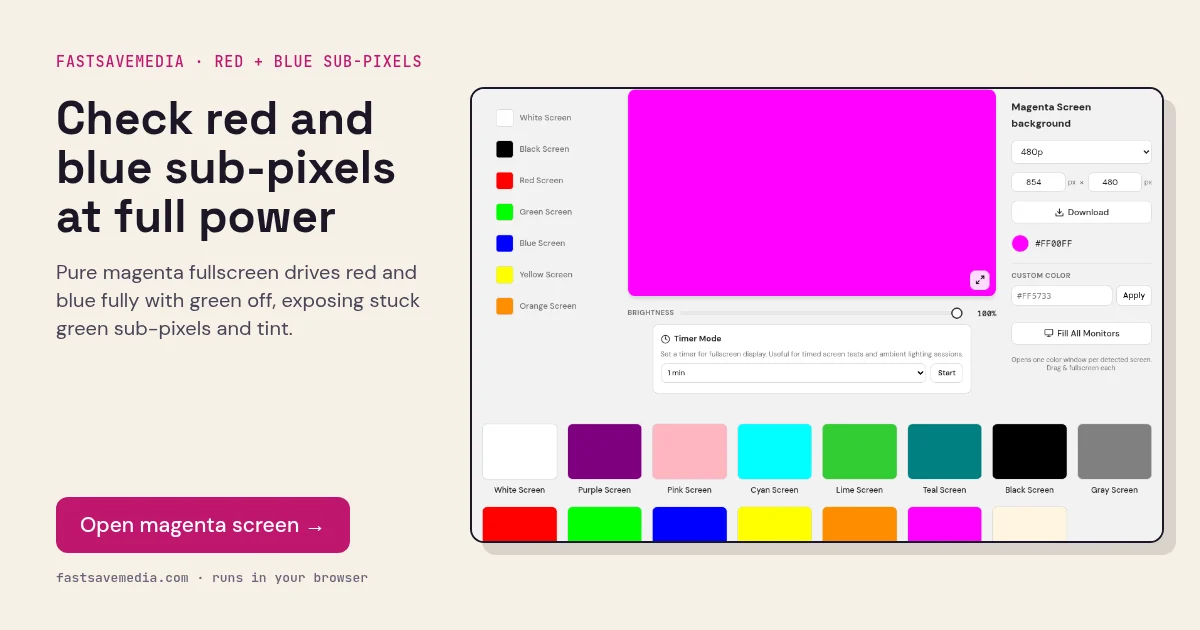
What the magenta screen is used for
Magenta is the complement of green and does not exist as a single wavelength of light; the panel creates it purely by mixing full red and full blue. That makes it a demanding check of whether both channels reach the same maximum brightness across the whole screen.
Unlike purple, which tests the channels at half level, magenta tests them at full drive, where weaker backlight zones and ageing blue OLED sub-pixels are most obvious. With green off, a stuck green sub-pixel stands out sharply.
Magenta Screen technical data
| Hex | #FF00FF |
|---|---|
| RGB | 255, 0, 255 |
| Sub-pixels lit | red, blue |
| Best for detecting | Red-blue blending at full drive, stuck green sub-pixels, tint and brightness unevenness |
| Panel types | All LCD and OLED panels |
| Test conditions | Normal room light; brightness 100% |
How to run the magenta screen test
- Set brightness to 100% and press fullscreen.
- Compare the centre with the edges for pinkish or violet zones.
- Look for bright green dots, which are stuck green sub-pixels.
- Repeat on the purple screen to compare full and half-level blending.
Practical uses for the Magenta Screen
| Task | What to look for or do | Setup |
|---|---|---|
| Stuck green sub-pixels | Red and blue lit, green off, so a green dot stands out | Close scan, brightness 100% |
| Red and blue balance | Areas leaning more red or more blue | Fullscreen, step back |
| Creative colour wash | Bold accent light for video | Lower brightness to taste |