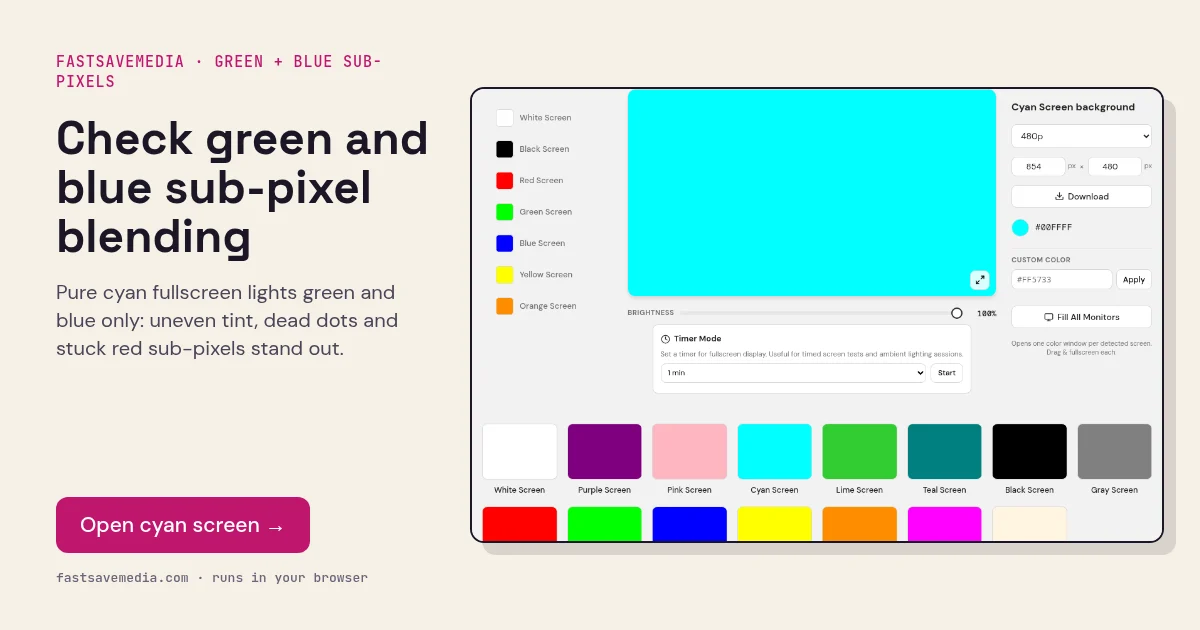
What the cyan screen is used for
Cyan is the complementary colour of red, made entirely from green and blue light. Because both channels run at maximum, the panel must deliver them at exactly the same strength everywhere; any area where one weakens shifts visibly towards green or towards blue.
With red switched off, cyan is the clearest way to find a stuck red sub-pixel, which appears as a bright red, pink or white point. It completes the trio with magenta and yellow, which each switch off one channel in turn.
Cyan Screen technical data
| Hex | #00FFFF |
|---|---|
| RGB | 0, 255, 255 |
| Sub-pixels lit | green, blue |
| Best for detecting | Green-blue blending, stuck red sub-pixels, dead green/blue sub-pixels |
| Panel types | All LCD and OLED panels |
| Test conditions | Normal room light; brightness 100% |
How to run the cyan screen test
- Set brightness to 100% and disable night light.
- Press fullscreen and compare centre and corners.
- Look for areas that lean green or blue.
- Mark any red, pink or white dots as stuck red sub-pixels.
Practical uses for the Cyan Screen
| Task | What to look for or do | Setup |
|---|---|---|
| Two-channel check | Green and blue together; a red dot means a stuck red sub-pixel | Dark-ish room, close scan |
| Cool accent light | Cool colour wash for video or streaming | Lower brightness to taste |
| Uniformity on a tinted fill | Uneven cyan reveals channel balance issues | Compare with green and blue screens |