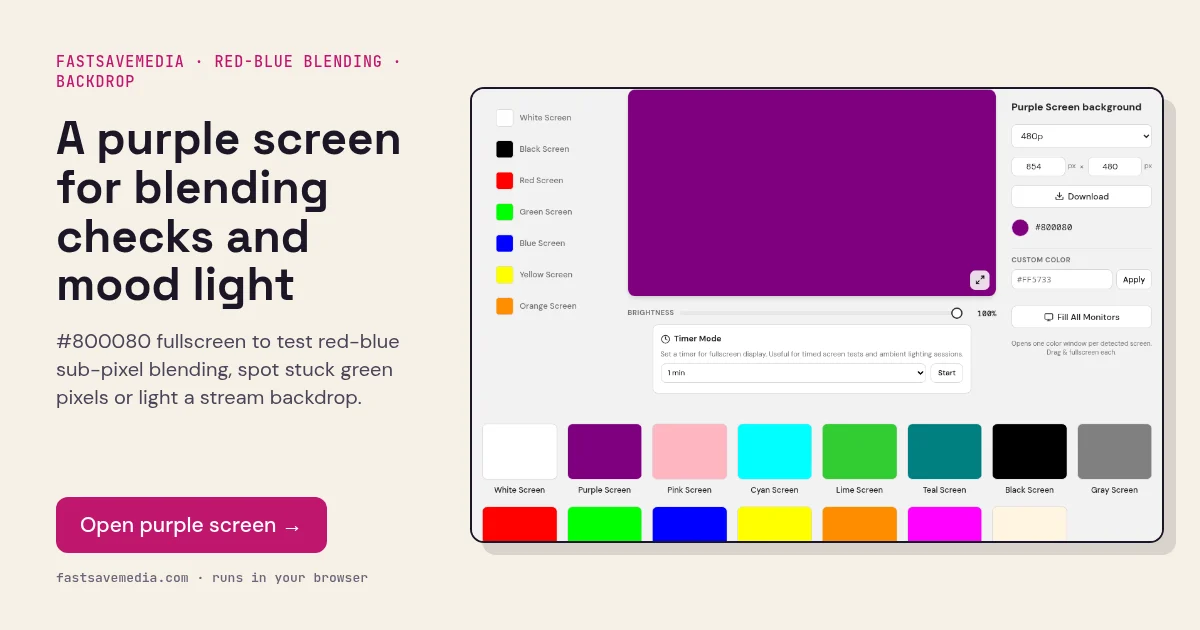
What the purple screen is used for
Purple is a secondary colour formed only from red and blue sub-pixels, two channels that sit furthest apart on the panel's sub-pixel stripe. At half intensity the panel must hold both at the same mid-level, which exposes uneven gamma between the channels as reddish or bluish patches.
Coloured fringes along sharp purple edges, a form of chromatic aberration, can indicate unusual sub-pixel layouts such as PenTile on some OLEDs. Purple is also a popular moody backdrop light for streaming setups.
Purple Screen technical data
| Hex | #800080 |
|---|---|
| RGB | 128, 0, 128 |
| Sub-pixels lit | red, blue |
| Best for detecting | Red-blue blending, channel gamma mismatch, stuck green sub-pixels, colour fringing |
| Panel types | LCD, OLED (PenTile layouts), projectors |
| Test conditions | Dim room; brightness 80-100% |
How to run the purple screen test
- Dim the room and press fullscreen.
- Scan for areas that drift towards red or blue.
- Look for single green dots, which are stuck green sub-pixels.
- Exit fullscreen and inspect the purple window edge up close for coloured fringes.
Practical uses for the Purple Screen
| Task | What to look for or do | Setup |
|---|---|---|
| Accent light | Deep colour wash for streaming setups | Display behind you, low brightness |
| Channel balance | Purple should not drift redder or bluer across the panel | Fullscreen, step back |
| Low-light backdrop | Dim, dark-toned background | Lowest comfortable brightness |