Diagnose first · then fix · no app needed
Why Is My Phone Speaker Crackling?
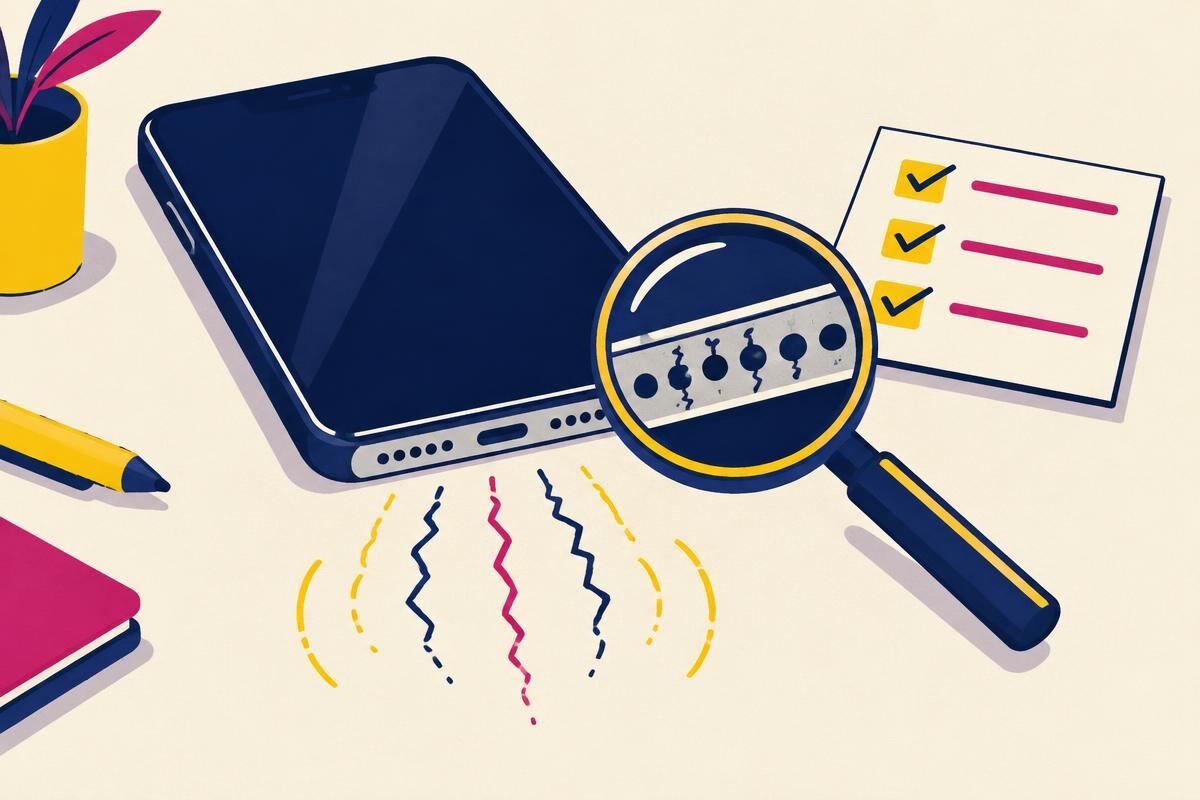
Step by step
Drop the volume to half and listen again
This single step settles most cases. If the crackle disappears at half volume, nothing is broken. The amplifier was clipping, which is what a small speaker does when it is asked for more output than it can produce cleanly.Take the case off and hold the phone by its edges
A tight case, a screen protector edge or a loose button can buzz in sympathy with the speaker. If the noise changes or stops when the case comes off, the case is the source. Nothing inside the phone is at fault.Play a local file, not a stream
Streams drop packets and compressed files can carry the crackle baked in. Play something stored on the device. If the local file is clean, the problem was never your speaker.Try headphones or another app
Plug in wired headphones, or open a second app. Crackle in headphones too means the fault is upstream in software or the audio chip, not in the speaker. Crackle in only one app means that app, and reinstalling it is the fix.Run a slow low tone and find where the noise starts
Sweep slowly from about 100 Hz upward at two-thirds volume. A crackle that appears in one narrow window and vanishes either side is debris resonating. A crackle that follows you across the whole range is the driver itself.Treat what the tone told you
Wet, gargling crackle goes to the water routine. A narrow buzz goes to grille cleaning. Crackle at every frequency and every volume goes to a service centre. Match your result to the verdict table below and stop there.
Device reference
The five causes, and how each one sounds. Match your symptom to a row.
| Cause | How it sounds | Telltale sign | Fix |
|---|---|---|---|
| Amplifier clipping (volume too high) | Harsh crackle and buzz on loud passages | Clean below roughly 70% volume | Lower the volume. No repair needed [1] |
| Dust or lint on the mesh | Dry, papery rattle | Appears in one narrow pitch range only | Dry clean the grille |
| Moisture in the cavity | Wet, gargling, bubbling crackle | Started after rain, a shower or a spill | Eject the water, then dry |
| Bad source audio | Digital stutter, clicks, static bursts | Headphones crackle too, or only one app does | Play a local file; reinstall the app |
| Torn diaphragm or damaged coil | Constant rasp or fuzz behind everything | Present at every volume, in every app | Replacement only — nothing at home fixes this |
Blocked or blown? These two get confused constantly, and the difference decides whether you spend money.
| Question | Blocked or clipping | Blown driver |
|---|---|---|
| Does it clear at low volume? | Yes, usually | No |
| Which frequencies crackle? | One narrow band | All of them |
| Did it start suddenly? | Gradually, over weeks | Often after one loud event or a drop |
| Is the sound also quieter? | Usually yes | Sometimes, sometimes not |
| Does cleaning change anything? | Yes, often immediately | No change at all |
| Is it there in every app? | Yes, but only at some pitches | Yes, at every pitch |
Result → Meaning → Next step
Run the tone, then find your row. Every row ends in one action.
| What you heard | What it means | Do this next |
|---|---|---|
| Crackle only near maximum volume | Clipping, not damage | Keep the volume under two-thirds. Nothing to repair |
| Buzz in one narrow pitch window | Debris resonating on the mesh | Clean the grille, then use the right tool |
| Wet, bubbling crackle | Liquid still in the cavity | Water eject, then deep dry |
| Crackle stops when the case comes off | The case was vibrating, not the phone | Loosen or replace the case |
| Headphones crackle as well | Software or audio chip, not the speaker | Restart, update, then test in safe mode |
| Only one app crackles | That app’s audio engine | Reinstall the app and retest |
| Crackle on Bluetooth only | Codec dropout or interference | Move closer, unpair and re-pair, disable battery saver |
| Rasp at every volume and every pitch | Torn diaphragm or damaged coil | Stop testing. Book a service assessment |
| Crackle only during calls | The earpiece, not the loudspeaker | Clean the earpiece |
| Started right after a drop | Physical or connector damage | Do not run loud tones. Get it checked |
| Crackle plus no sound in some apps | Mixed fault, likely software | Run the no-sound ladder |
What crackling actually is
The speaker is being asked to do something it cannot
A speaker makes sound by moving a thin diaphragm back and forth. Smooth movement gives you a clean note.
Crackle means that movement is no longer smooth. Something is interrupting it, or the signal driving it is already broken before it arrives.
Clipping, in plain terms
Every amplifier has a ceiling. Push past it and the tops of the waveform get sliced flat.
Flat tops sound harsh and buzzy. That is clipping, and it is the most common cause of crackle on a phone [1].
It is also the easiest to prove. Turn the volume down. If the noise goes, you have your answer.
Mechanical buzz, in plain terms
Dust, lint or a droplet sitting near the diaphragm gets pushed around by it. That extra rattle rides on top of the music.
It only shows up when the diaphragm moves far enough to touch it, which is why it lives in one narrow pitch range.
Real damage, in plain terms
A torn diaphragm or a rubbing voice coil distorts everything it plays, at every level [2].
There is no cleaning routine, tone or app that repairs it. Replacement is the only path.
Crackling on specific devices
iPhone
Check the bottom-right grille first. On iPhones that is the speaker; the left grille is the microphone.
If crackle only happens on calls, it is the earpiece slot above the screen, and that slot clogs faster than any other opening.
After water exposure, give it time. Apple advises against charging a wet phone, and moisture in the cavity can crackle for a day or more [3].
Samsung and other Android phones
Boot into safe mode. If the crackle disappears there, an installed app is the cause.
Also check any equaliser or Dolby-style enhancement. Aggressive bass boost pushes a small driver straight into clipping.
Device-specific cleaning routines live on the Samsung page and the iPhone page.
Laptops, tablets and Bluetooth speakers
On a laptop, crackle that comes and goes with CPU load is a driver or power-management issue, not the speaker.
On a Bluetooth speaker, distance and interference cause most of it. Walk closer before blaming the hardware.
Full routines: laptop and tablet, Bluetooth and portable.
What not to do
- Do not blast a loud tone to “shake it loose”. High volume is what damages small drivers in the first place.
- Do not poke the grille with a pin or needle. The mesh is thin and the diaphragm sits just behind it.
- Do not spray compressed air into the opening. It drives debris inward and can push liquid propellant in with it.
- Do not use alcohol or any liquid cleaner. A crackling speaker is the last place you want more moisture.
- Do not charge a phone that got wet. Wait until it is dry, then charge.
- Do not keep testing a rasping speaker. If it distorts at every level, more testing only makes it worse.
When it is time to pay someone
Home fixes handle blockage, moisture and software. They cannot handle physical damage.
Book a repair if any of these are true:
- The rasp is there at low volume, in every app, on a local file.
- It started immediately after a drop or a screen replacement.
- The phone was submerged and the crackle is still there after two days of drying.
- Sound cuts out completely for seconds at a time.
- You can see a torn or dented grille.
On most phones the speaker is a self-contained module, so the swap is quick and one of the cheaper repairs available. Ask for the part cost separately from labour before you agree.
Sources
- [1] Audio Engineering Society — literature on amplifier clipping and its audible signature.
- [2] IEC 60268-5 — loudspeaker rated power and distortion measurement.
- [3] Apple Support — guidance on liquid exposure and speaker performance.
- [4] W3C — Web Audio API, OscillatorNode, the tone source used by the tool on this page.
Rule out debris and water with the speaker cleaner
Ready — press Play to start
Volume to max · speaker facing down · headphones unplugged
Tones are generated on your device with the Web Audio API. Nothing is recorded or uploaded. Stop if you hear rattling or distortion and lower the volume.
Start with the tone above. It gives you a clean, steady signal, which is the one thing a song cannot give you.
Music changes constantly. That makes crackling impossible to pin down. A single tone holds still, so the noise either appears or it does not.
Two rules make the test reliable. Take the case off first. Set the volume to about two-thirds, never maximum.
Then work down the page. Each section is one cause, in the order that costs you the least time.
If your speaker is silent rather than crackly, you are on the wrong page — go to speaker not working. If it plays cleanly but sounds dull, go to muffled sound.