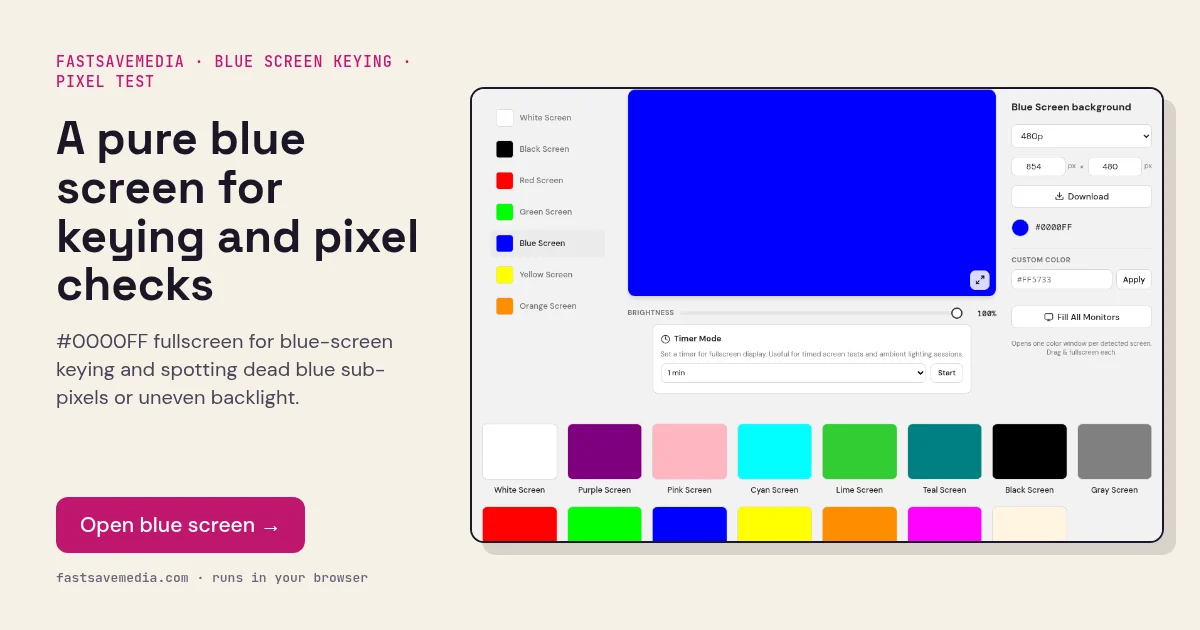
What the blue screen is used for
Blue was the original chroma-key colour in film because it is far from skin tones and handles hair and fine edges with less colour spill. It is still the better choice when the subject is wearing green, or for night scenes where green spill would look unnatural.
For diagnostics, blue is the weakest channel on most panels and LED backlights are themselves blue-based, so a blue fill exaggerates uneven backlight distribution. Patches visible here but not on white point to panel non-uniformity, and dots show failed blue sub-pixels.
Blue Screen technical data
| Hex | #0000FF |
|---|---|
| RGB | 0, 0, 255 |
| Sub-pixels lit | blue |
| Best for detecting | Blue key backdrop; dead blue sub-pixels; backlight non-uniformity |
| Panel types | All LCD and OLED panels |
| Test conditions | Dim room for diagnostics; full brightness for keying |
How to run the blue screen test
- Choose blue over green when your subject wears green or has fine blond hair.
- Set brightness to maximum and light the subject separately from the screen.
- For diagnostics, dim the room and press fullscreen.
- Look for dark dots, coloured dots and patchy brightness across the panel.
Practical uses for the Blue Screen
| Task | What to look for or do | Setup |
|---|---|---|
| Blue chroma key | Use when the subject wears green or has fine blond hair | Brightness 100%, subject lit separately |
| Backlight evenness | Patches visible here but not on white | Dim room, fullscreen |
| Blue sub-pixel check | Dark dots on blue mean failed blue elements | Close scan, then confirm on red and green |
| Cool fill light | Cool-toned light for a mood shot | Lower brightness to taste |