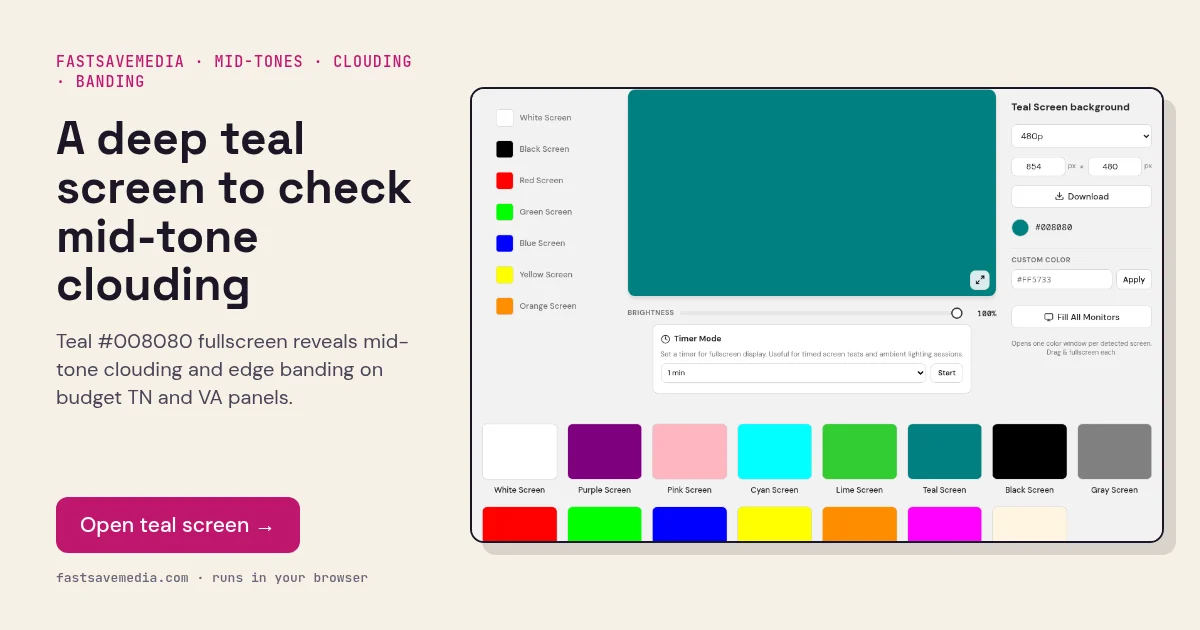
What the teal screen is used for
Teal sits in the darker mid-tones, where cheaper TN and some VA panels struggle most. Their gamma curves are often uneven in this range, so a flat teal fill can show stepped bands, darkening towards the top or bottom, and blotchy clouds that brighter colours hide.
Because both green and blue are at half strength, teal also checks that those channels track each other at mid-level. It complements the cyan screen, which tests the same channels at full drive.
Teal Screen technical data
| Hex | #008080 |
|---|---|
| RGB | 0, 128, 128 |
| Sub-pixels lit | green, blue |
| Best for detecting | Mid-tone clouding, gradient banding, TN vertical gamma shift, green-blue gamma balance |
| Panel types | TN, VA and budget IPS monitors, laptops |
| Test conditions | Dim room; view straight on at eye level |
How to run the teal screen test
- Dim the room and sit straight in front of the screen at eye level.
- Press fullscreen and check for blotches or bands.
- Move your head up and down slightly; strong darkening suggests a TN panel.
- Compare with the cyan screen to see the same channels at full brightness.
Practical uses for the Teal Screen
| Task | What to look for or do | Setup |
|---|---|---|
| Calm backdrop | Muted cool background for calls or product shots | Lower brightness to avoid glare |
| Mid-tone uniformity | Patchy teal shows uneven green and blue output | Fullscreen, step back |
| Accent light | Soft cool light behind a subject | Display placed behind or beside you |