Microphone & Audio
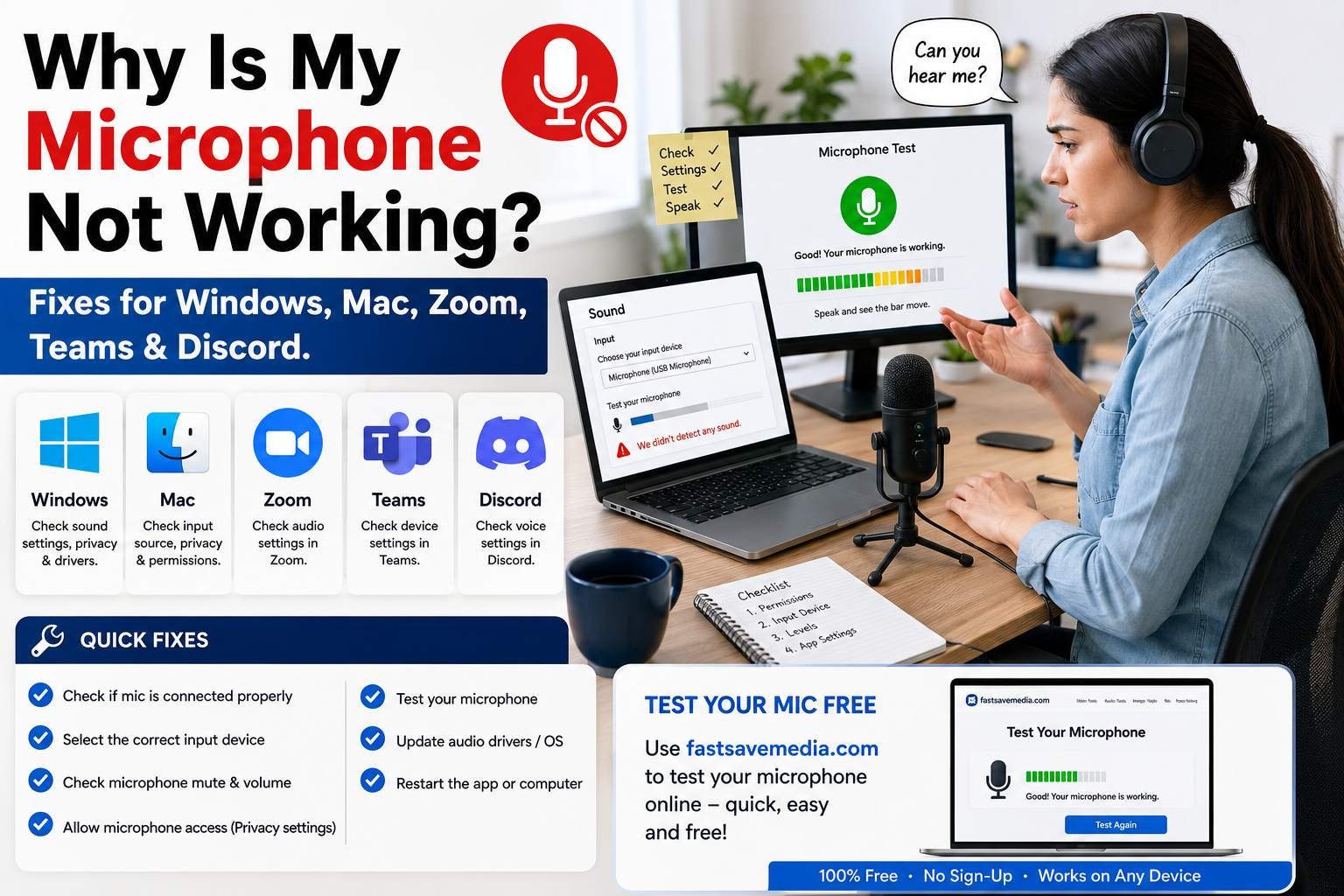
Why Is My Microphone Not Working? Step-by-Step Fixes
Microphone not working? A two-minute checklist, then fixes for Windows, Mac, Chrome, Zoom, Teams, Google Meet and Discord, and how to spot a real hardware fault.
Fix a microphone that is not working and choose the right mic for calls, streaming and podcasts.
Related free tools: Webcam & Mic Test
Microphone & Audio
Microphone not working? A two-minute checklist, then fixes for Windows, Mac, Chrome, Zoom, Teams, Google Meet and Discord, and how to spot a real hardware fault.
Microphone & Audio
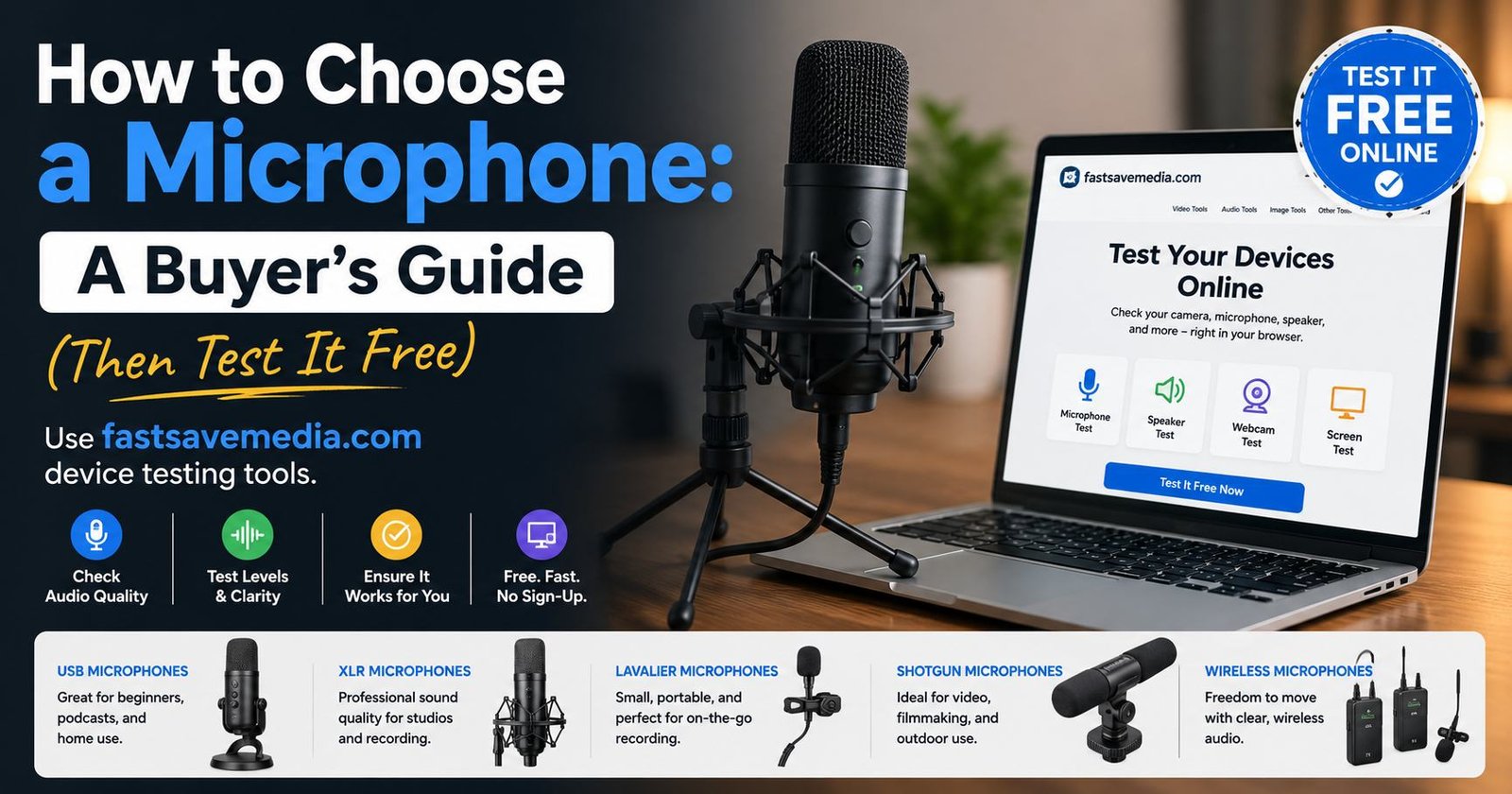
Choose the right microphone for calls, gaming, streaming or podcasts: dynamic vs condenser, USB vs XLR, polar patterns and the few specs that matter, then test it free.
Every guide in Microphone & Audio is written and maintained by the FastSaveMedia author, shows its published and updated dates, and links to the free browser tools that do the job.